
Listings · Catalogues · Growing ranges
eCommerce and Packshot Photography
Clear, consistent product imagery for listings, catalogues and growing ranges. We agree the views and visual treatment around your products and where the images need to work.
Bring the range.
Let’s plan the images.
The consistency system
Consistency,
by design.
Explore the light, backgrounds, framing and finishing that shape a considered product image set.

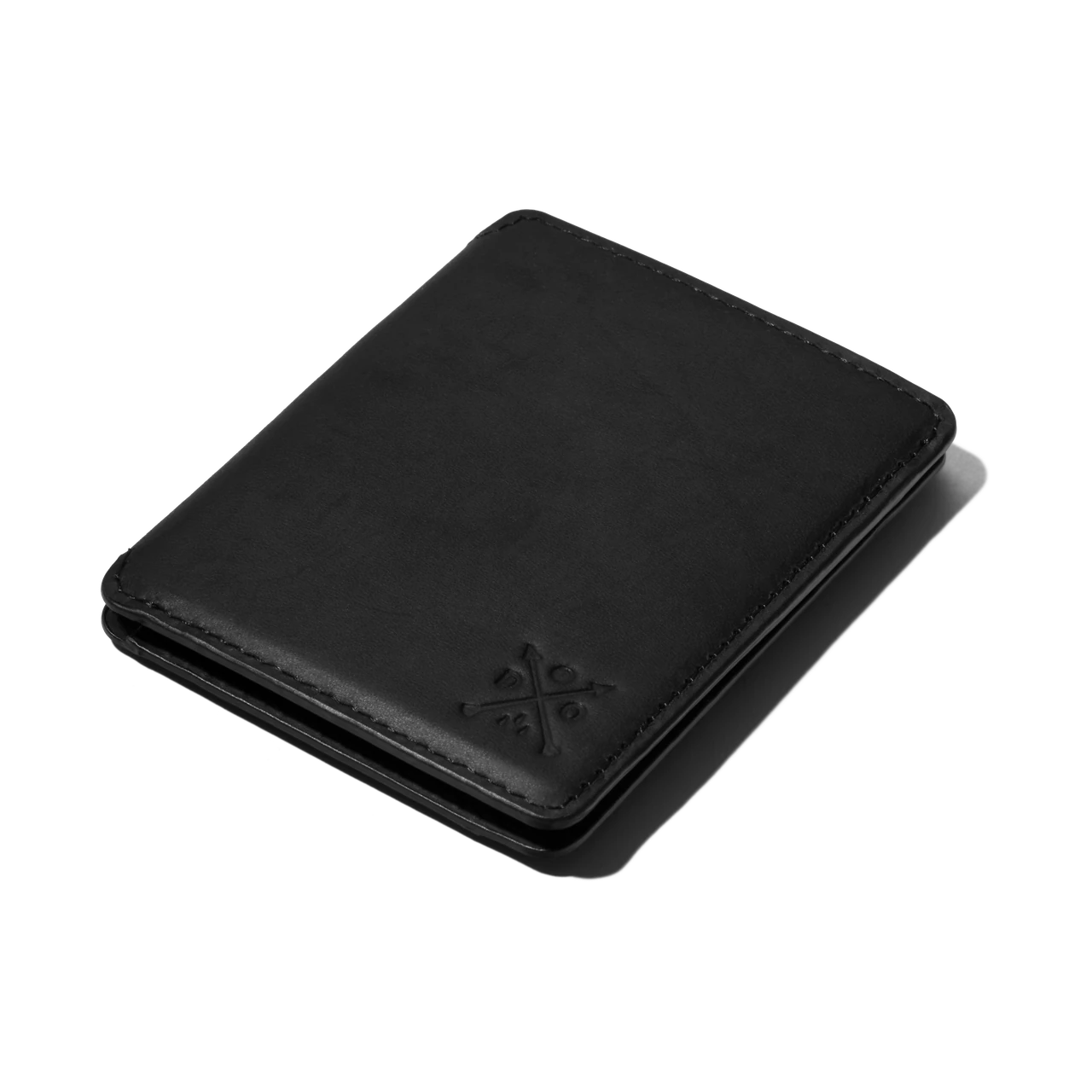
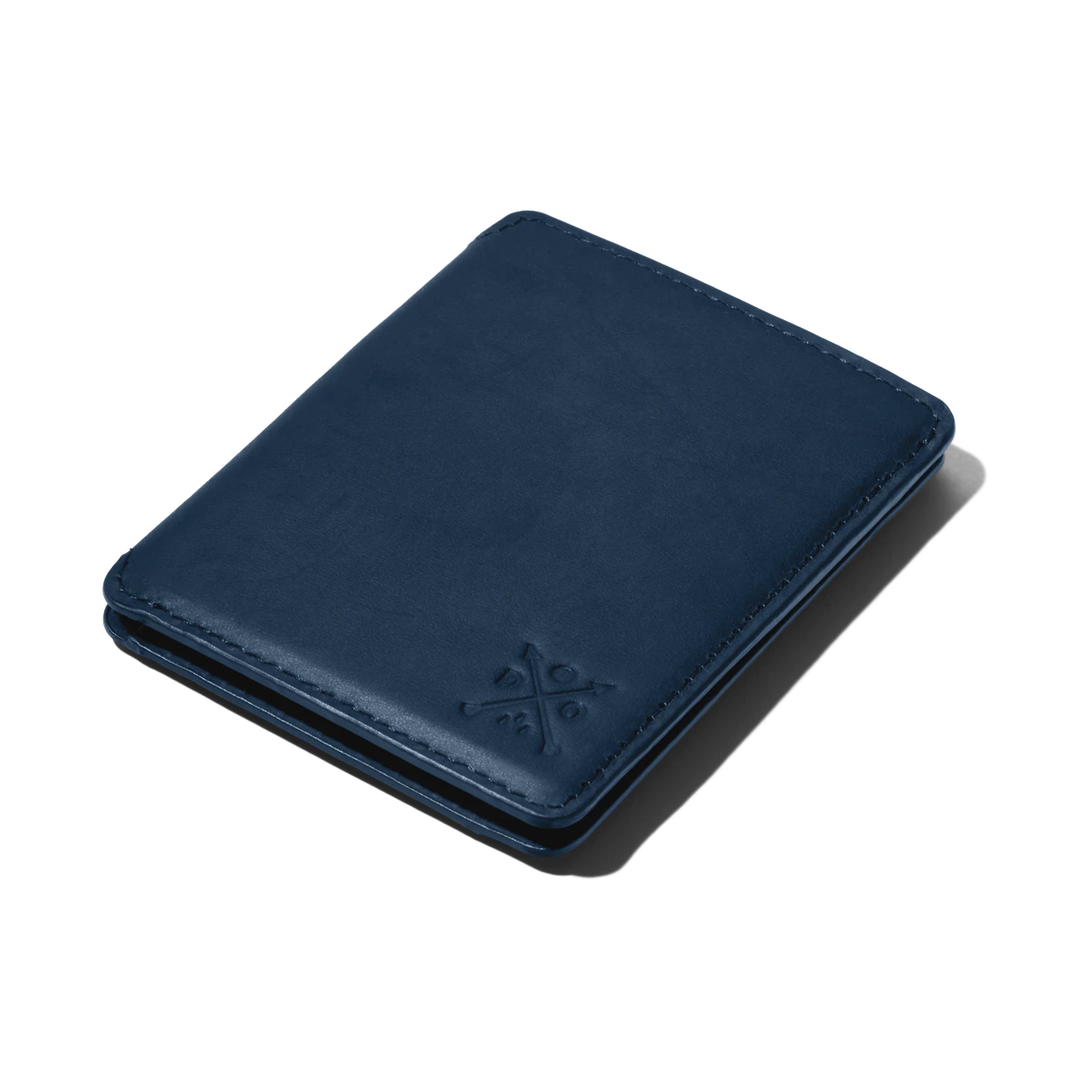
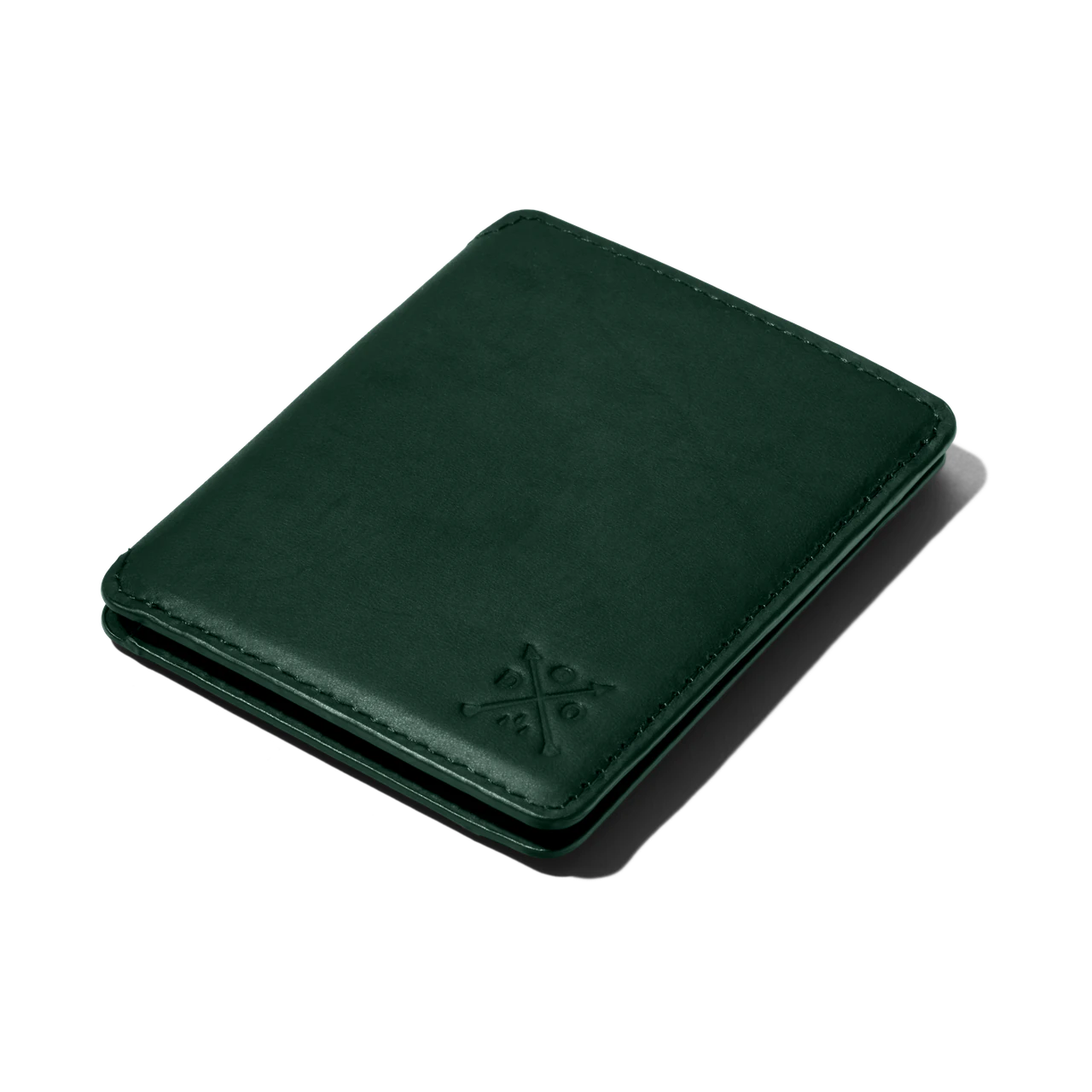




Light & shadow
Set the character.
Soft and understated, or crisp and defined. Explore two projects with different lighting treatments.
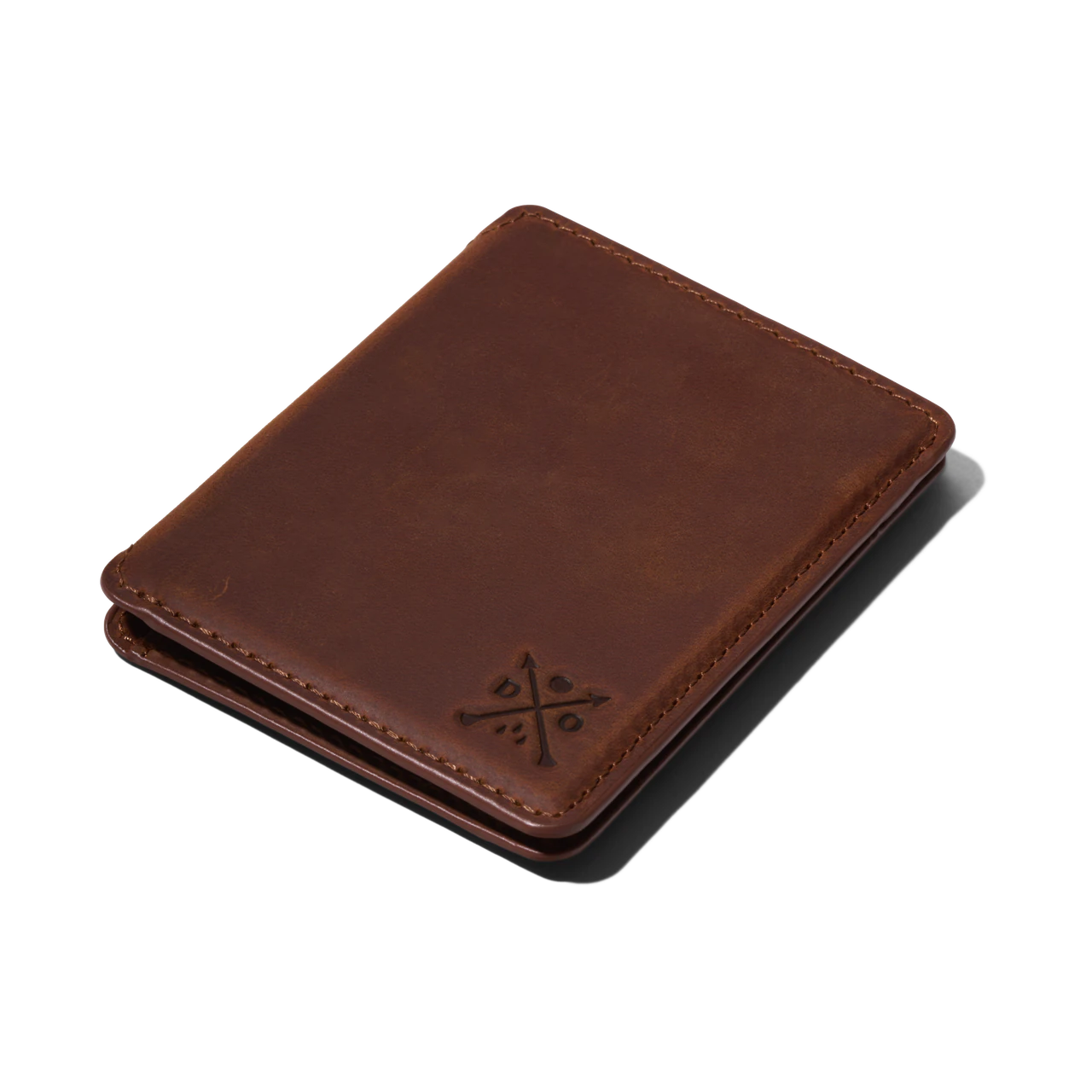
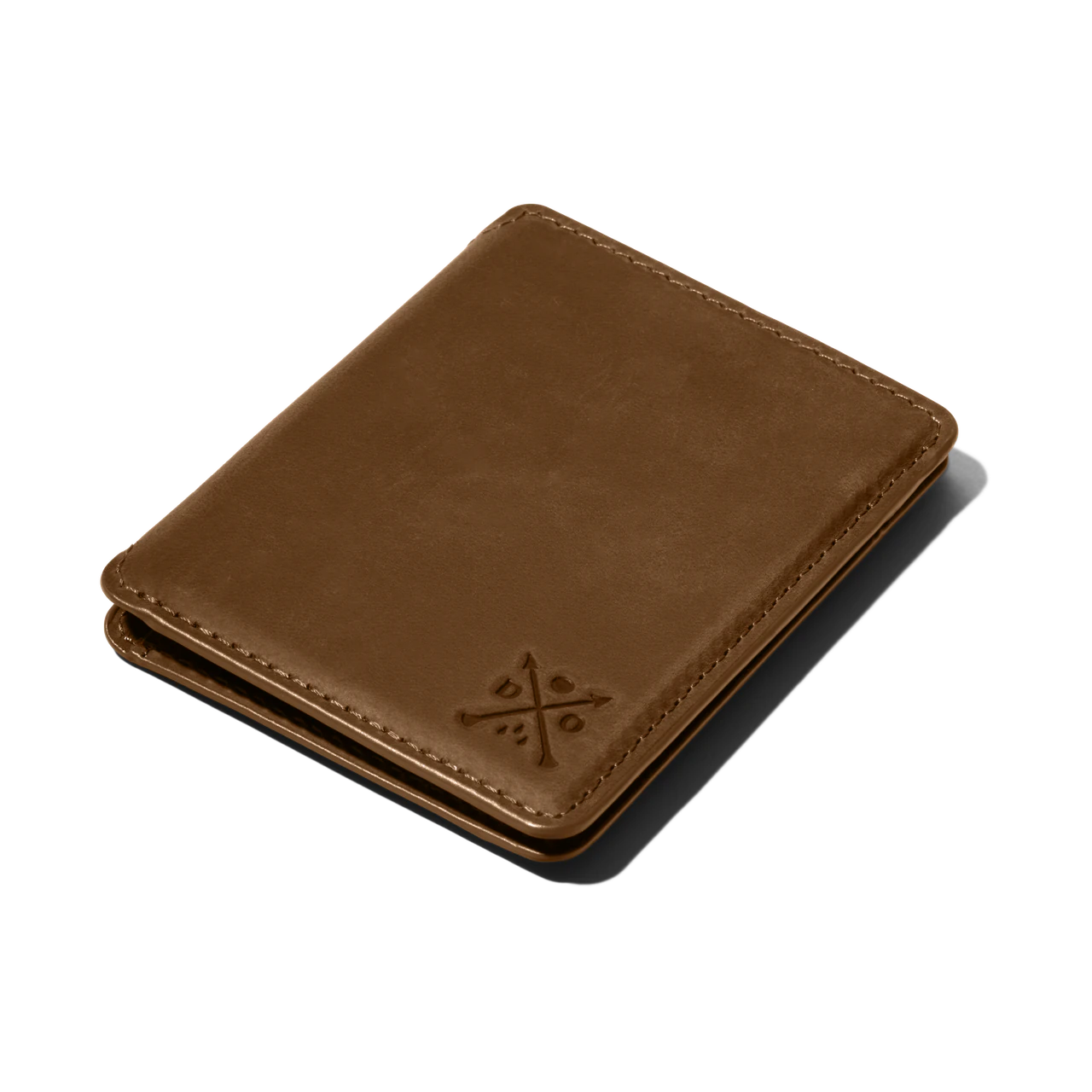
Soft lighting keeps the leather detail clear with a gentle, diffuse shadow.
Background & surface
Find the right setting.
Start with a curated colour. Adjust its tint while the product stays unchanged.
Framing & alignment
A place for every product.
Drag the wallet or use the sliders. Turn on Range preview to apply the same framing to every wallet.
Double Oak · Brown wallet. Drag or use the position sliders.
Finish & consistency
From capture to finish.
Follow the image from the original capture to the final alignment. Select a step to see its treatment.
The original capture, before clipping or retouching.
Four connected decisions
Lighting shapes the product and its shadows. Background and surface set the scene. Framing and alignment bring a range together. Finishing takes the source capture through to the final image.
Set the character.
Light & shadow
Soft and understated, or crisp and defined. Explore two projects with different lighting treatments.
Find the right setting.
Background & surface
Start with a curated colour. Adjust its tint while the product stays unchanged.
A place for every product.
Framing & alignment
Drag the wallet or use the sliders. Turn on Range preview to apply the same framing to every wallet.
From capture to finish.
Finish & consistency
Follow the image from the original capture to the final alignment. Select a step to see its treatment.
- Base
The original capture, before clipping or retouching.
- Clipped
The original background is removed to isolate the product.
- Add background
A considered off-white background gives the product a clean setting.
- Dust, surface & tone
Dust and surface marks are removed, the buttons are cleaned up, and colour casts are neutralised.
- Lighting & logo
Local adjustments balance the light and shade, while the logo is refined for a clear, consistent finish.
- Perspective & alignment
Perspective and alignment are corrected for the final image. Toggle the guides to check its left and right edges.
Selected clients · Product imagery
Give each image a job.
Explore the products, colours and complementary views that bring a considered listing together.
.webp)
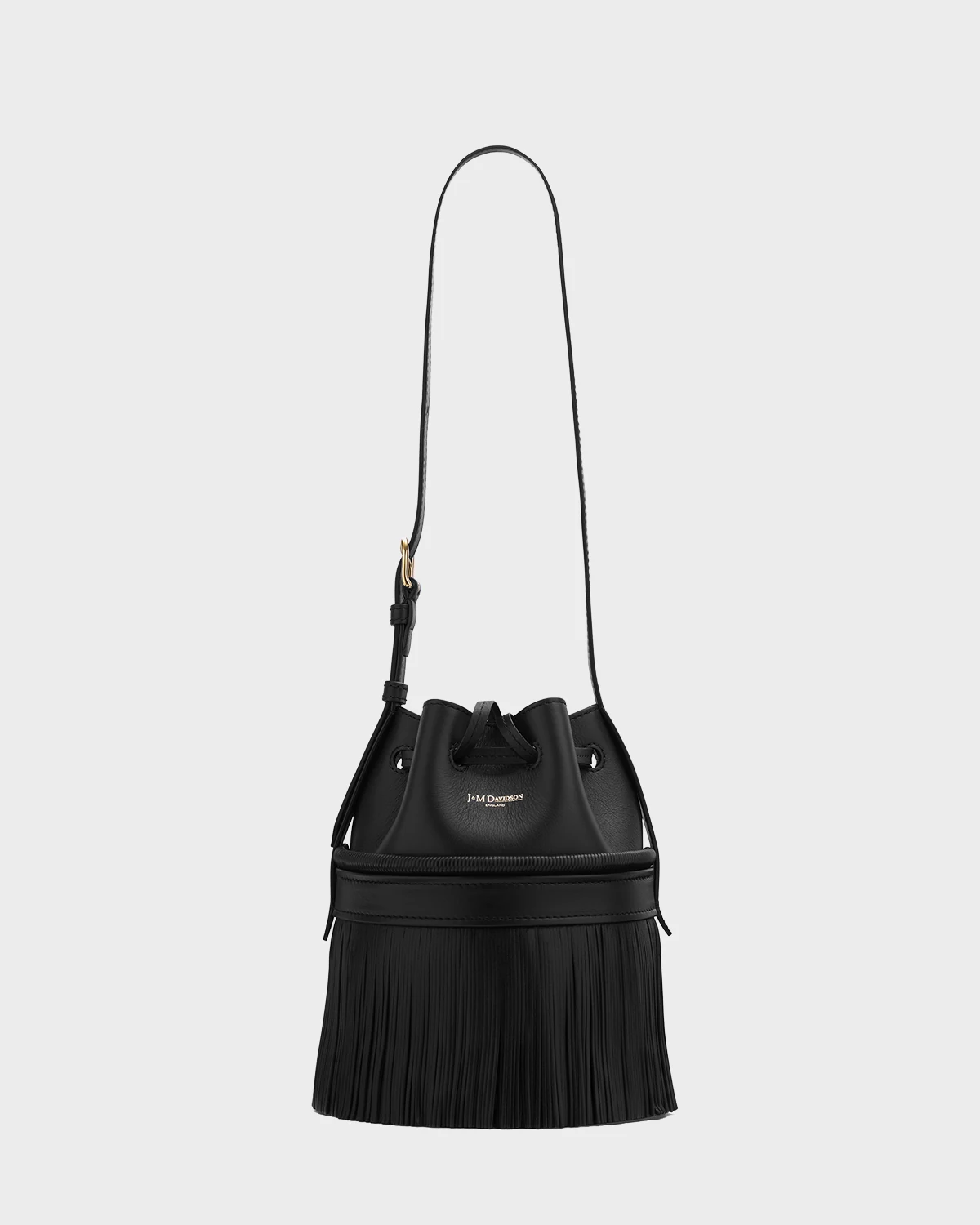
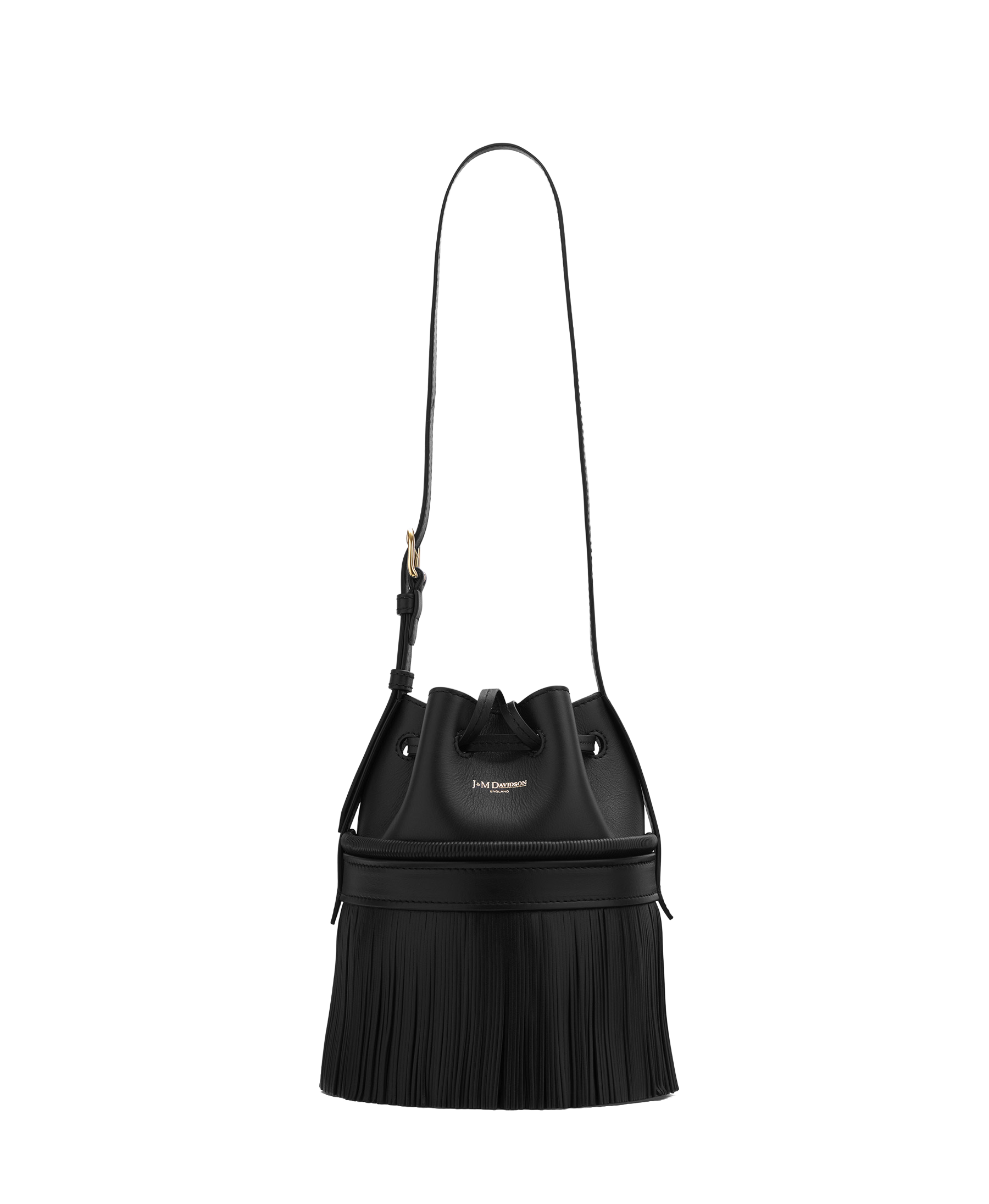
J&M Davidson
Anniversary Carnival
Fringed leather shoulder bag
Black
A full view introduces the bag’s shape, distinctive fringing and shoulder strap.
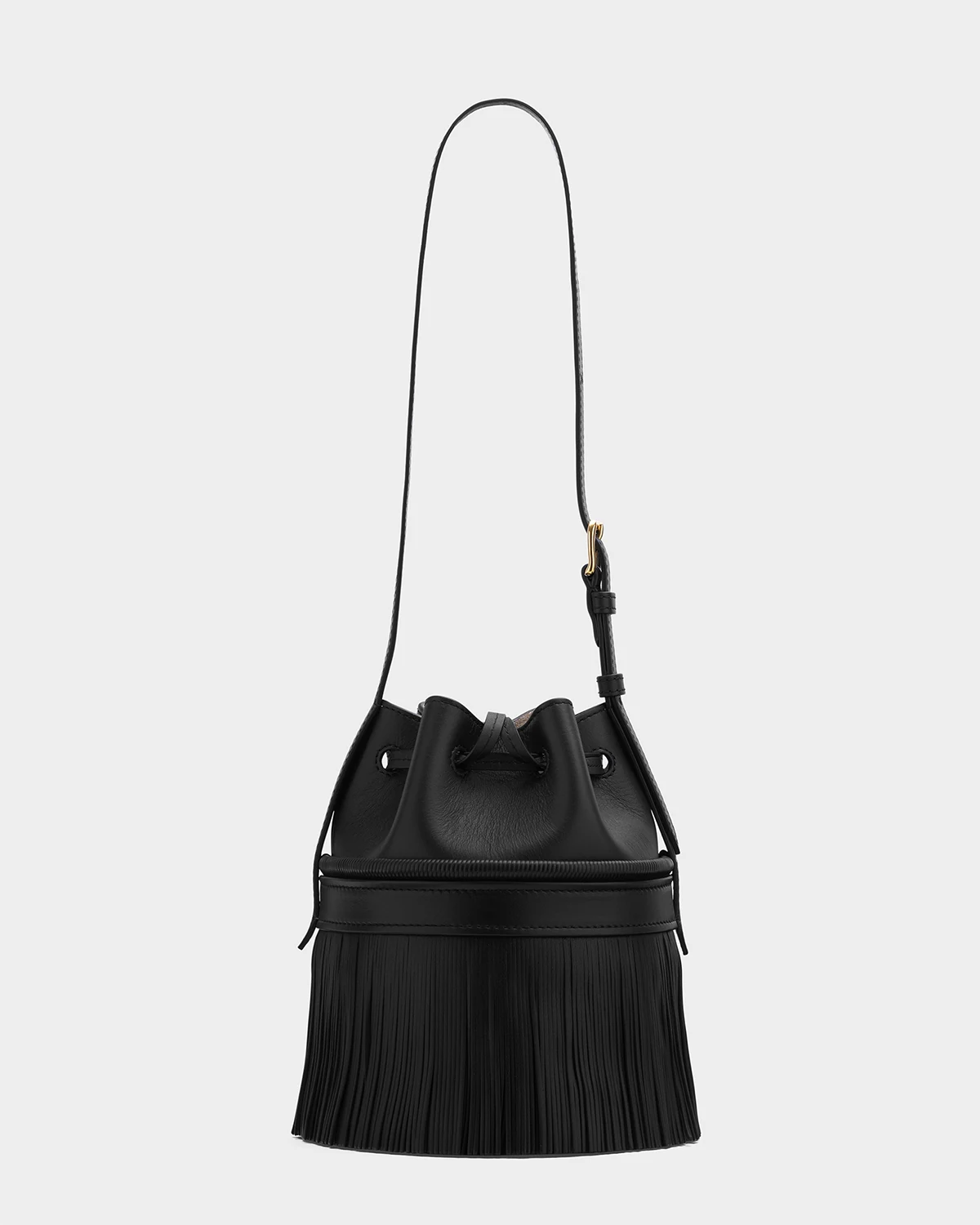
The back view reveals more of the bag’s overall shape and how the design continues around it.
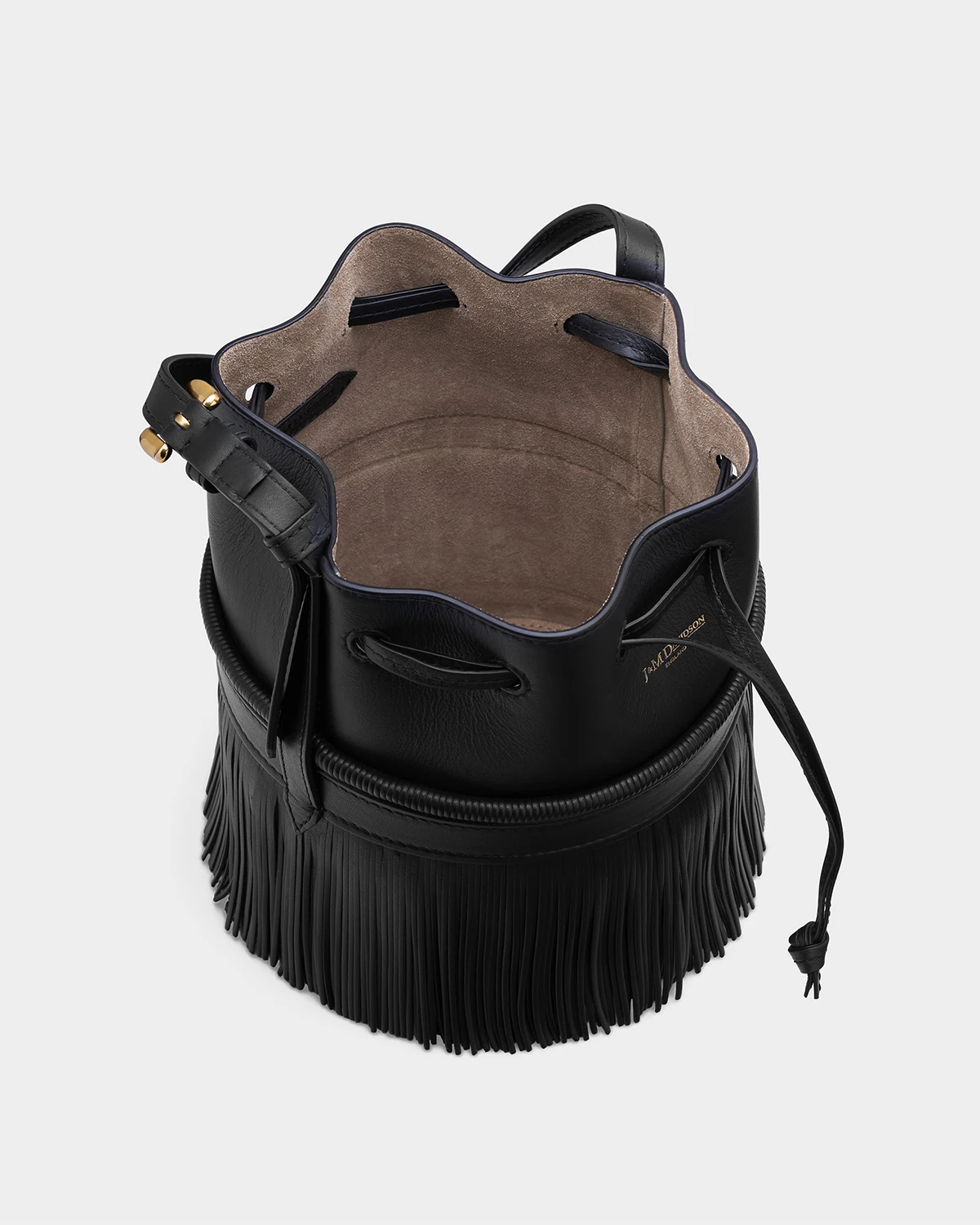
An open view reveals more of what the bag offers, showing the interior and the different materials used in its design.

A closer view highlights the quality of the leather and the finer finishing details.
Fold wallet with studs
Studded leather fold wallet
Pink
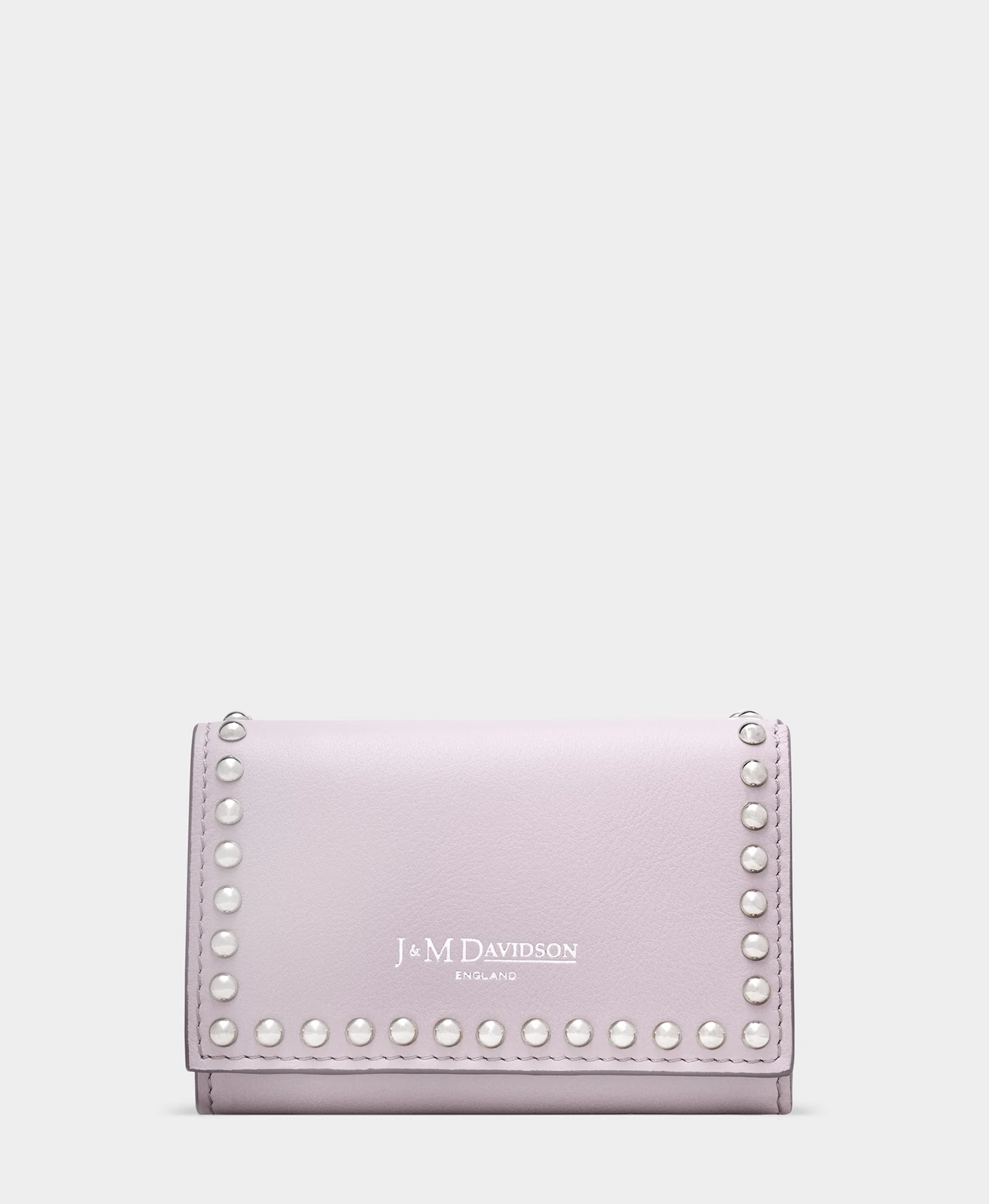
A full view introduces the wallet’s shape, leather finish and distinctive stud detailing.
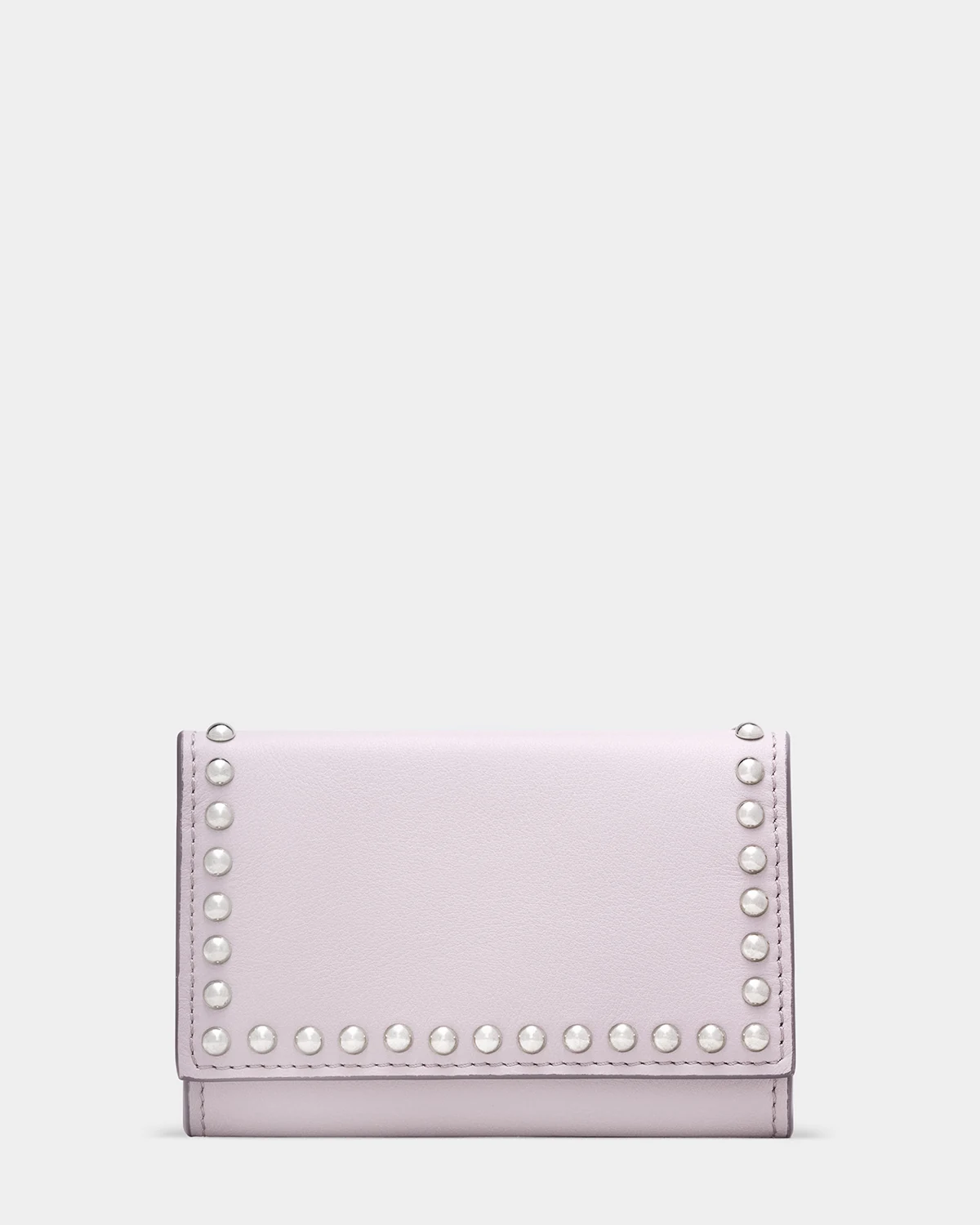
The back view shows how the design continues around the wallet, completing the view of its exterior.
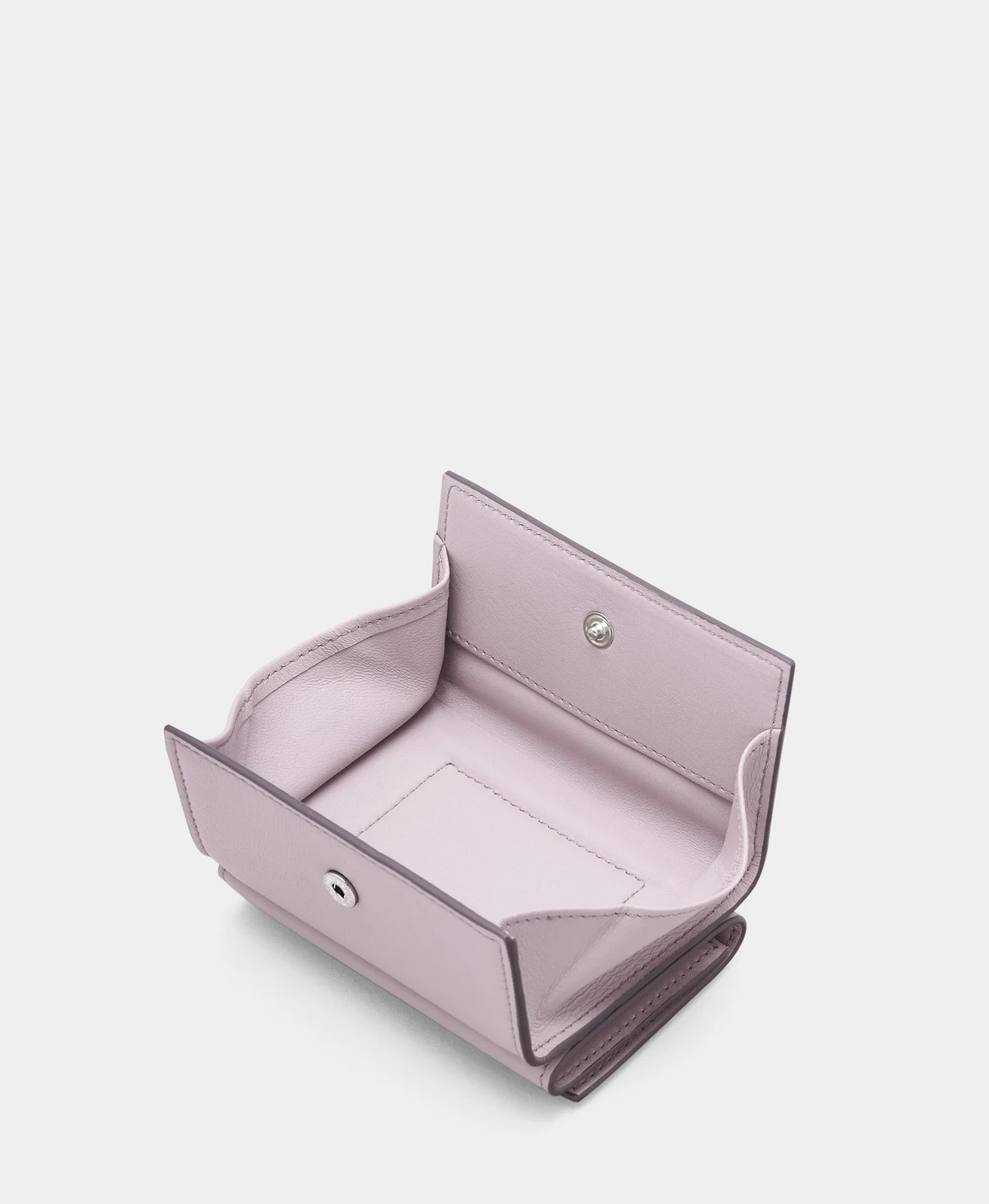
A look inside the coin compartment shows how the wallet provides dedicated storage for loose change.
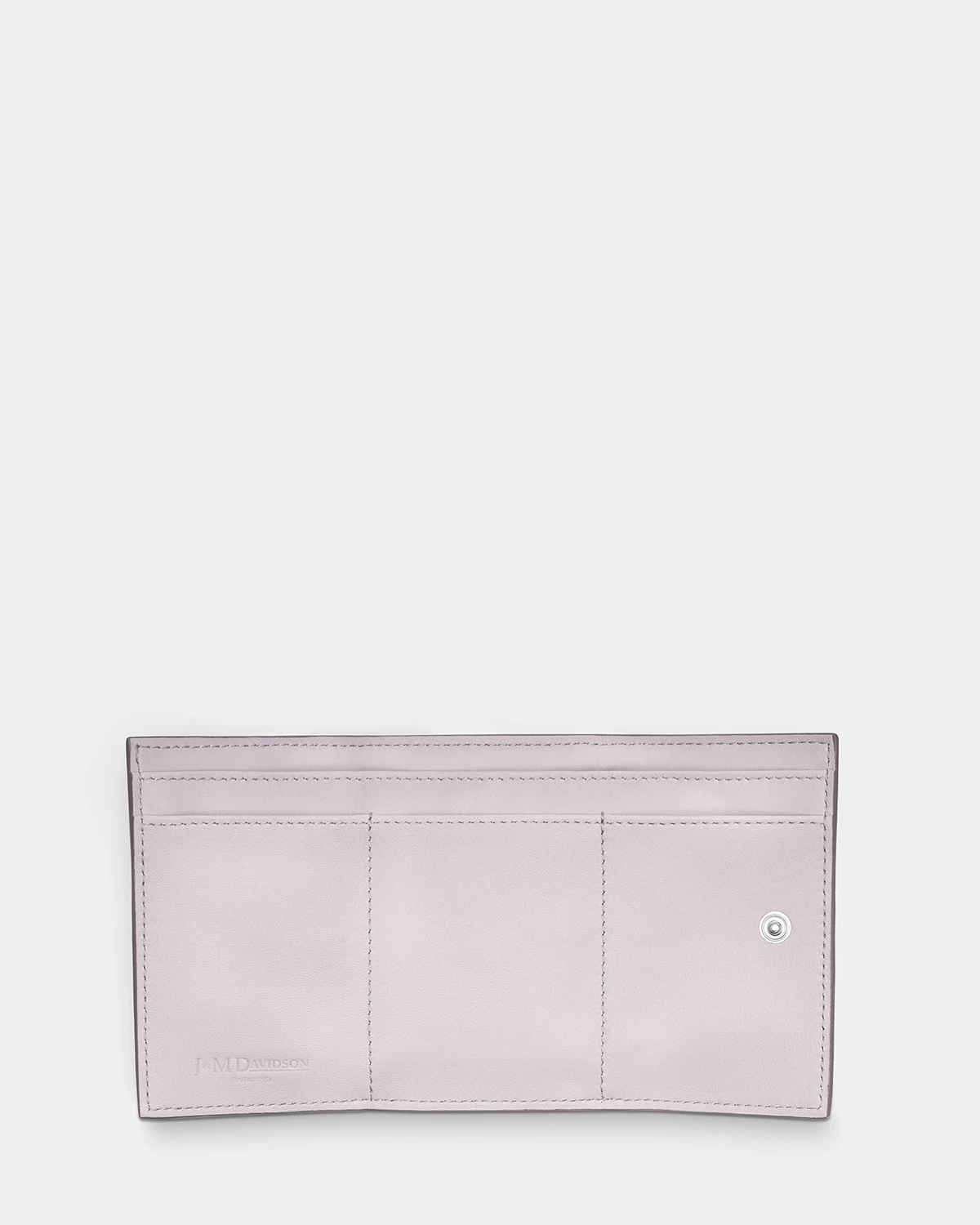
The unfolded view reveals storage for notes and cards, showing how the wallet brings everyday essentials together.
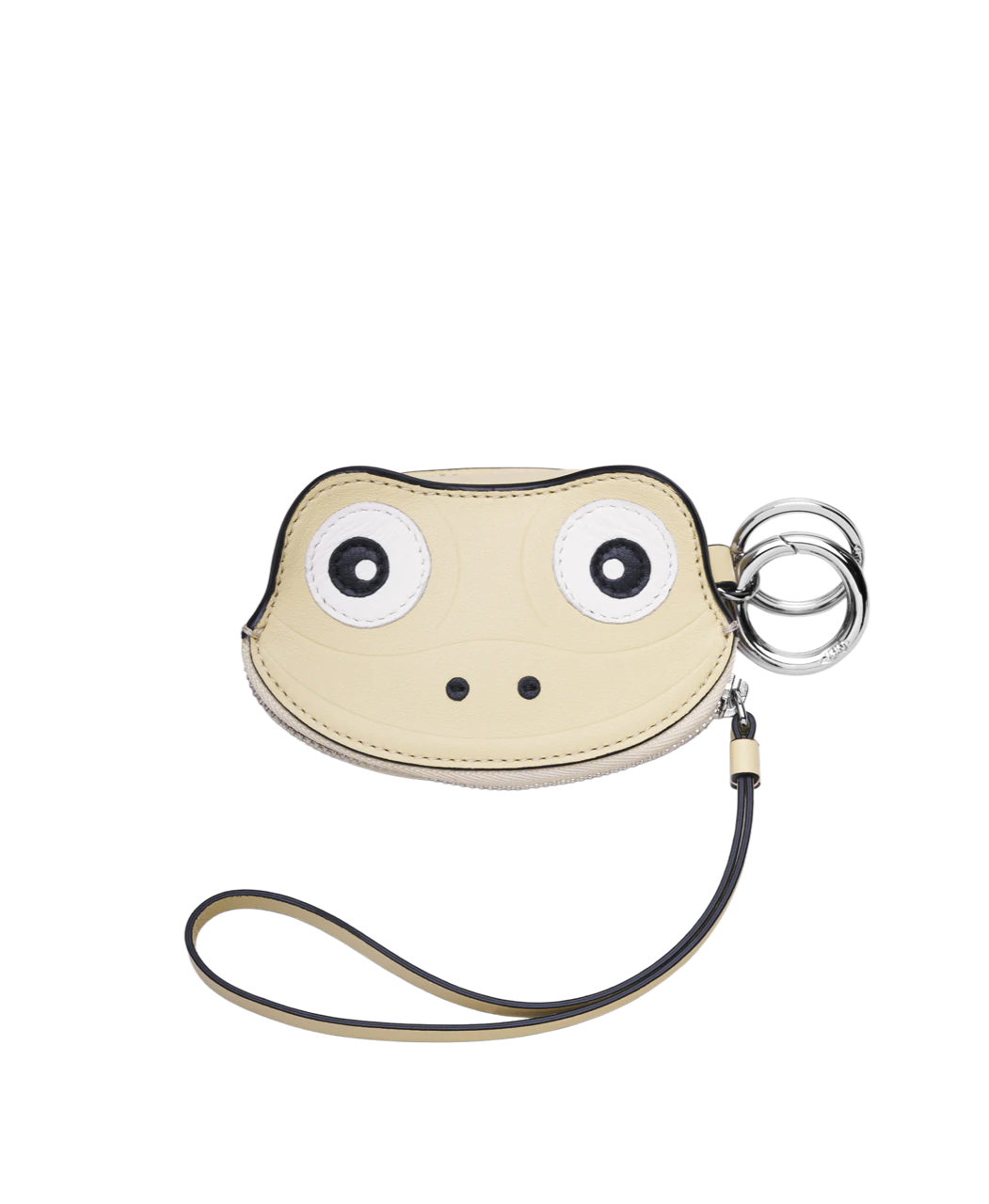
Frog Charm Pouch
Leather charm pouch
Pastel yellow
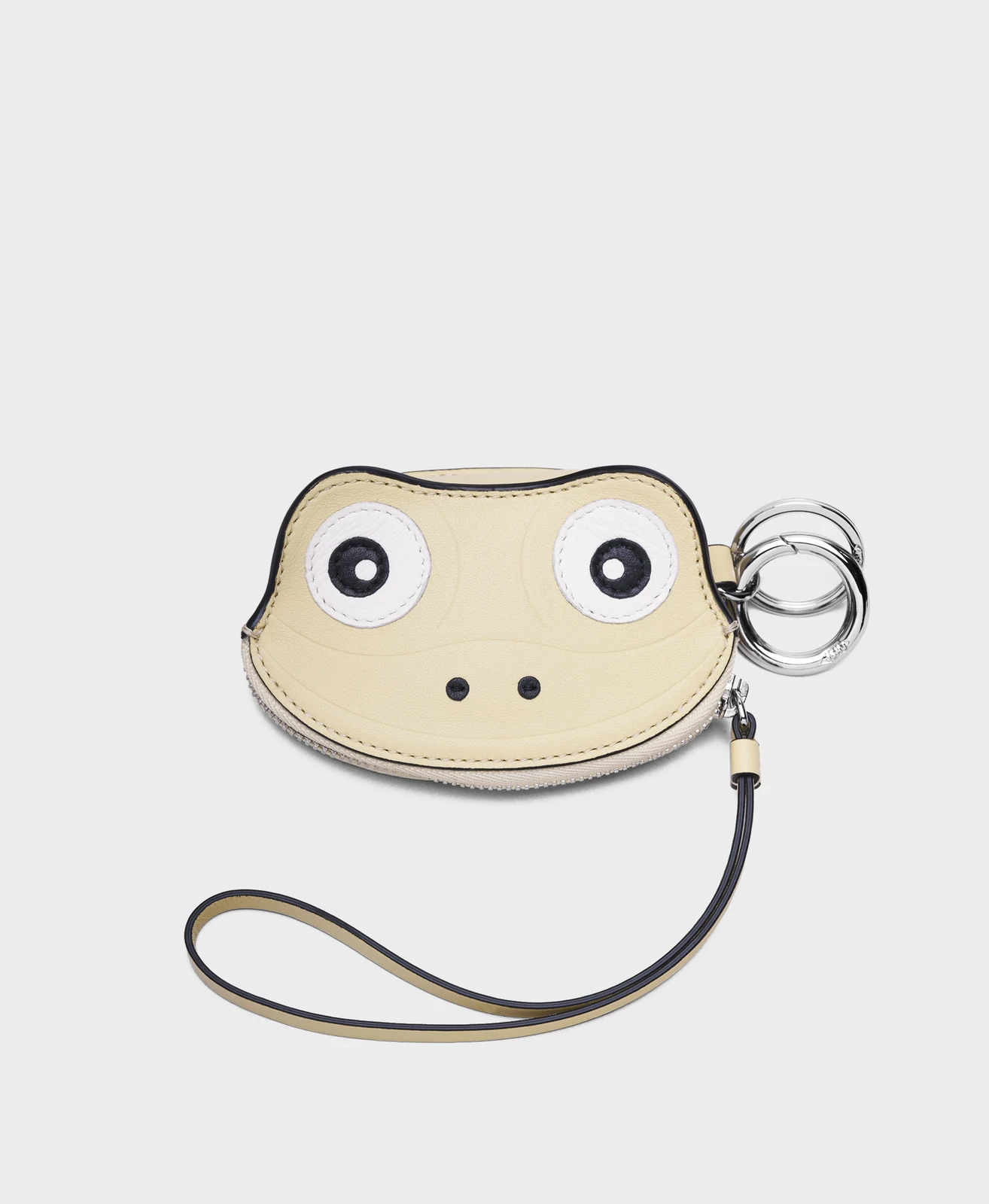
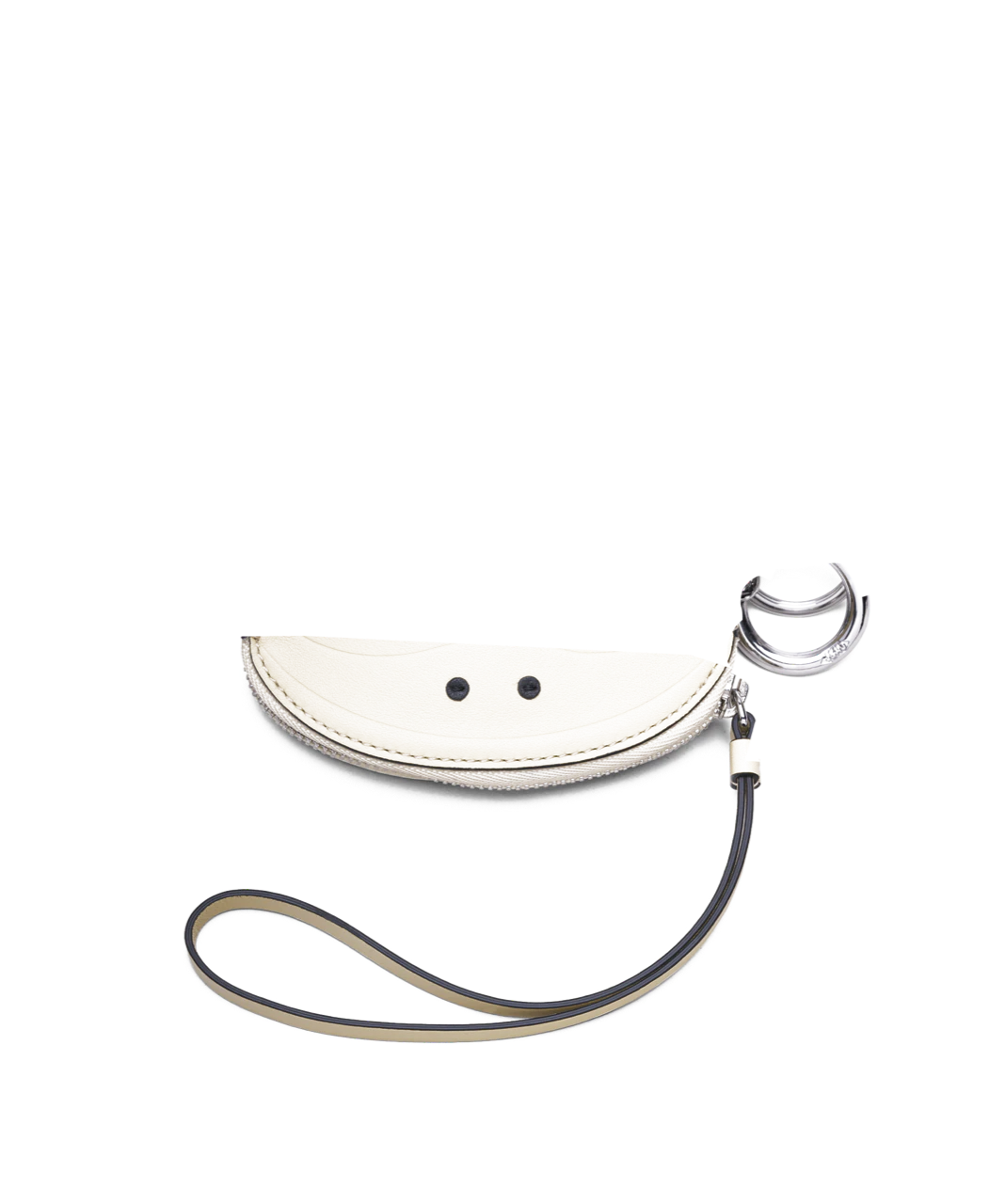
A clear complete view establishes the shape, material and identity.
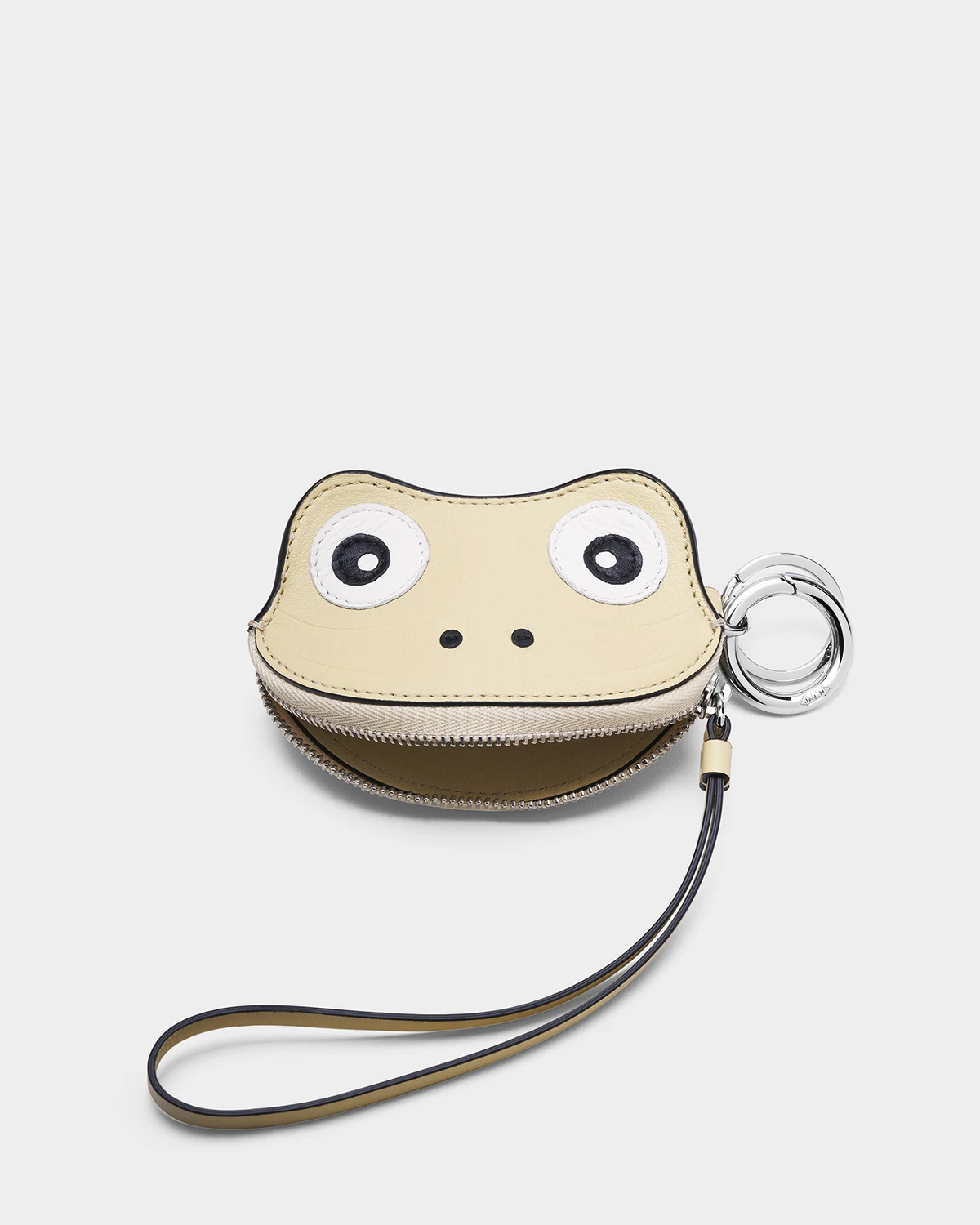
The alternate angle gives a clearer view of the zip and how the purse opens.
Double Oak
Leather Cloud wallet
Leather wallet · Five colour variations
Brown
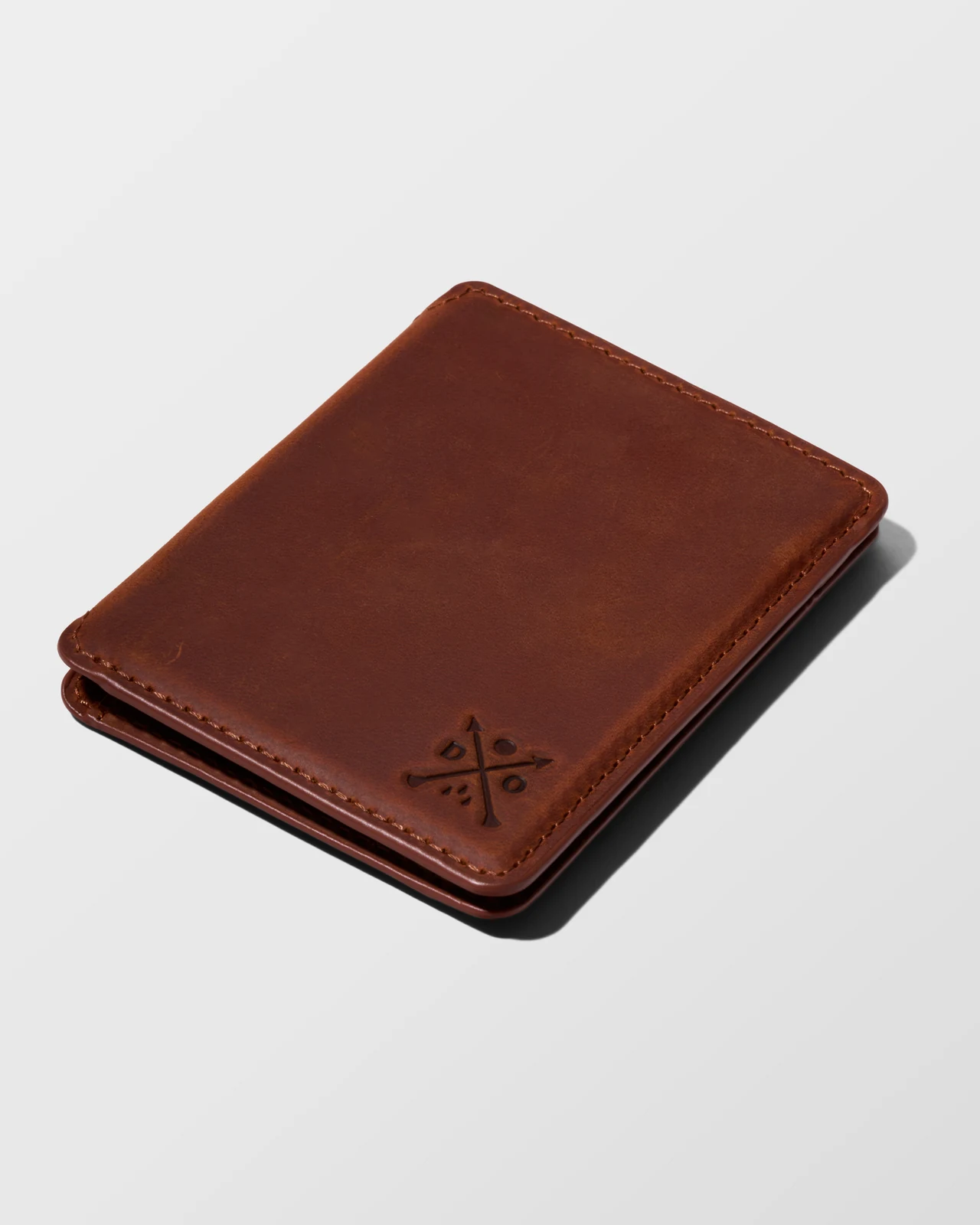
A clear view highlights the wallet’s smooth leather grain and colour. From here, it can develop a patina as it journeys with you.
Light brown
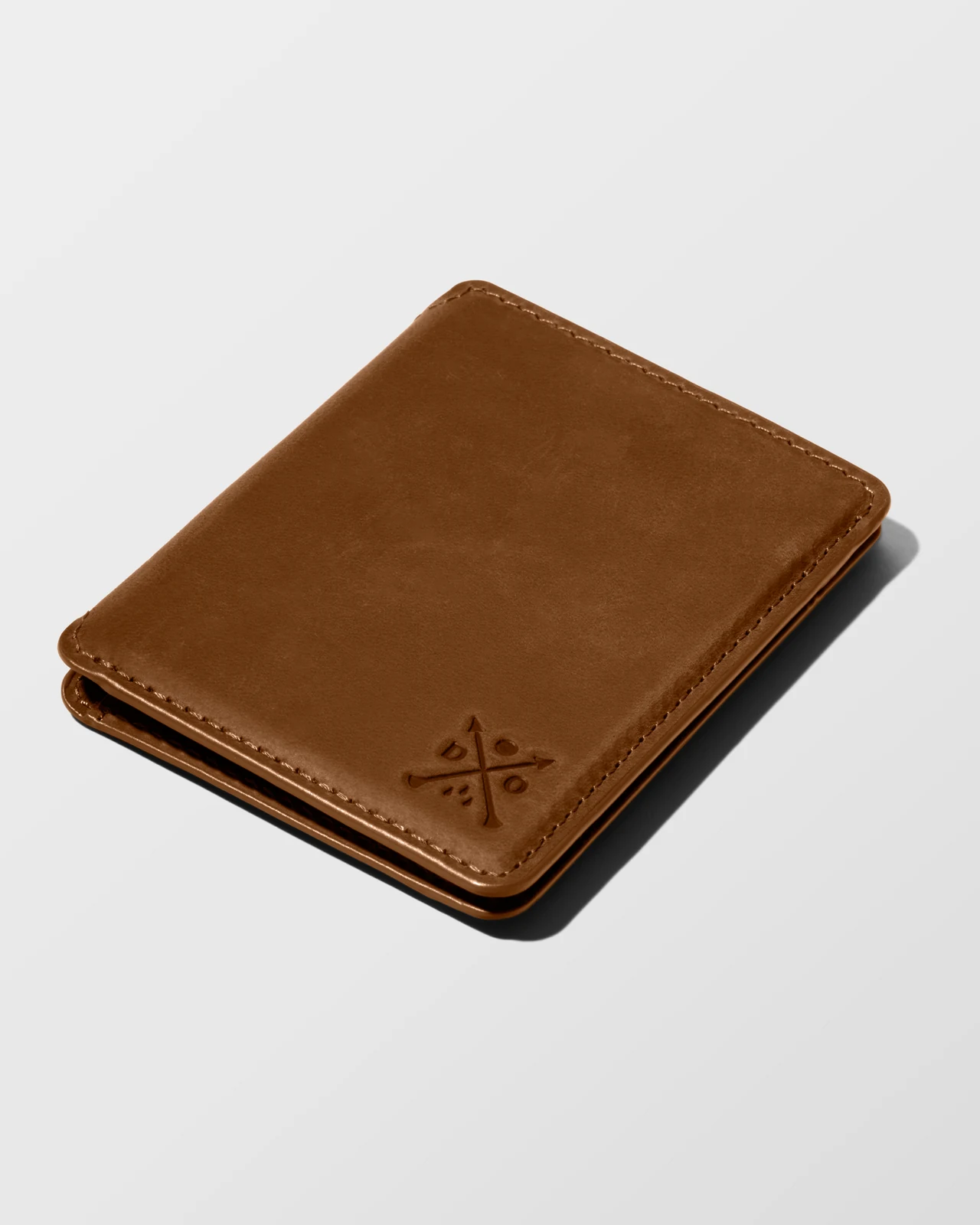
A clear view highlights the wallet’s smooth leather grain and colour. From here, it can develop a patina as it journeys with you.
Black
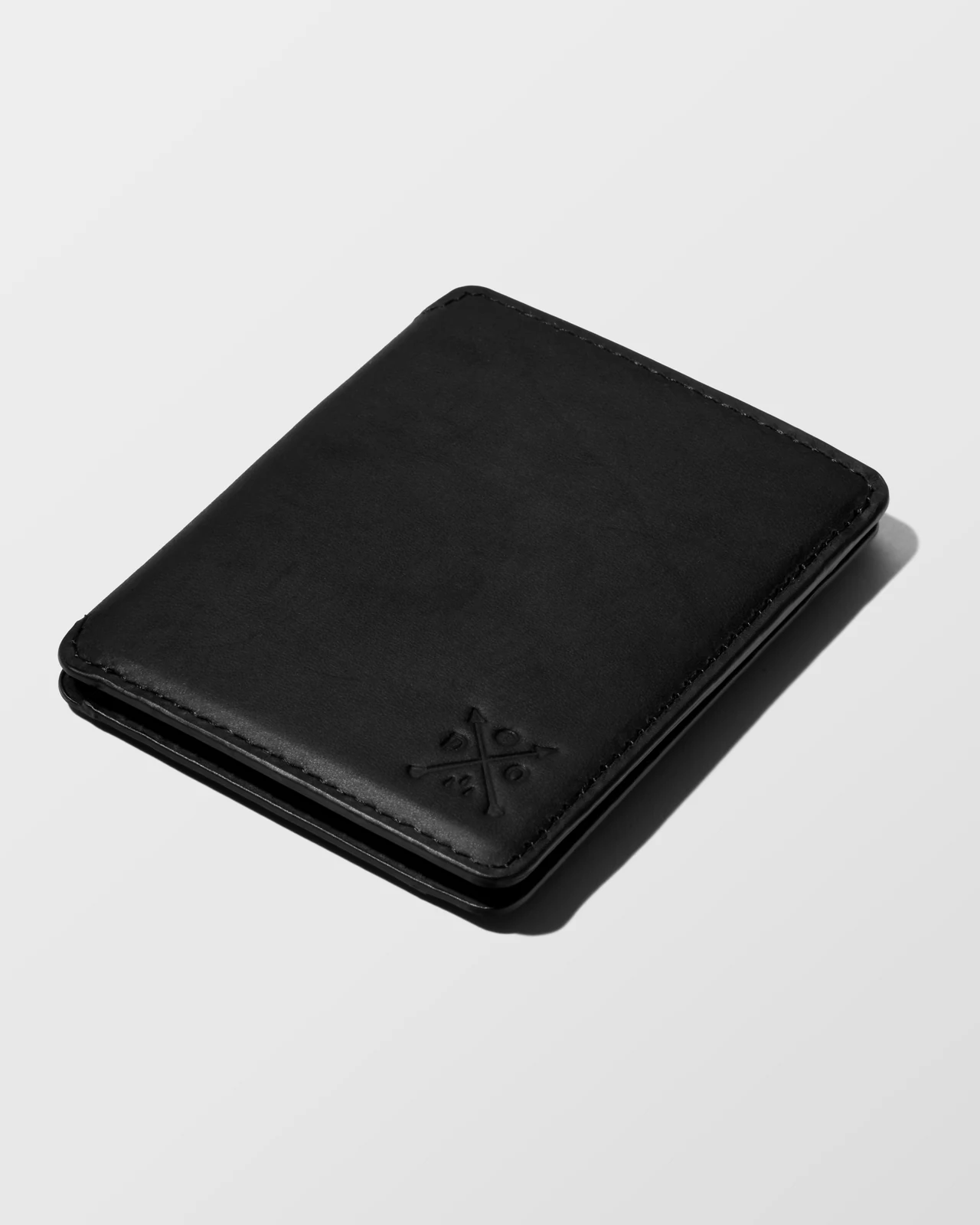
A clear view highlights the wallet’s smooth leather grain and colour. From here, it can develop a patina as it journeys with you.
Blue
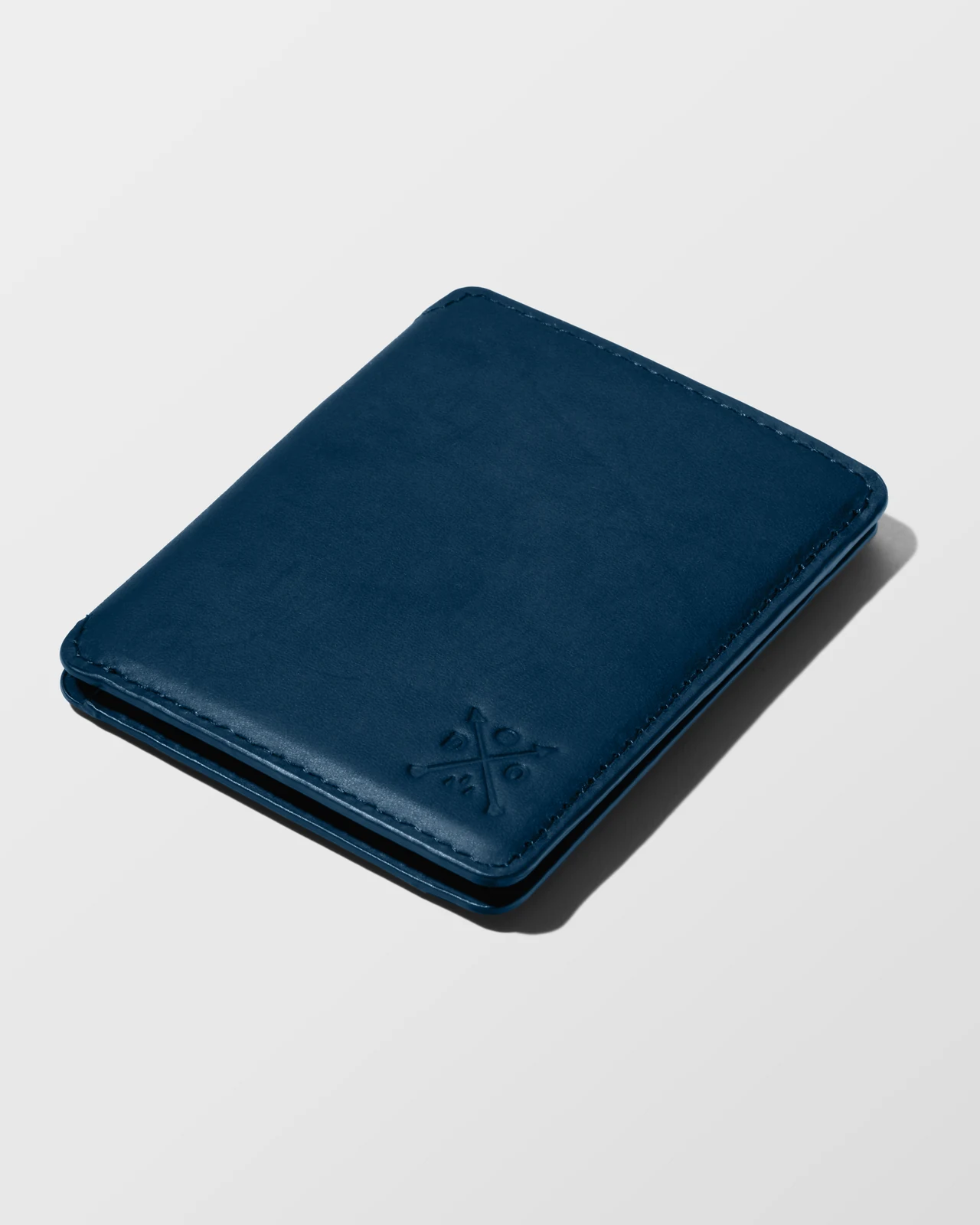
A clear view highlights the wallet’s smooth leather grain and colour. From here, it can develop a patina as it journeys with you.
Green
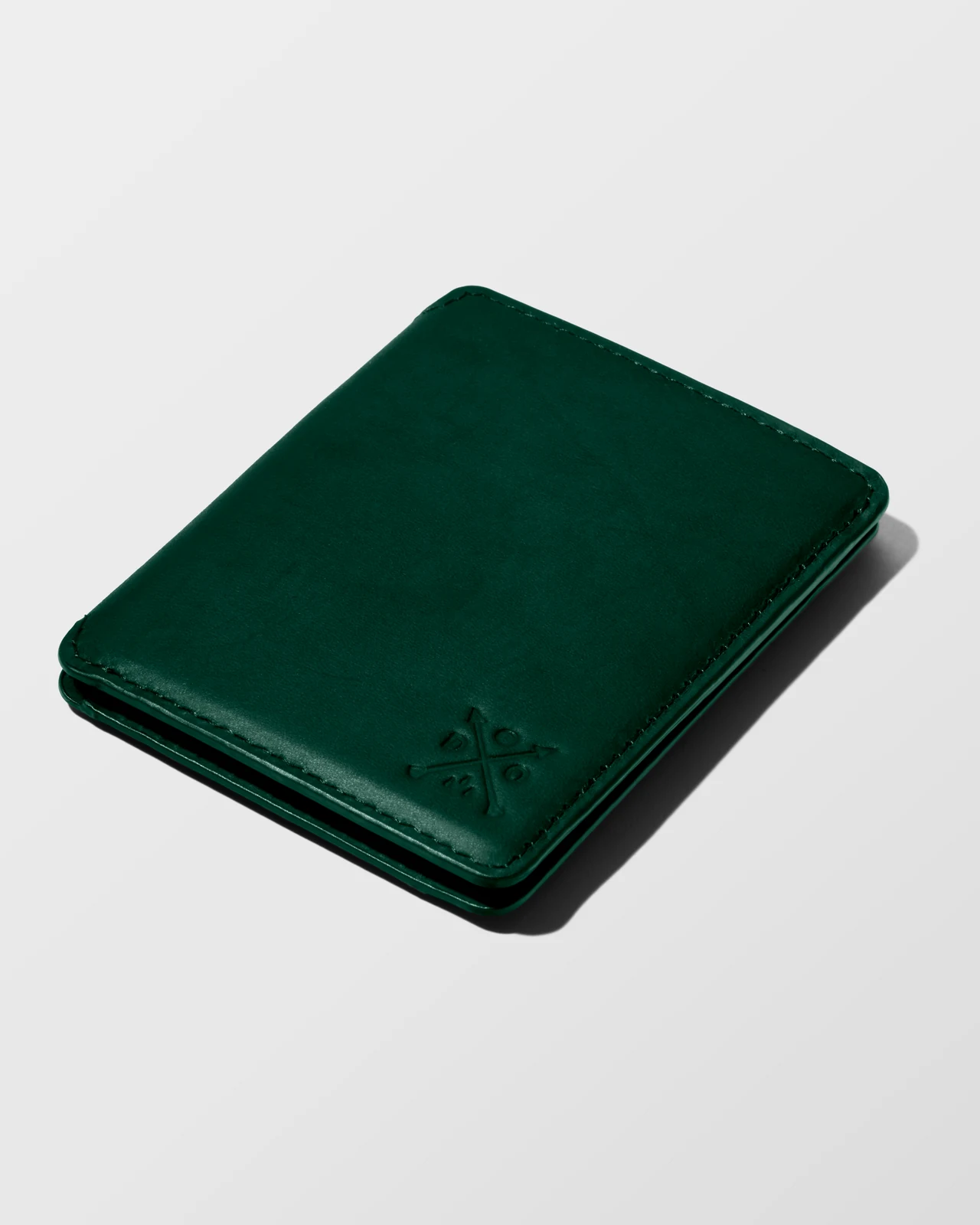
A clear view highlights the wallet’s smooth leather grain and colour. From here, it can develop a patina as it journeys with you.
Ripstop Cloud wallet
Ripstop wallet · Three colour variations
Black
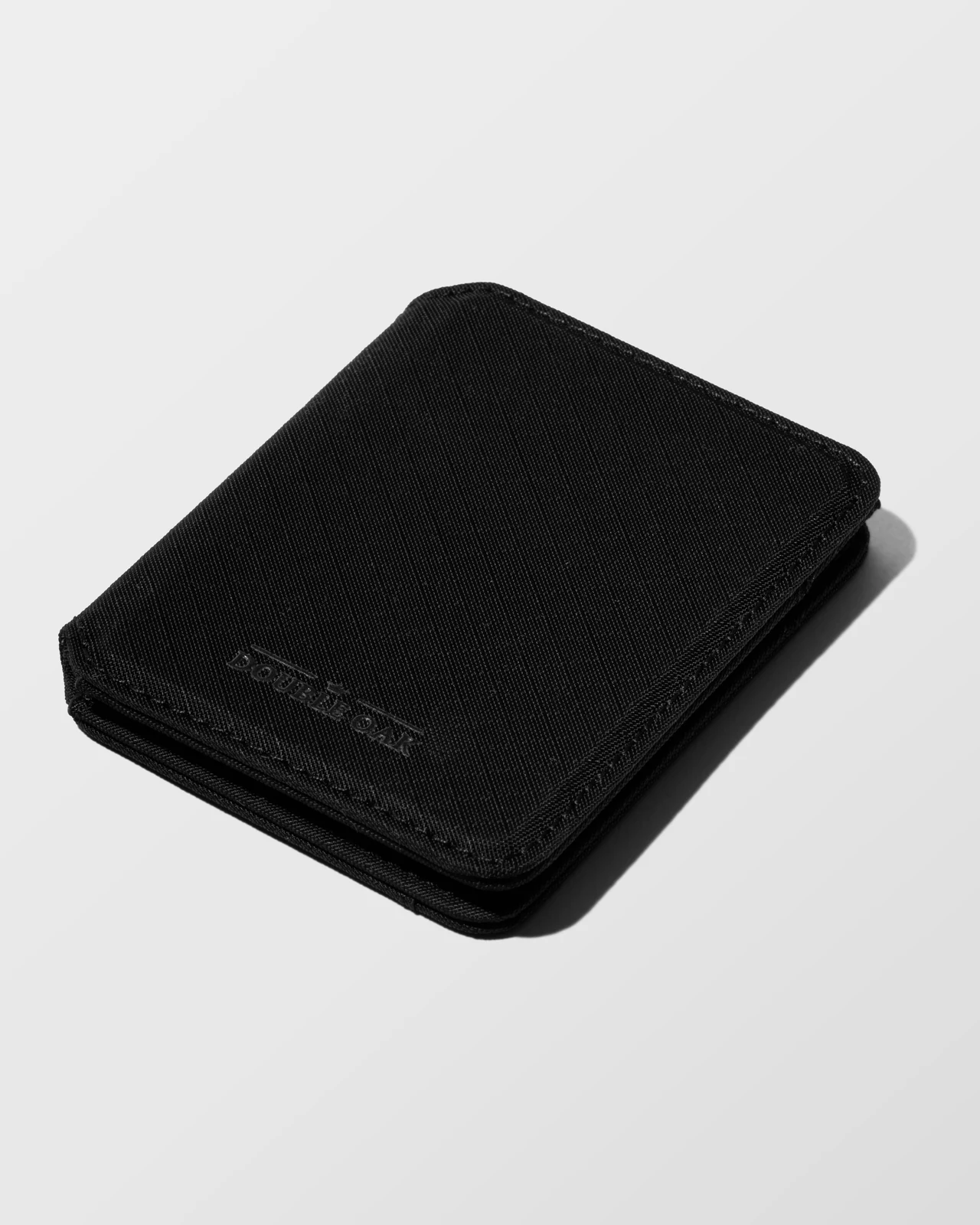
A clear view brings out the ripstop fabric’s texture and colour, showing the material’s distinctive character.
Khaki
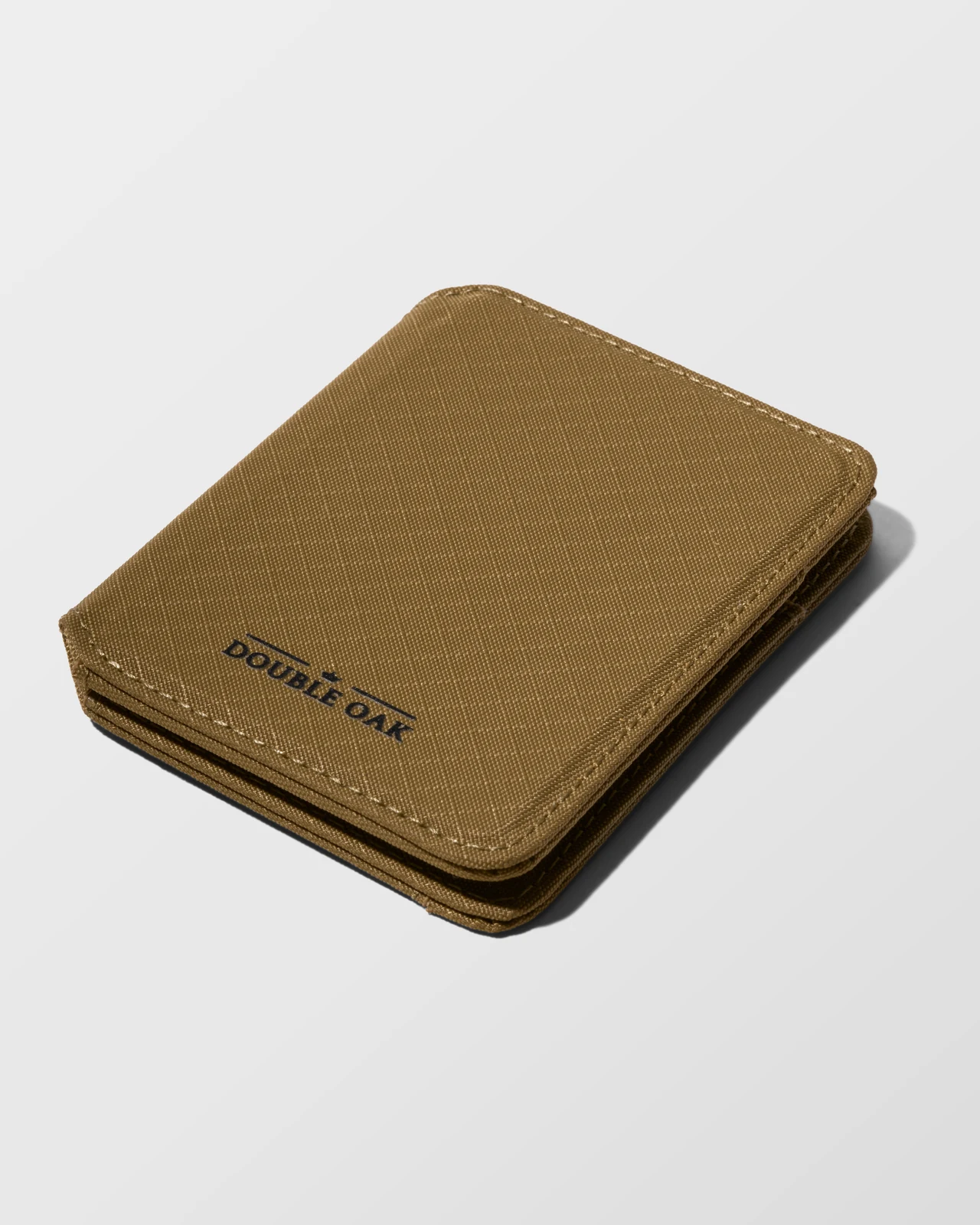
A clear view brings out the ripstop fabric’s texture and colour, showing the material’s distinctive character.
Moss
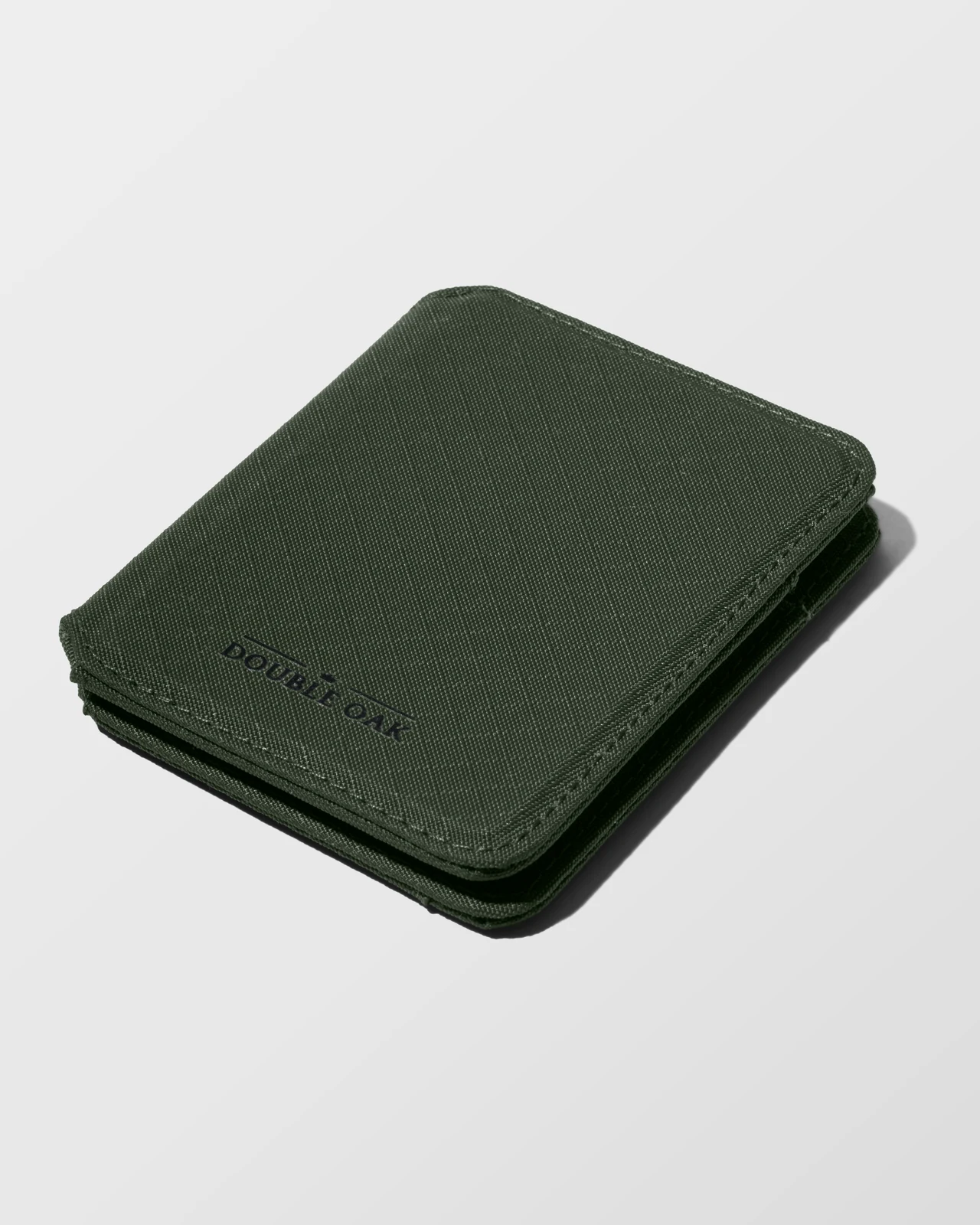
A clear view brings out the ripstop fabric’s texture and colour, showing the material’s distinctive character.
Leather belt
Leather belt · Two colour variations
Black
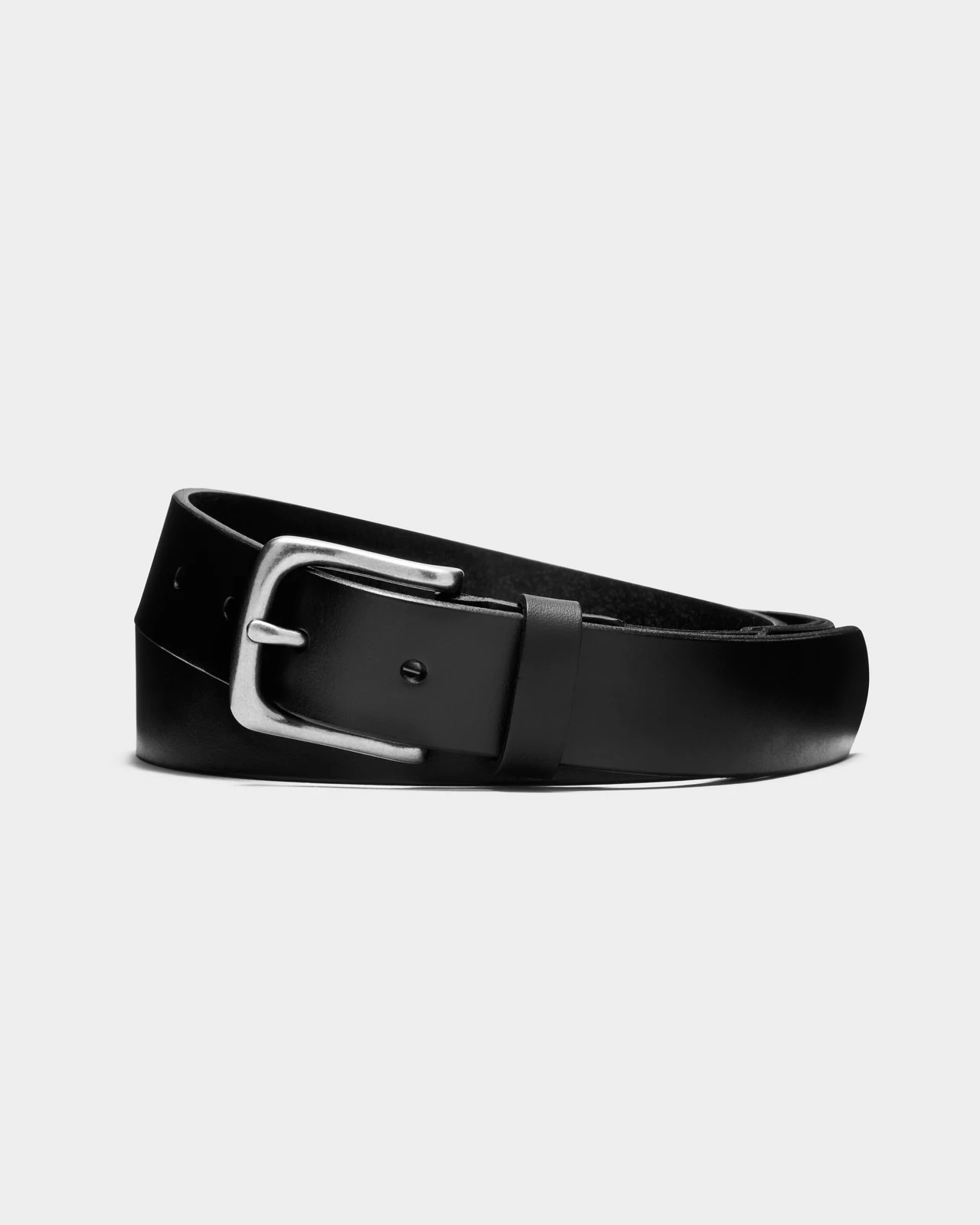
A full view shows the belt’s leather texture and colour, giving a clear sense of its overall look.
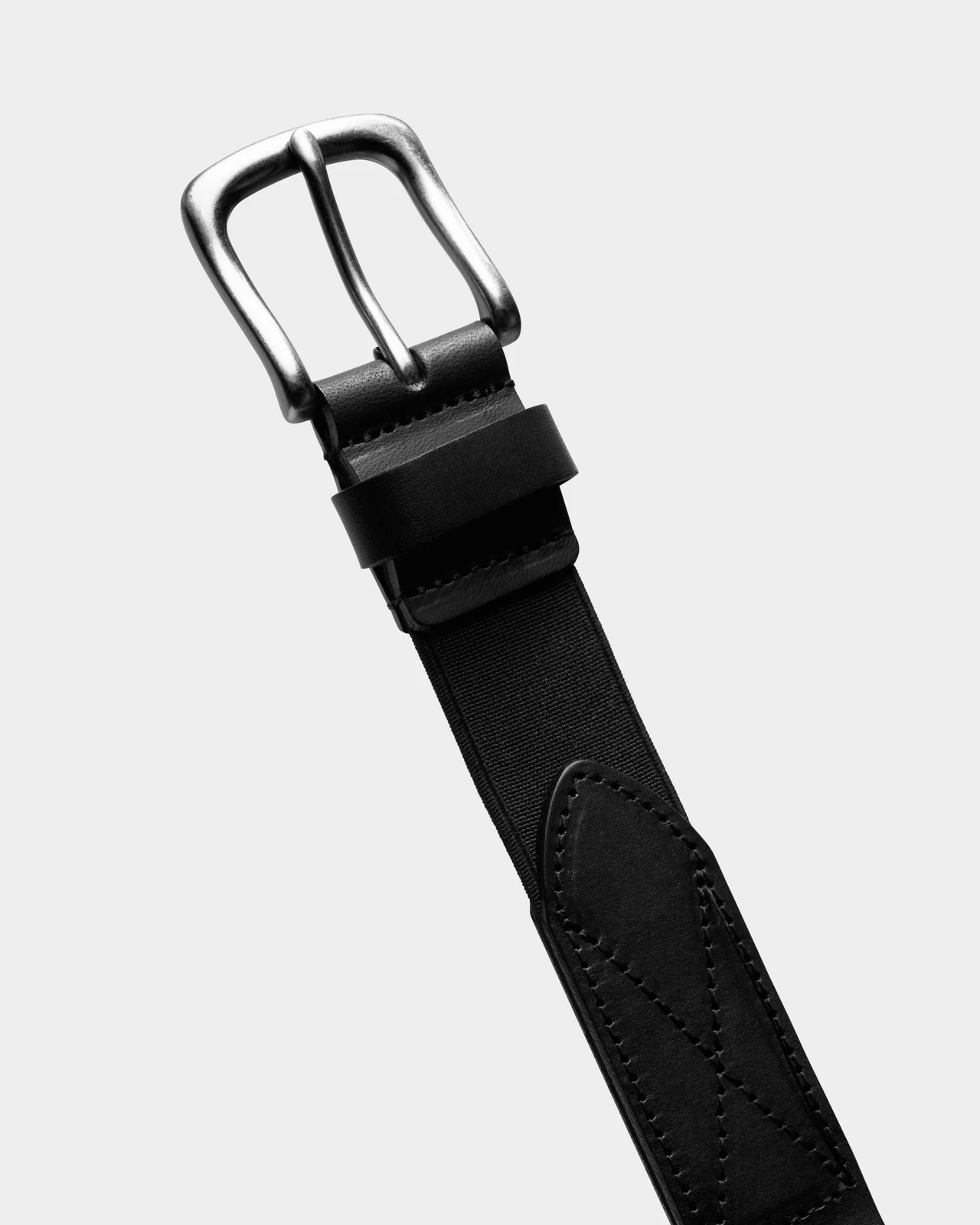
A closer view highlights the buckle’s shape and finish, along with the flexible strip connecting it to the leather belt.
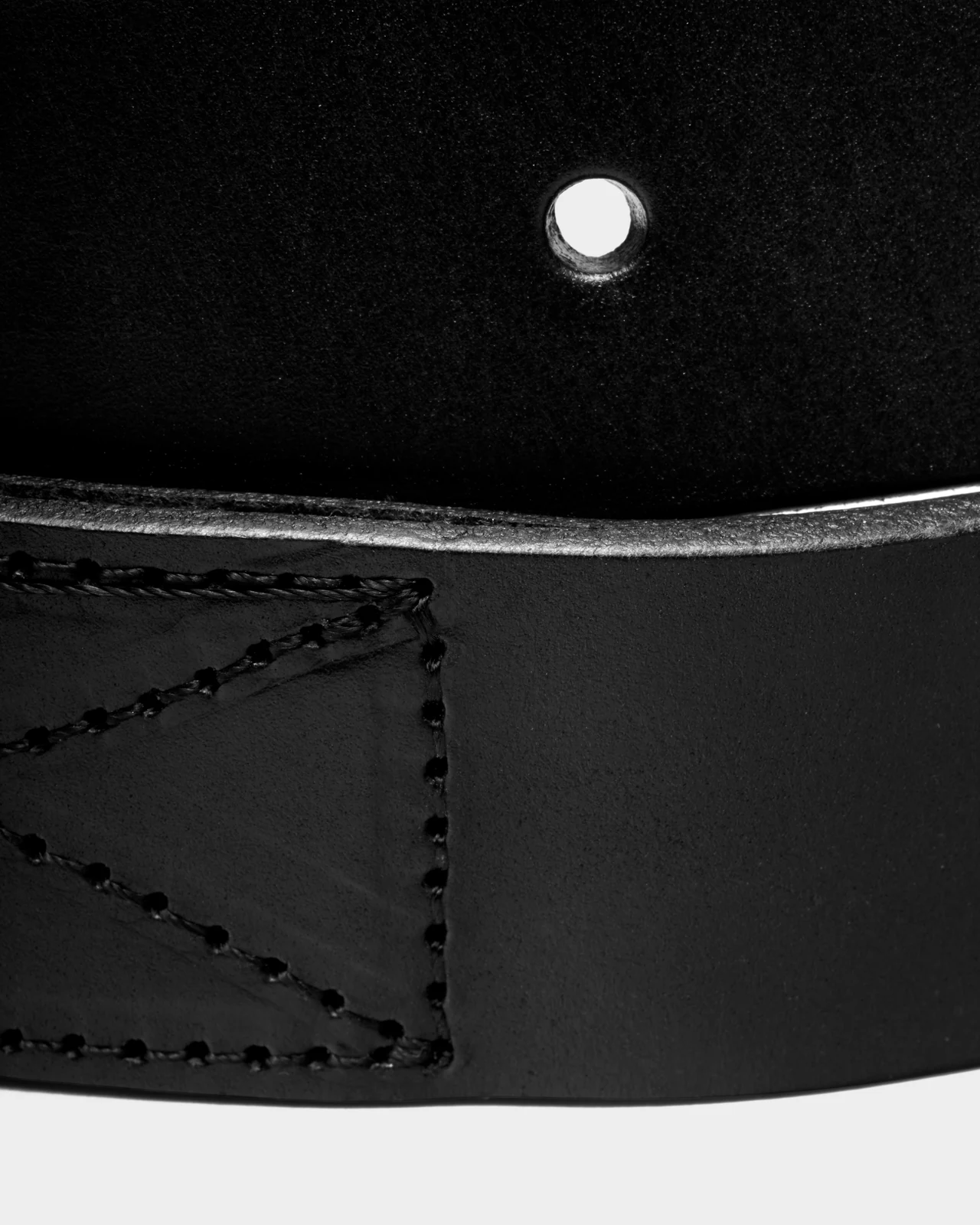
A closer view brings the leather’s texture into focus, revealing the surface detail in each colour.
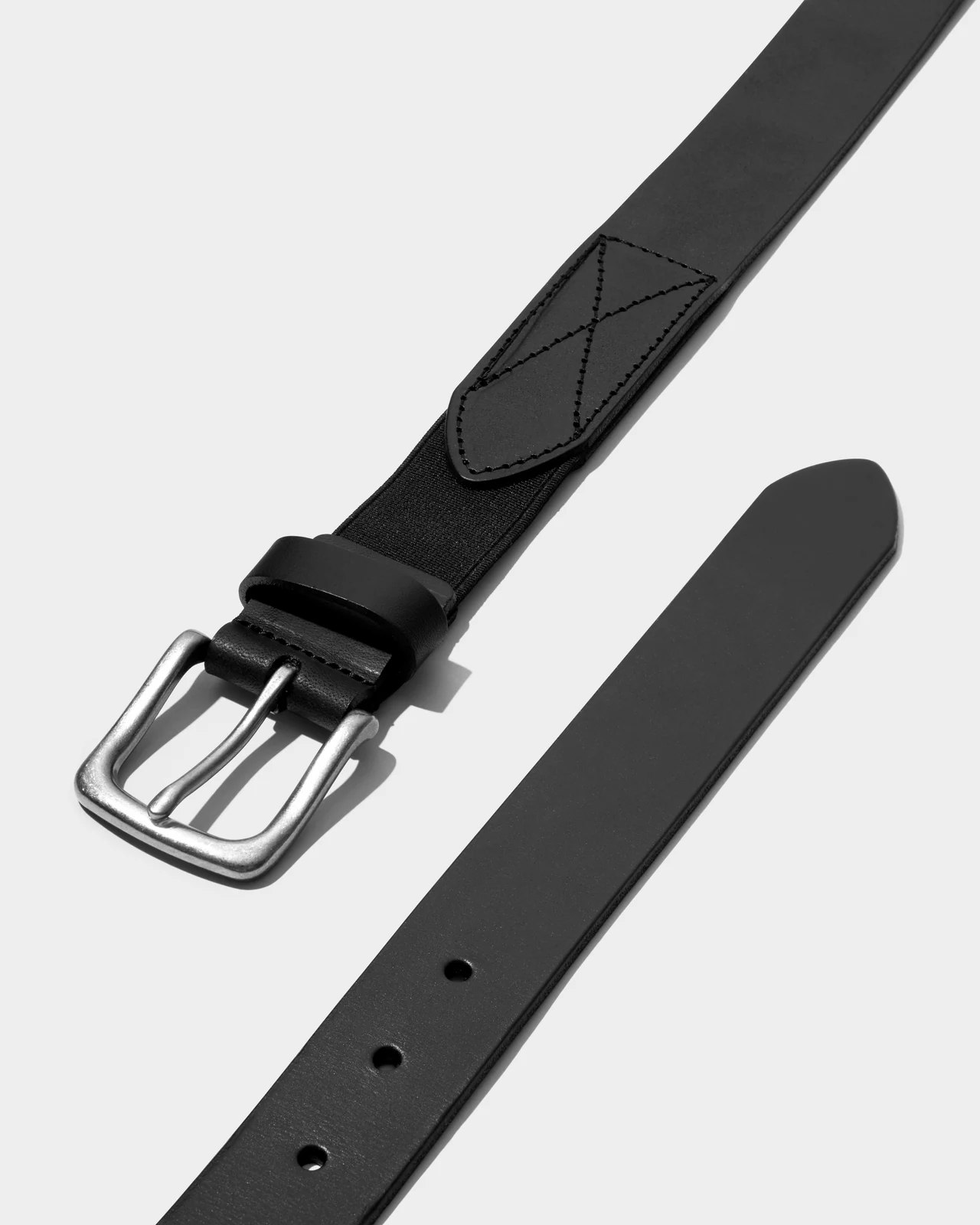
A full view of both belt ends shows their shape and how each end is finished.
Brown
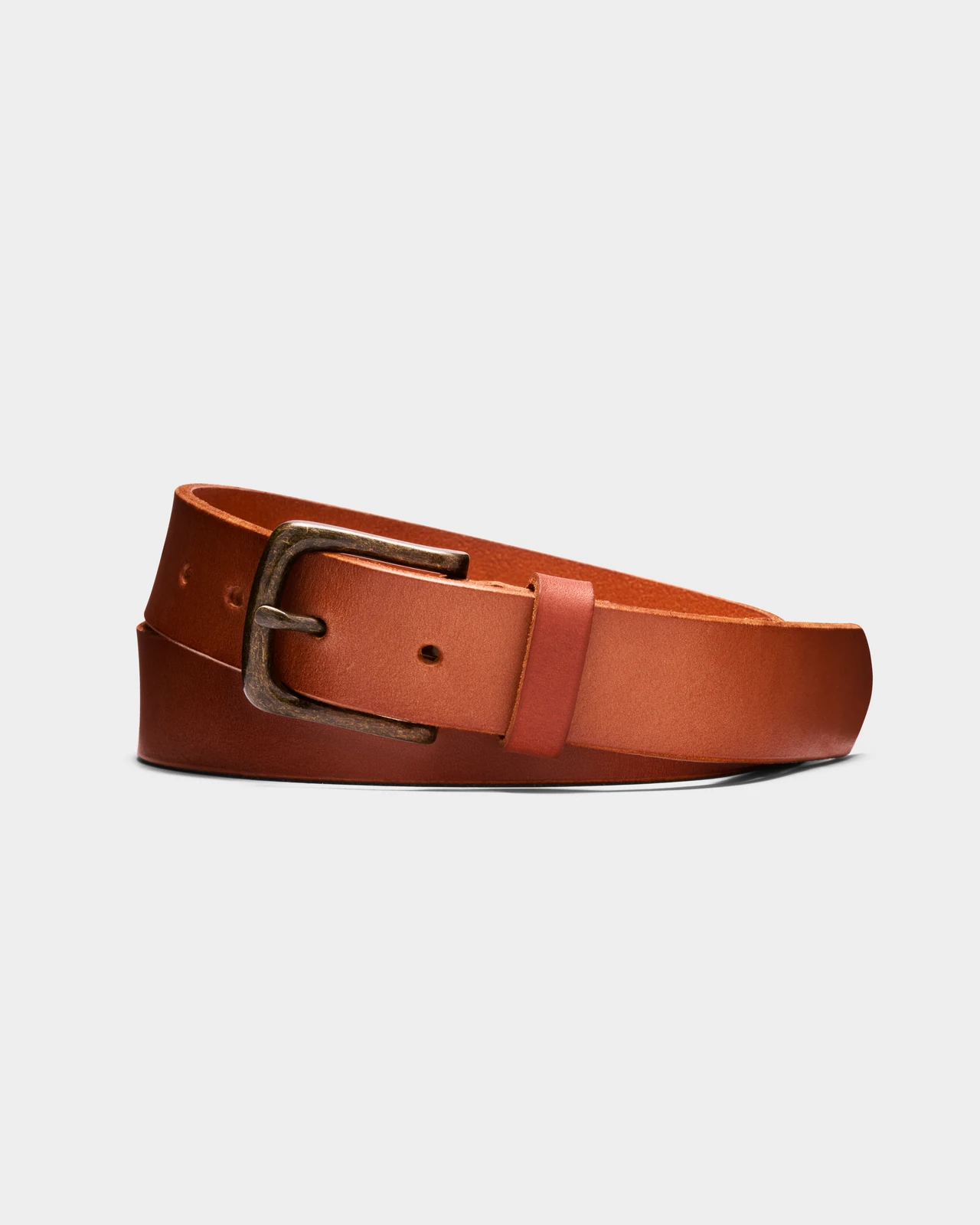
A full view shows the belt’s leather texture and colour, giving a clear sense of its overall look.
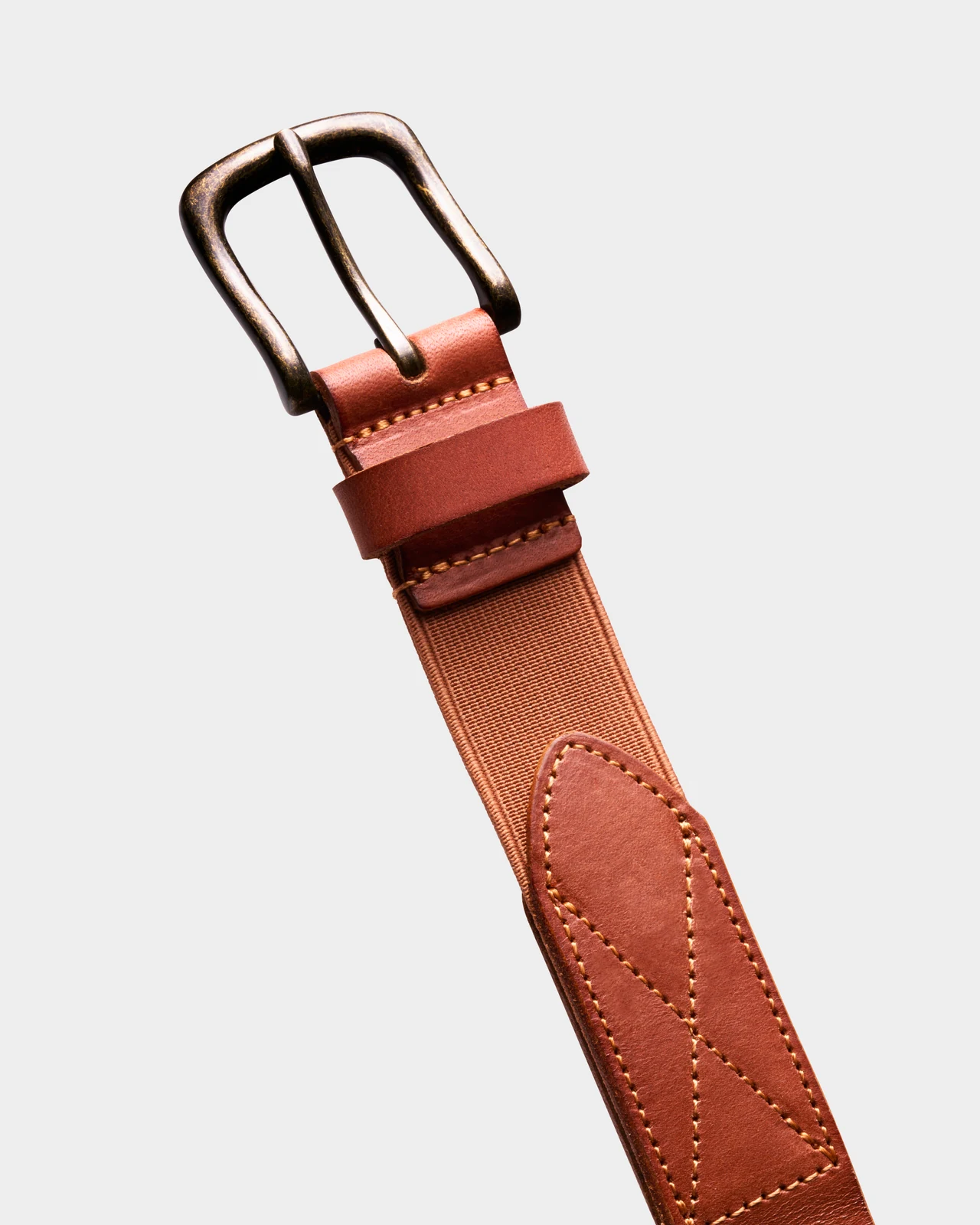
A closer view highlights the buckle’s shape and finish, along with the flexible strip connecting it to the leather belt.
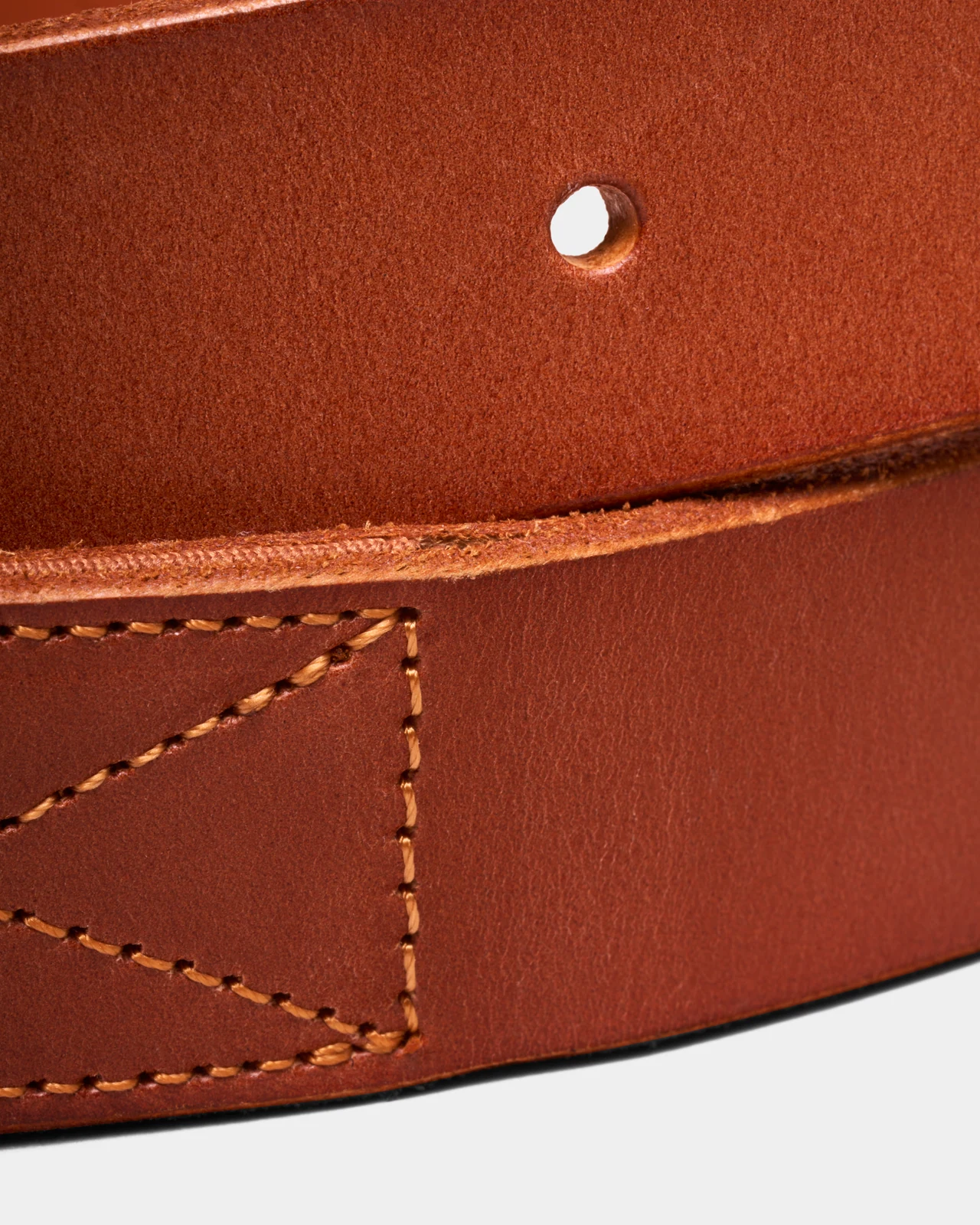
A closer view brings the leather’s texture into focus, revealing the surface detail in each colour.
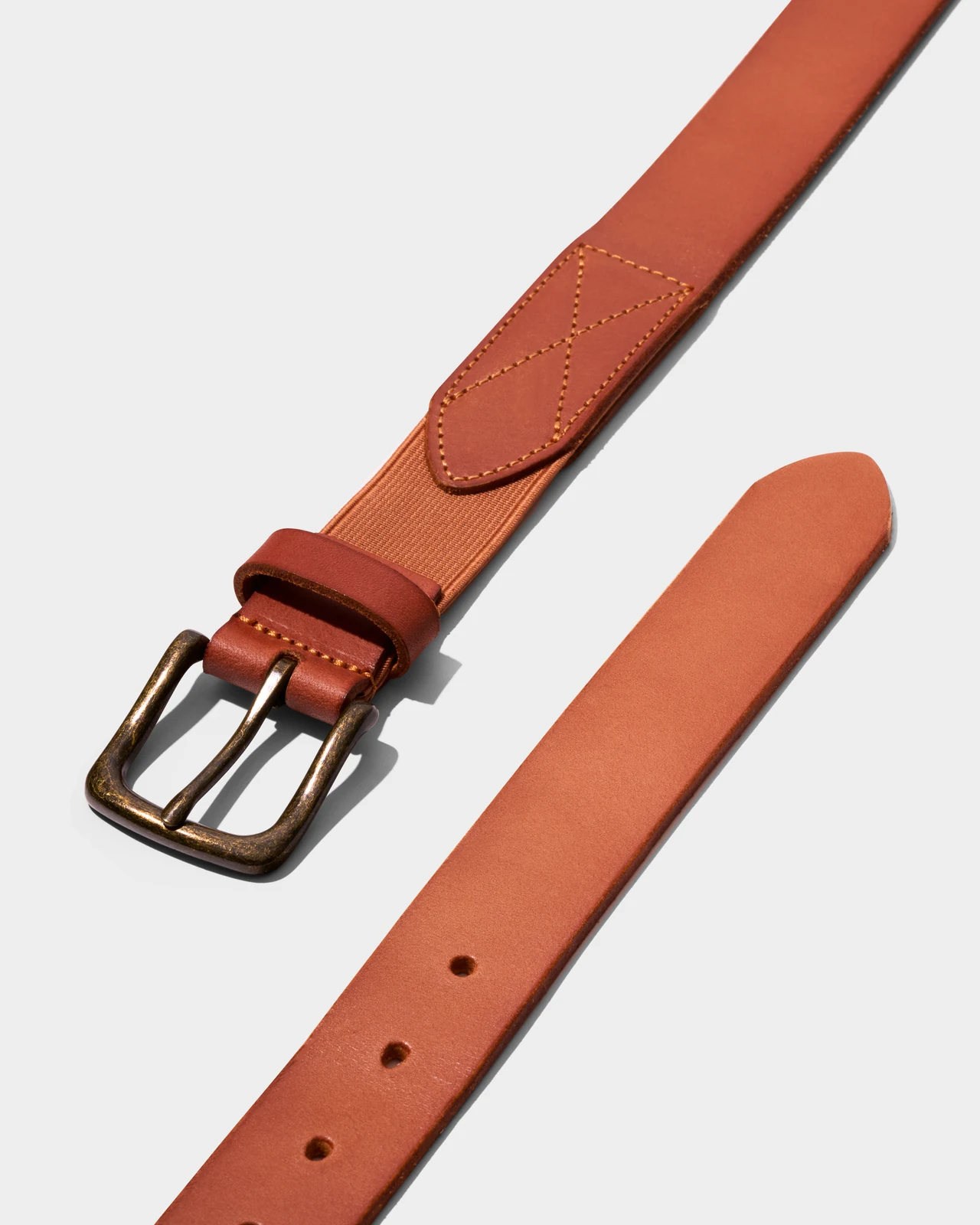
A full view of both belt ends shows their shape and how each end is finished.
Soul Fruit
Sweet Mandarin
Fruit snack packaging
Orange
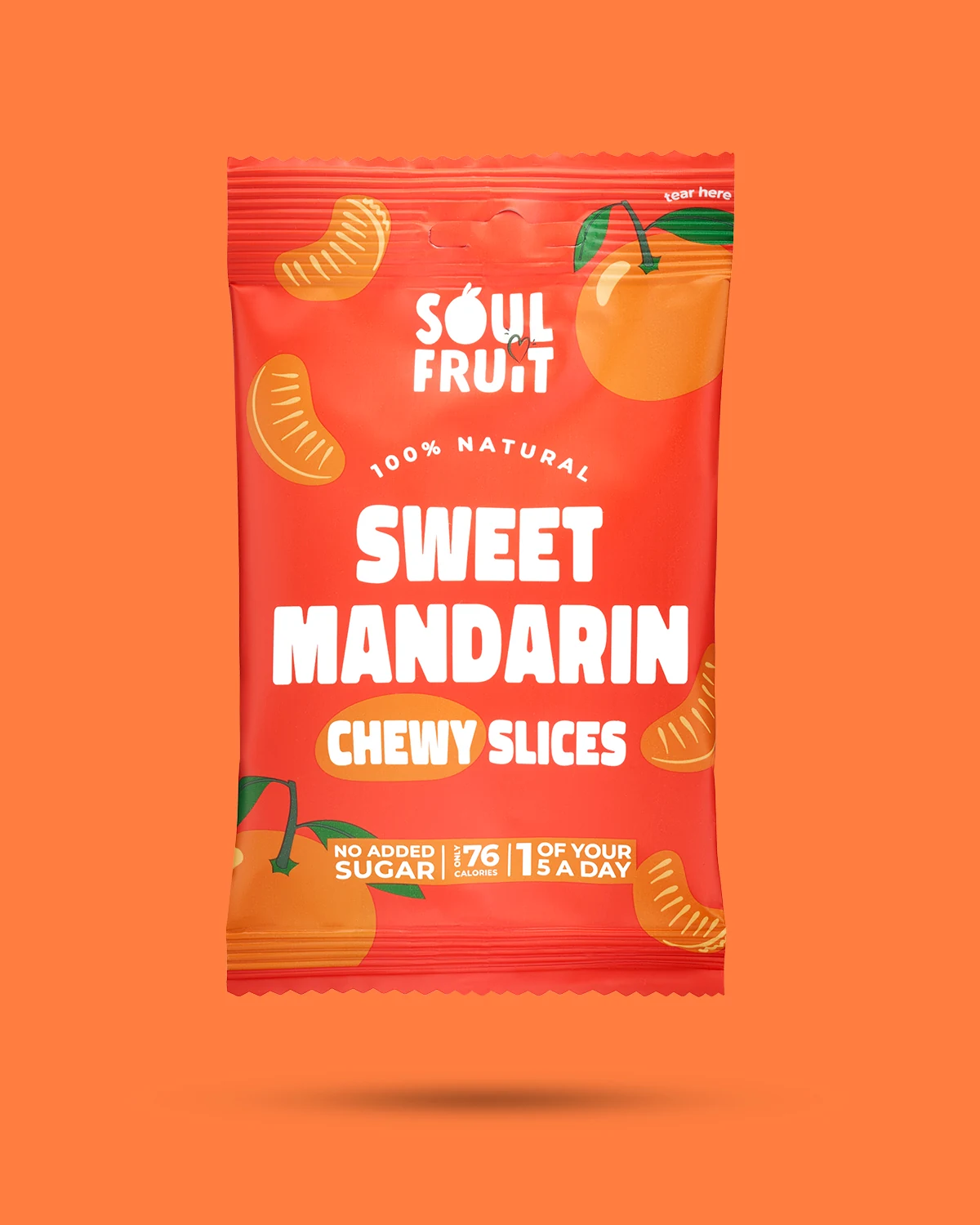
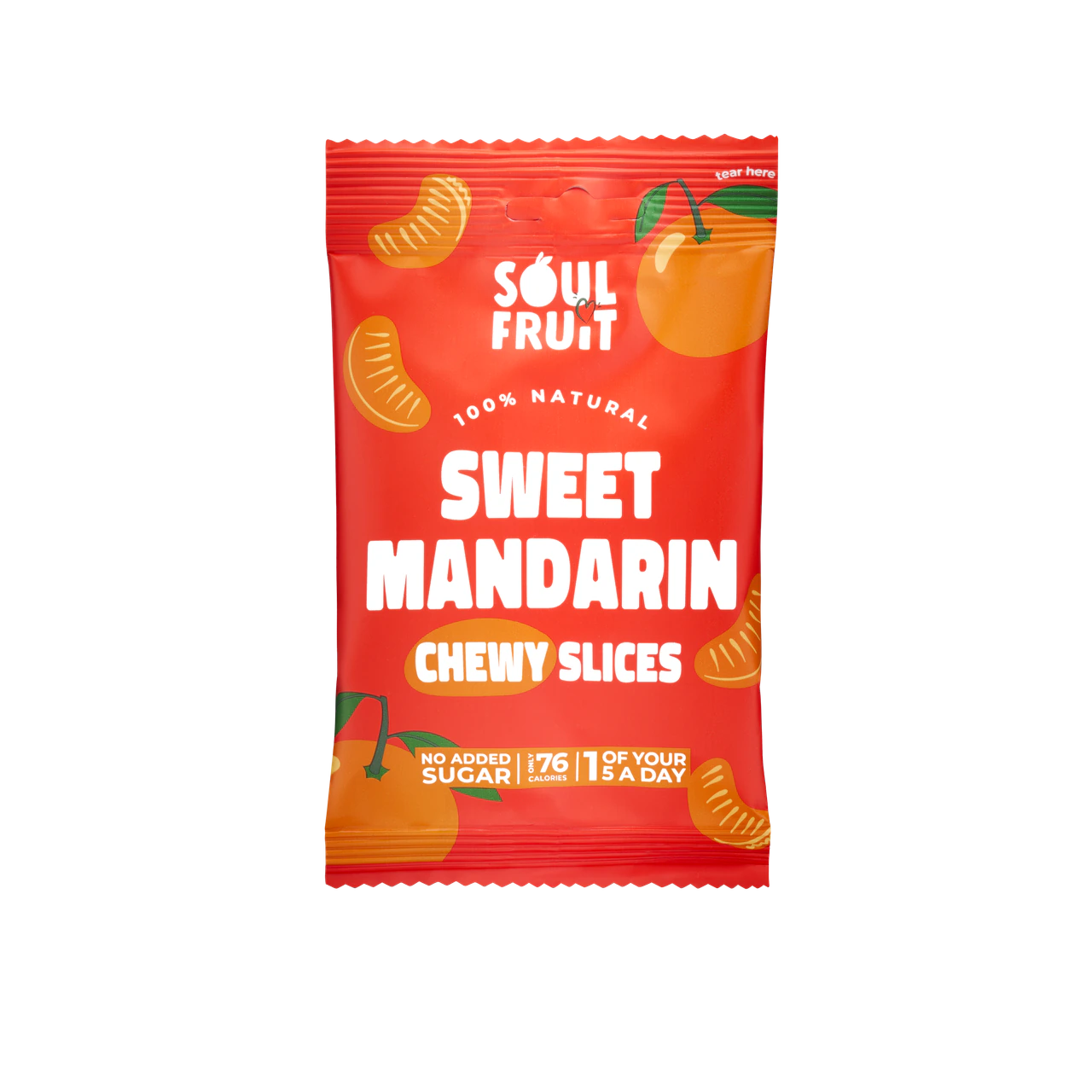
A front view keeps the colourful packaging, branding and product information clear against a complementary background.
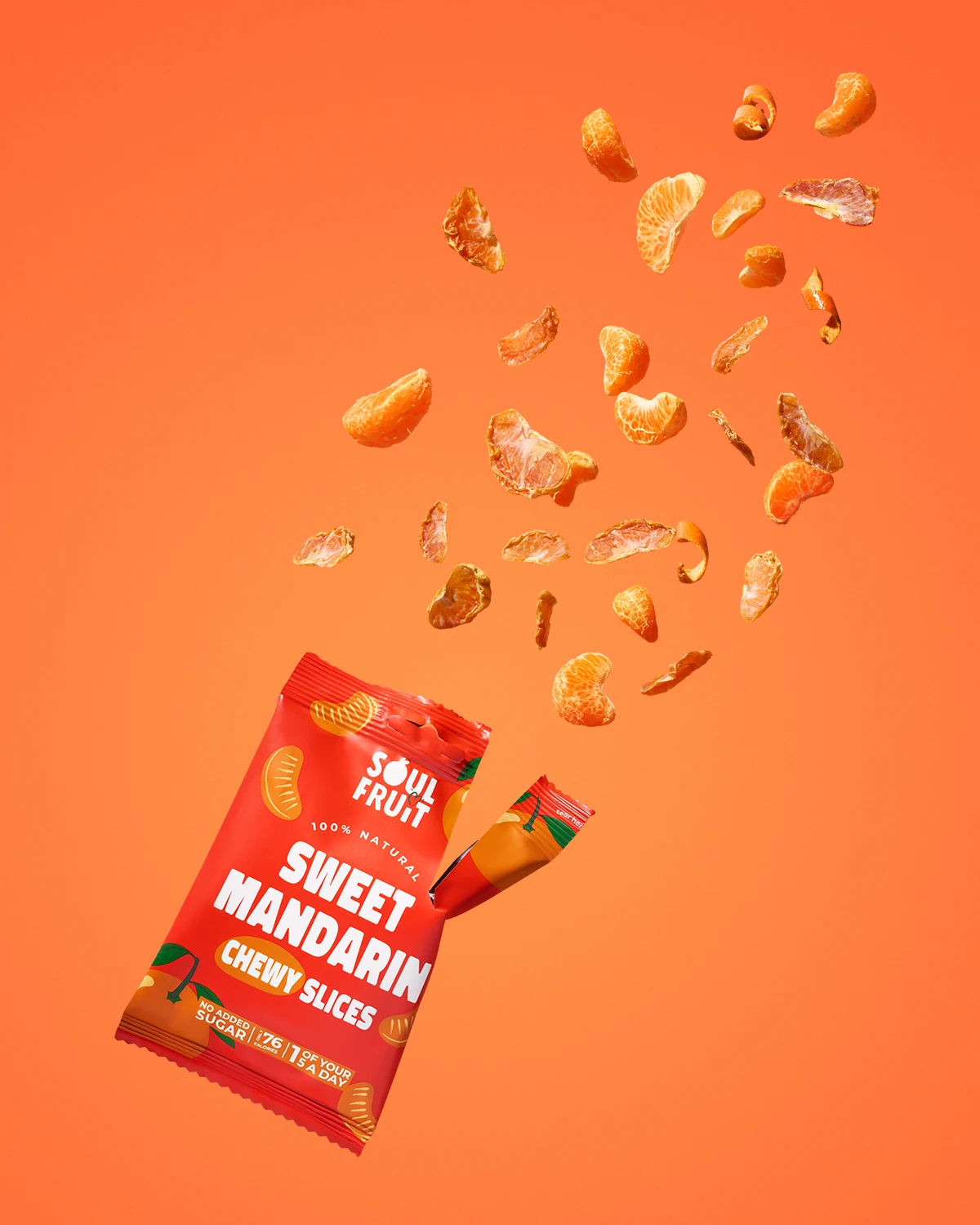
Fresh mandarin segments and dried slices burst from the open packet, bringing the packaging and its contents together in one playful image.

Fresh mandarin segments sit alongside dried slices, showing the fruit’s evolution from fresh to dried through its changing colour and texture.
Healthy Yeti
Omega 3
Product packaging & supporting brand imagery
Blue
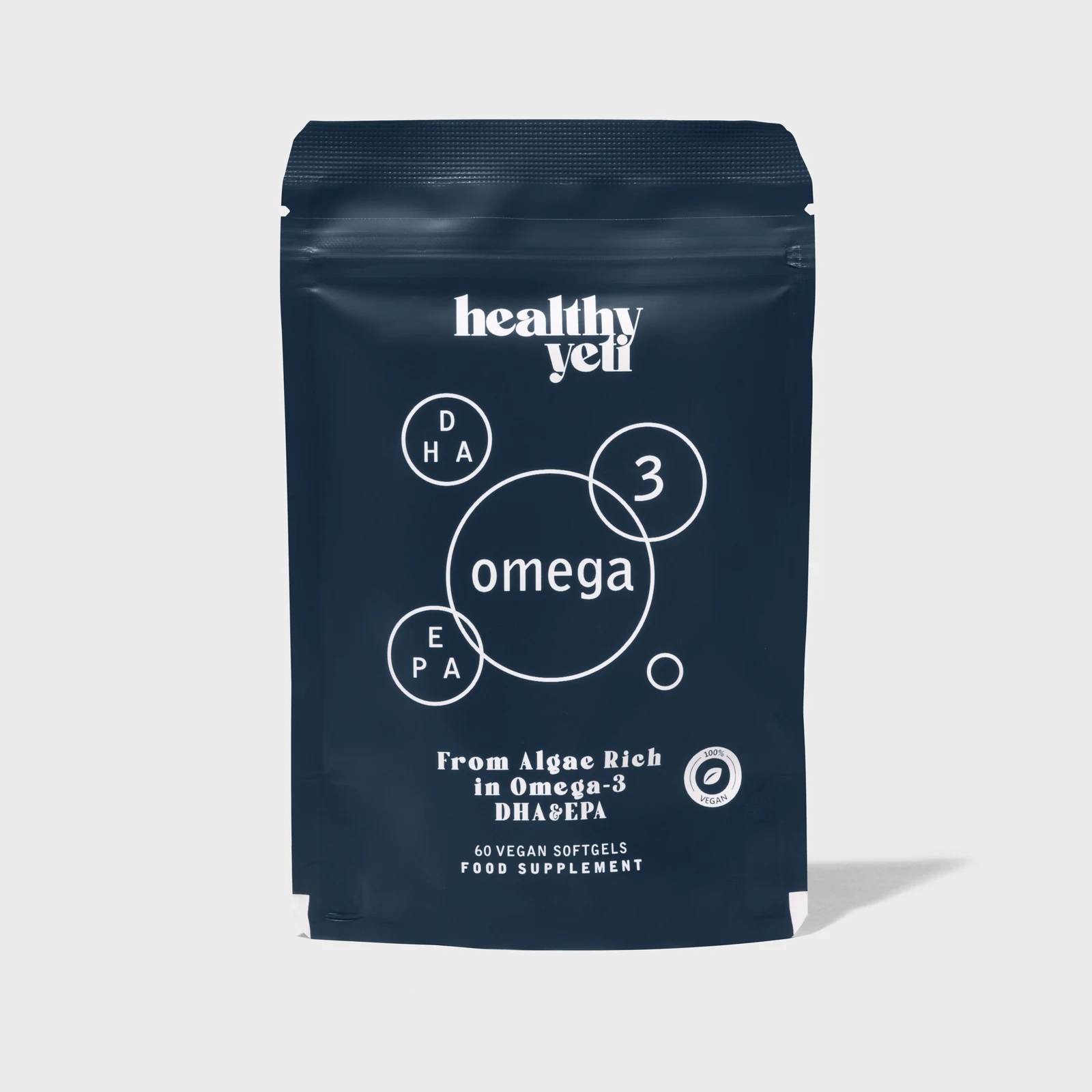
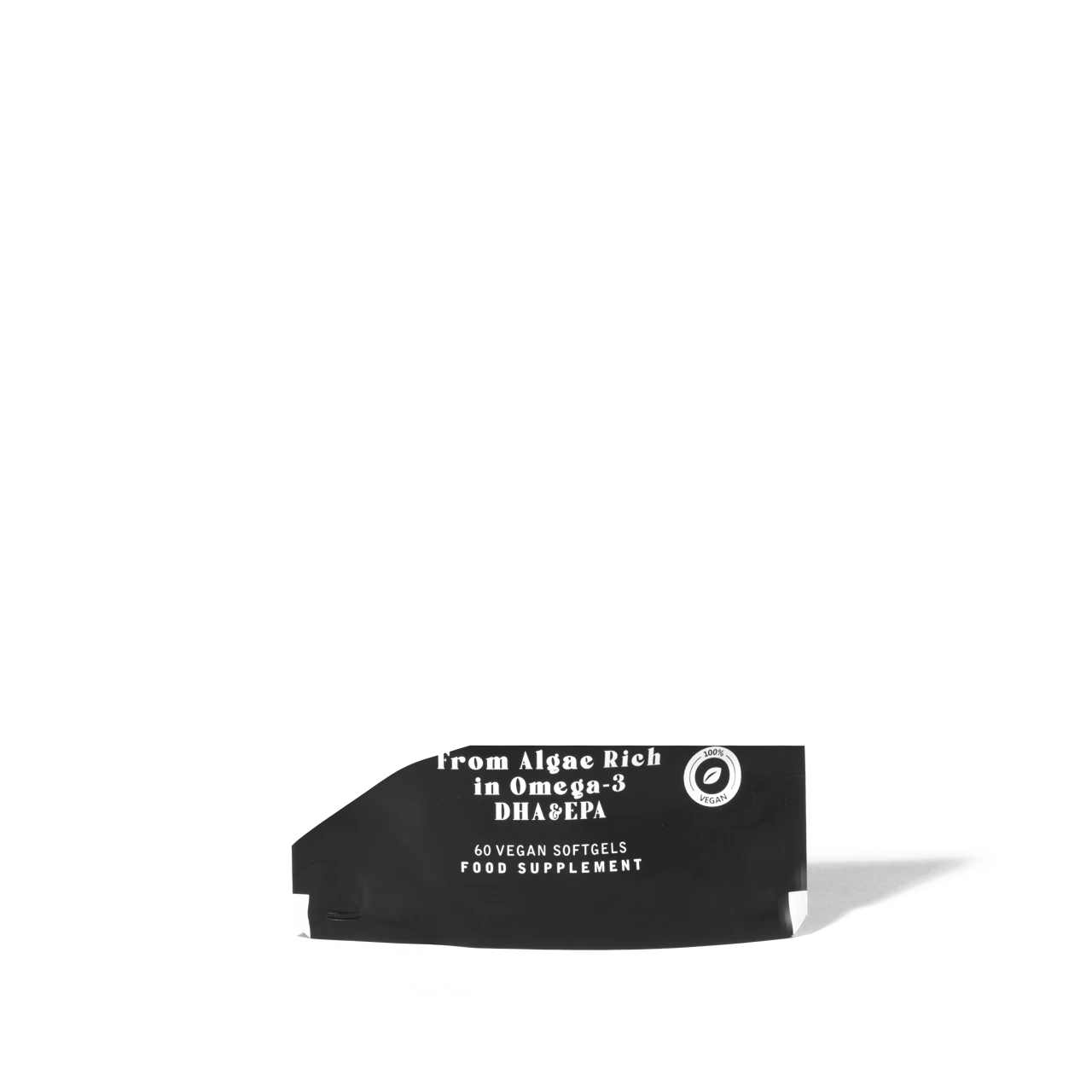
A front view keeps the pouch’s deep blue packaging, distinctive branding and product information clear against a neutral background.
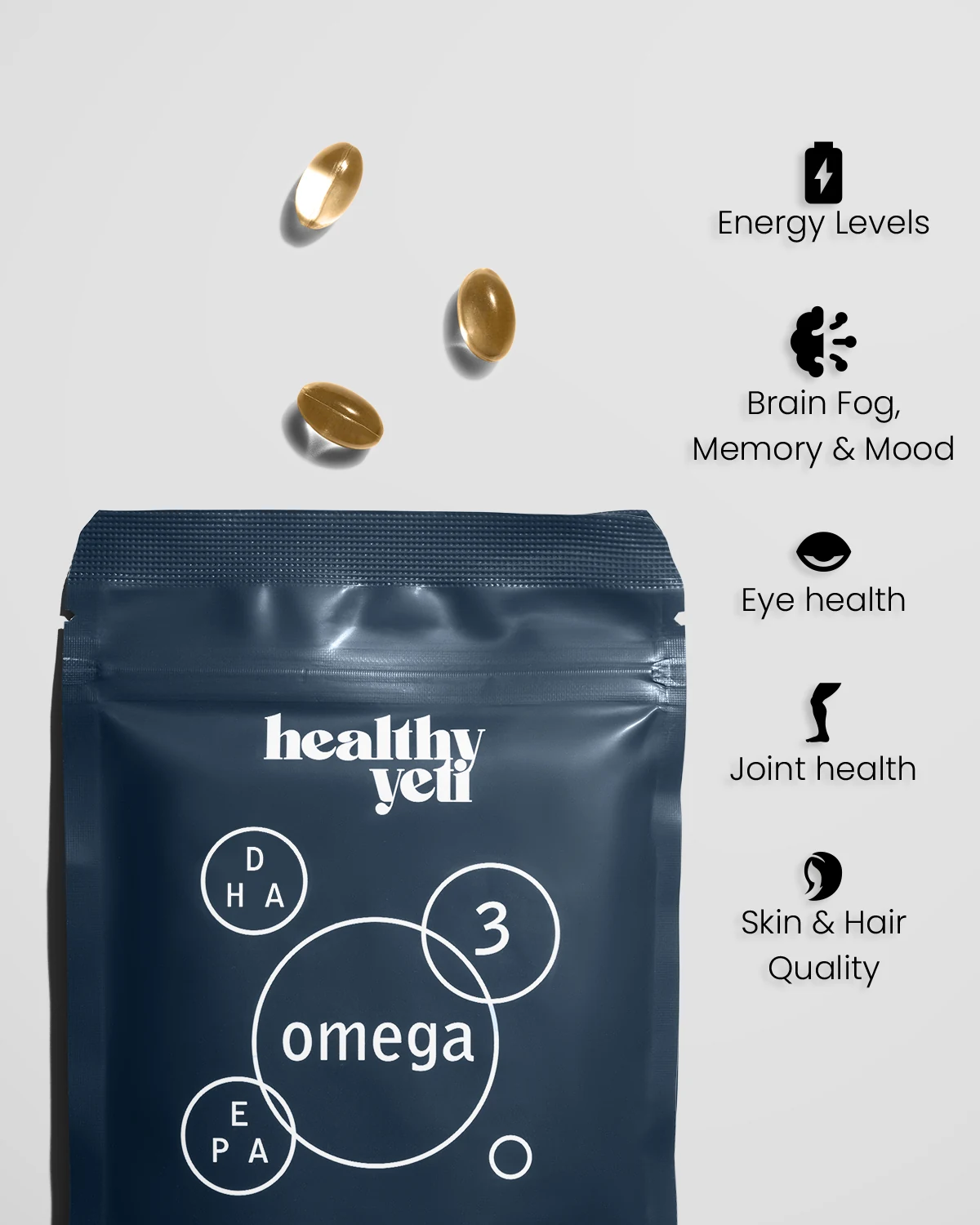
The product and its contents sit alongside graphics illustrating the benefits of Omega 3, bringing the key messages together in one image.

Messaging about the product’s benefits connects it with everyday wellbeing. Showing the pouch in hand against a background in the brand’s colours adds a personal touch.
Mushroom Coffee
Product packaging & supporting brand imagery
Brown

A front view keeps the pouch’s rich brown packaging, distinctive branding and product information clear against a neutral background.
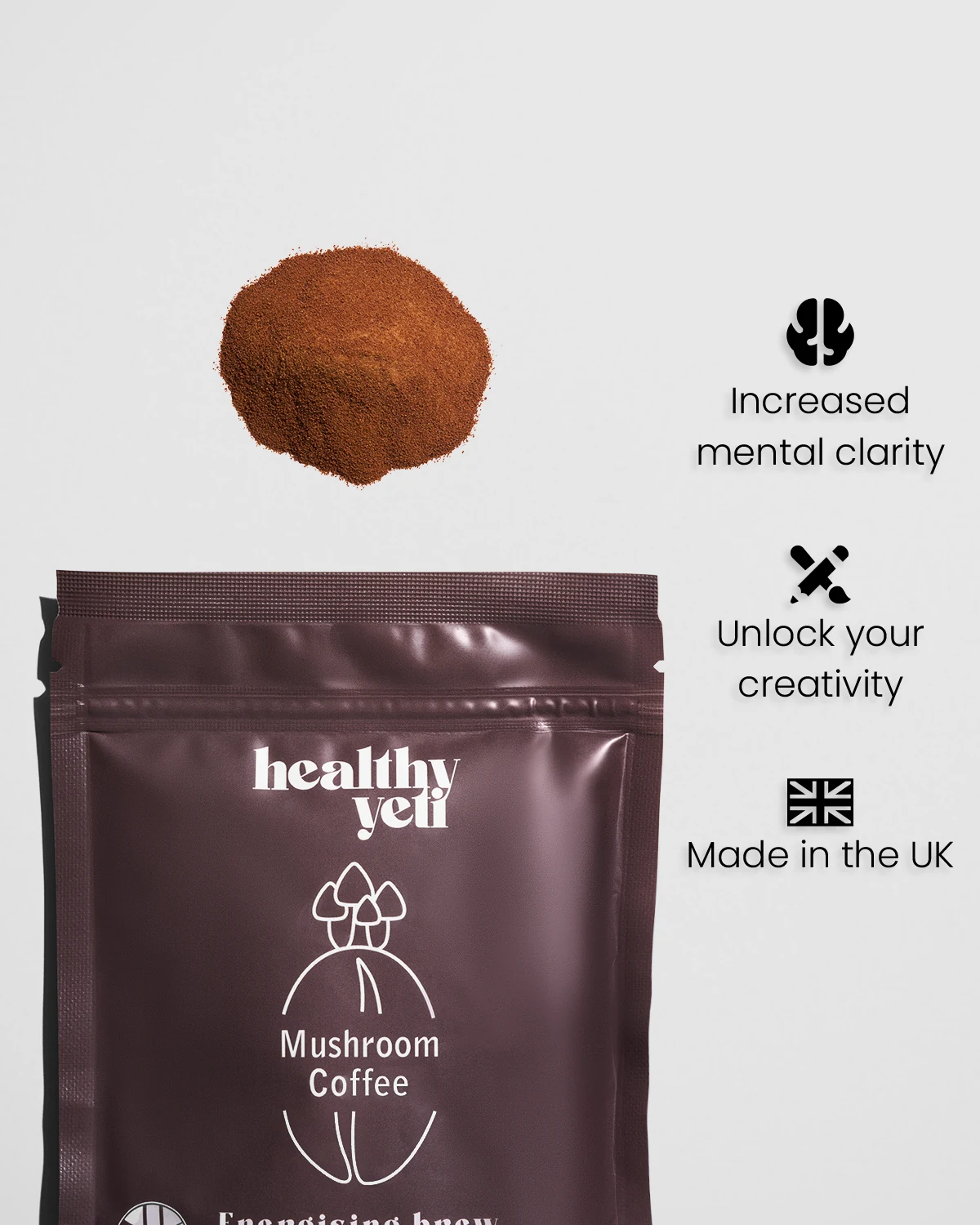
The product and coffee powder sit alongside graphics presenting Healthy Yeti’s messages around mental clarity, creativity and UK production, bringing the key information together in one image.

The “Fuel Your Focus” message connects Mushroom Coffee with an everyday coffee ritual. Showing the pouch in hand against a background in the brand’s colours adds a personal touch.
SWAY
AIRE Flow Digital Hairdryer
Digital hairdryer · Views & diffuser attachment
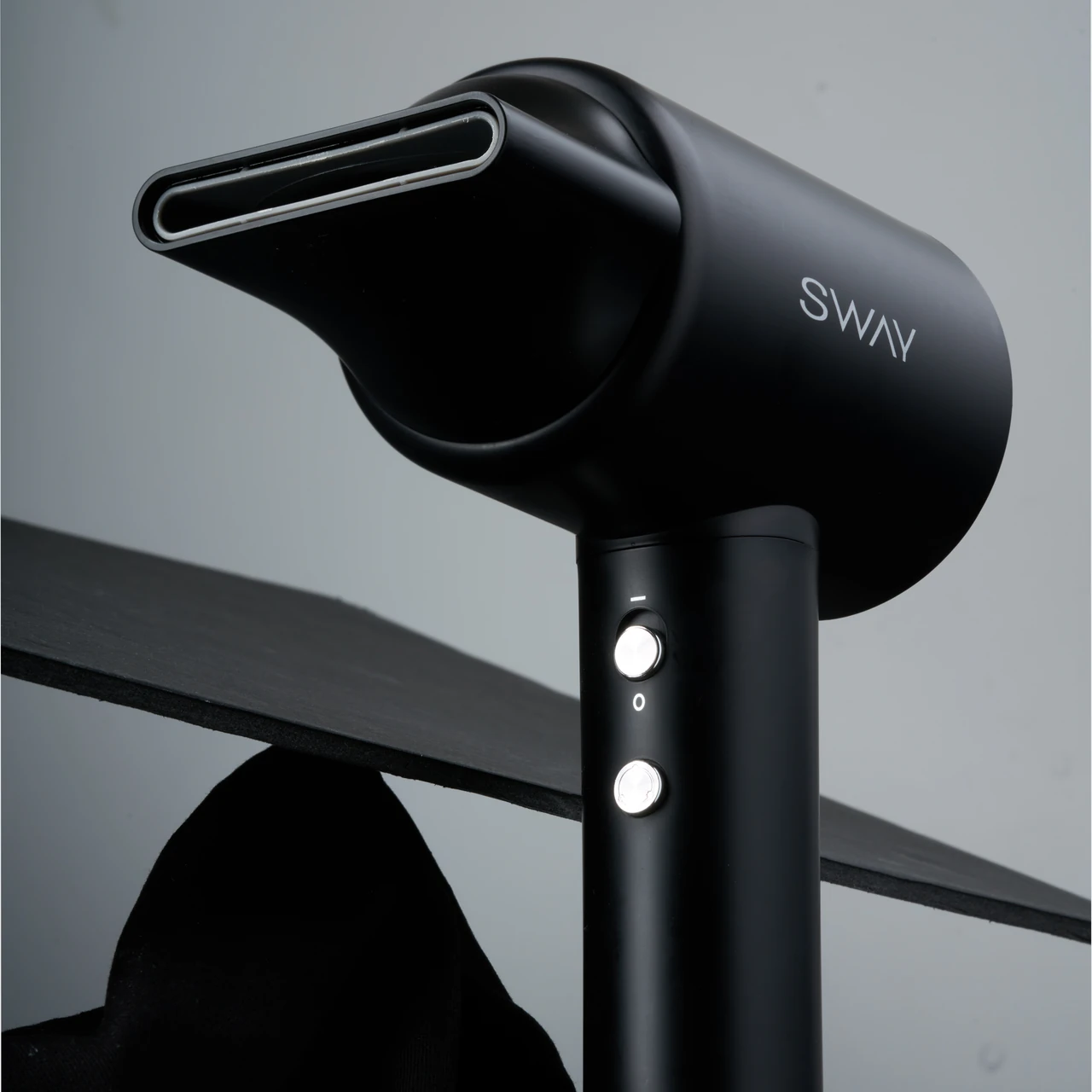
Black
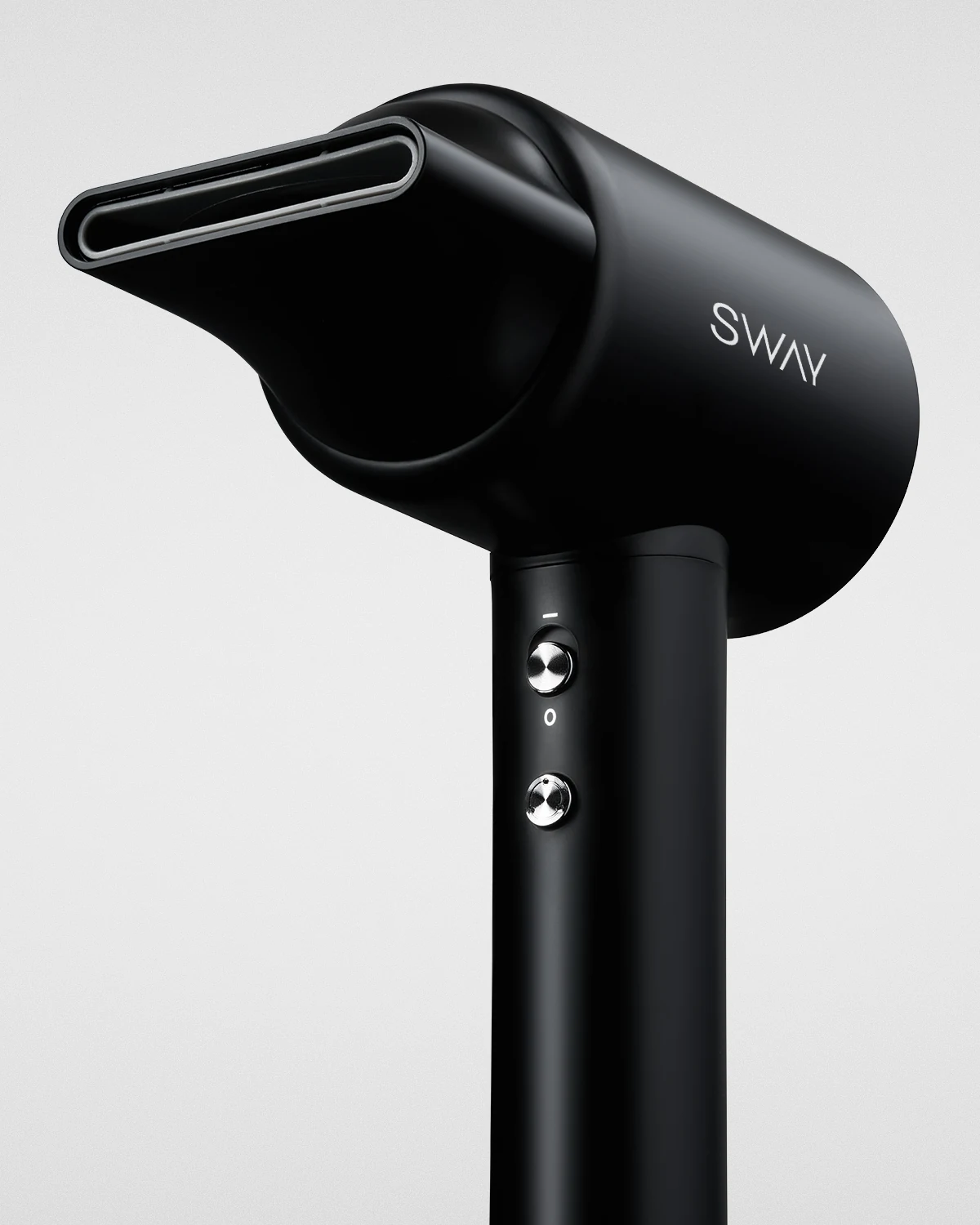
An angled view highlights the smooth black finish, sculpted shape and silver controls, with the styling nozzle fitted.
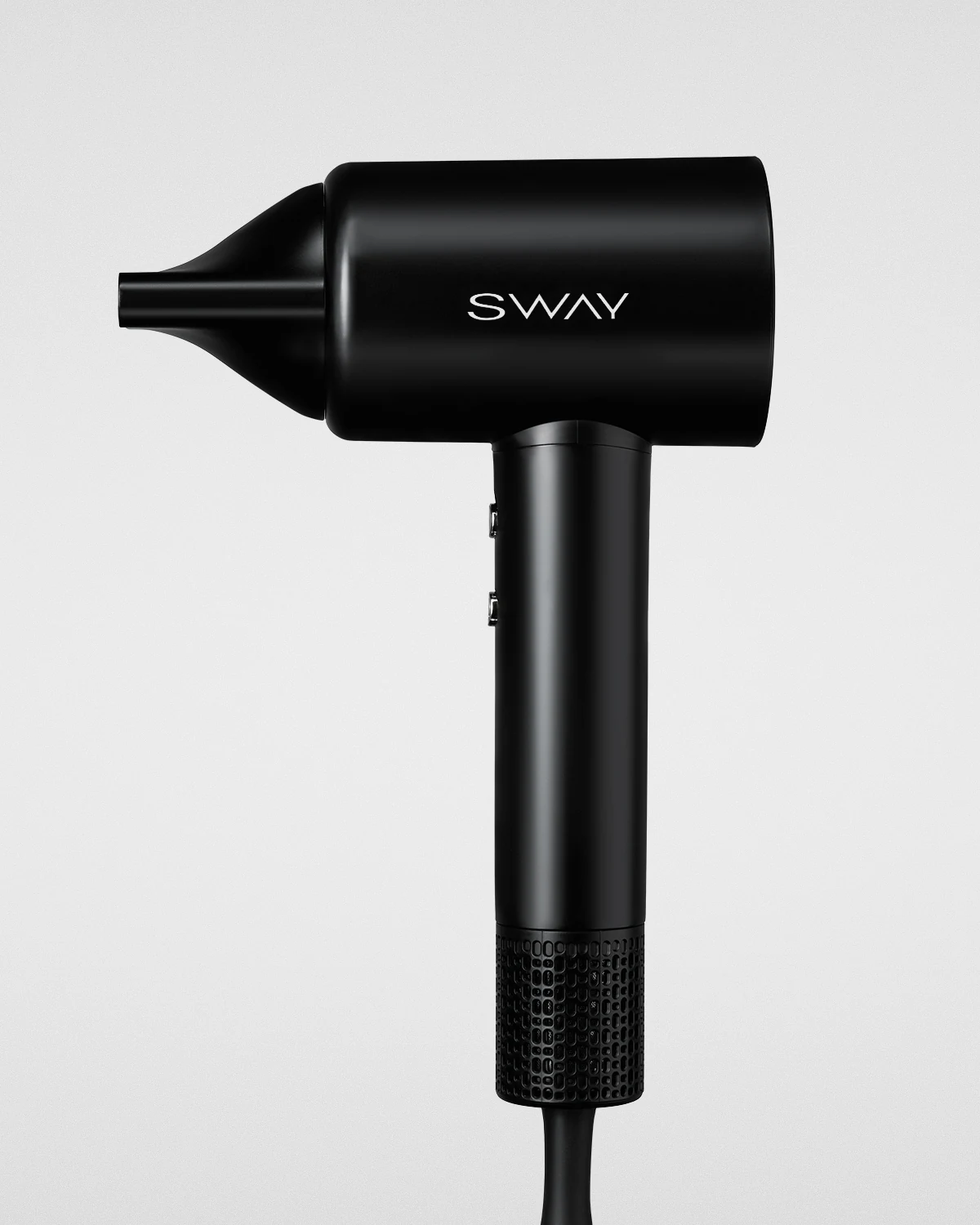
A side view shows the dryer’s clean silhouette, slim handle and the grille at its base.
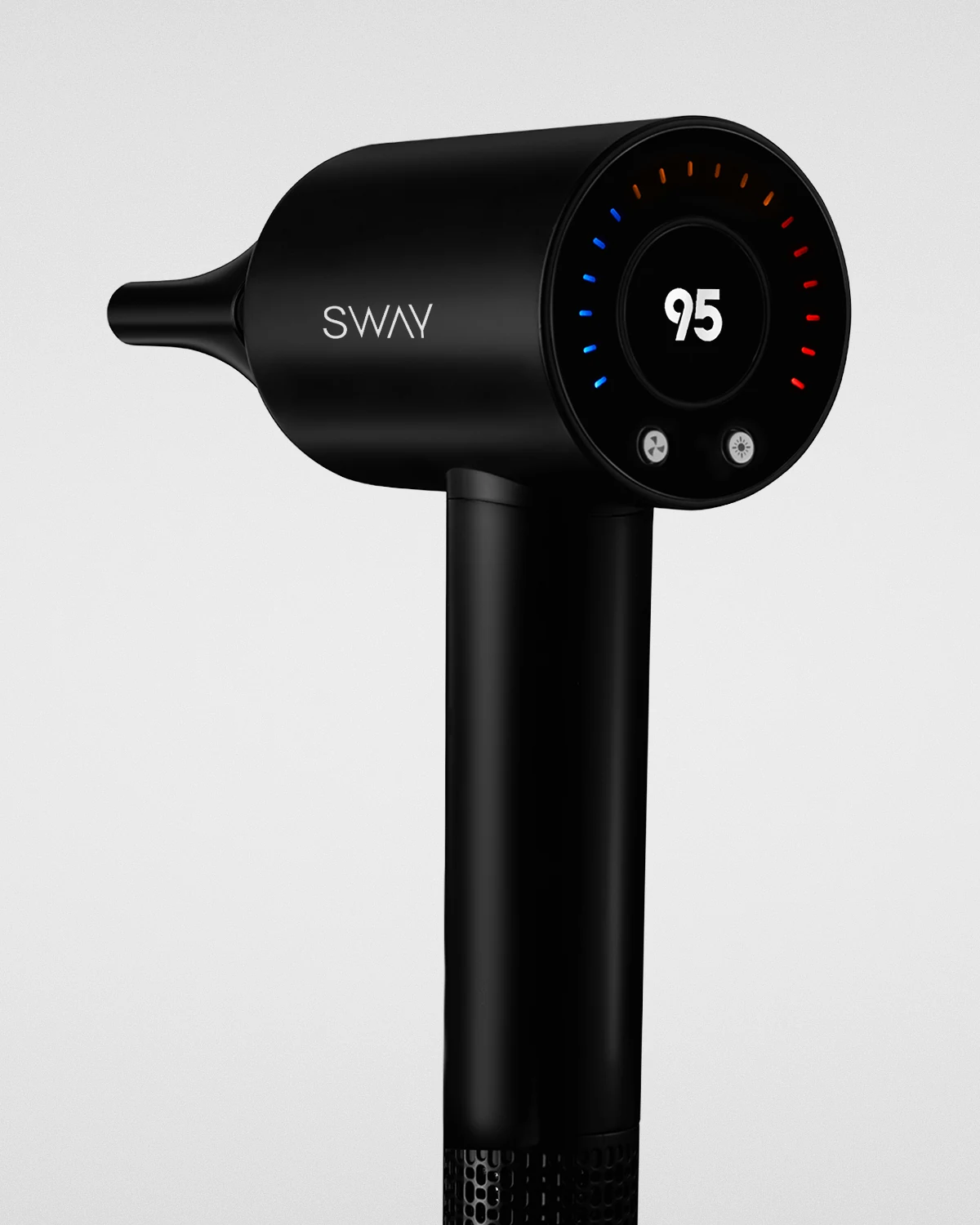
A rear view brings the digital display, coloured indicators and control buttons into focus.
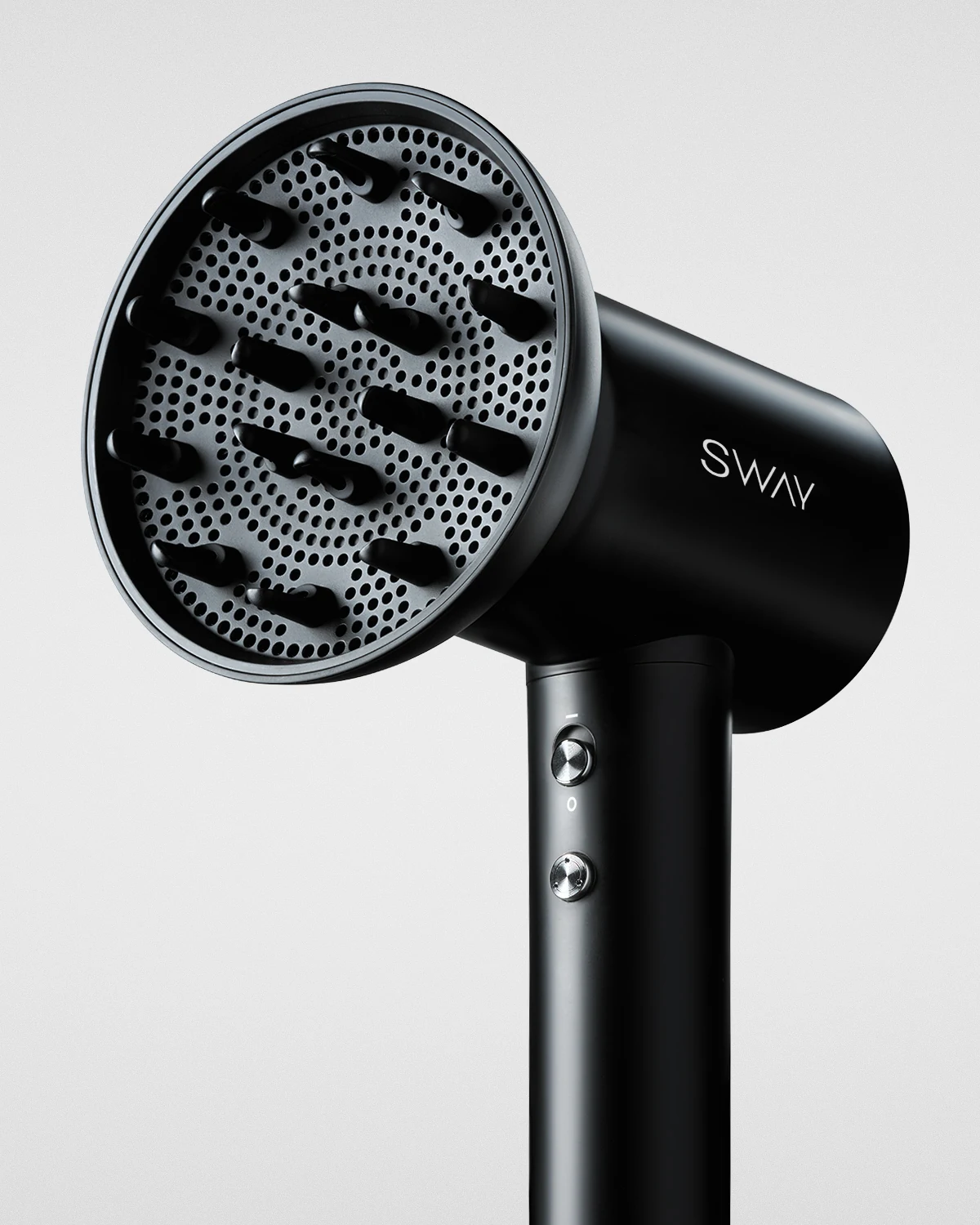
Shown with the diffuser fitted, this view highlights how the dryer works with different styling attachments.
AIRE PRO DIGITAL Hairdryer
Digital hairdryer · Product views & grille detail
Black
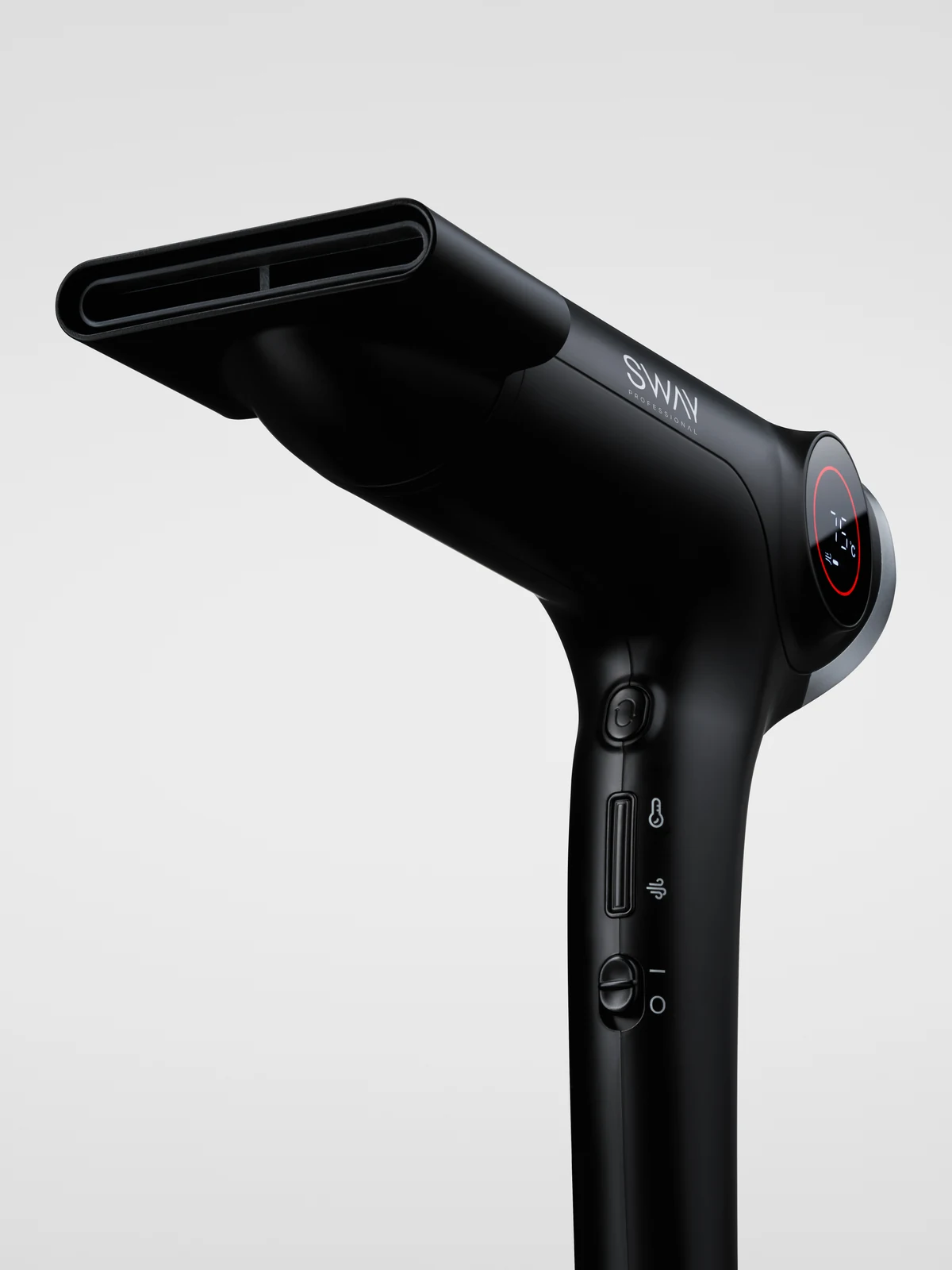
An angled view highlights the smooth black finish, curved design and handle controls, with the styling nozzle fitted.
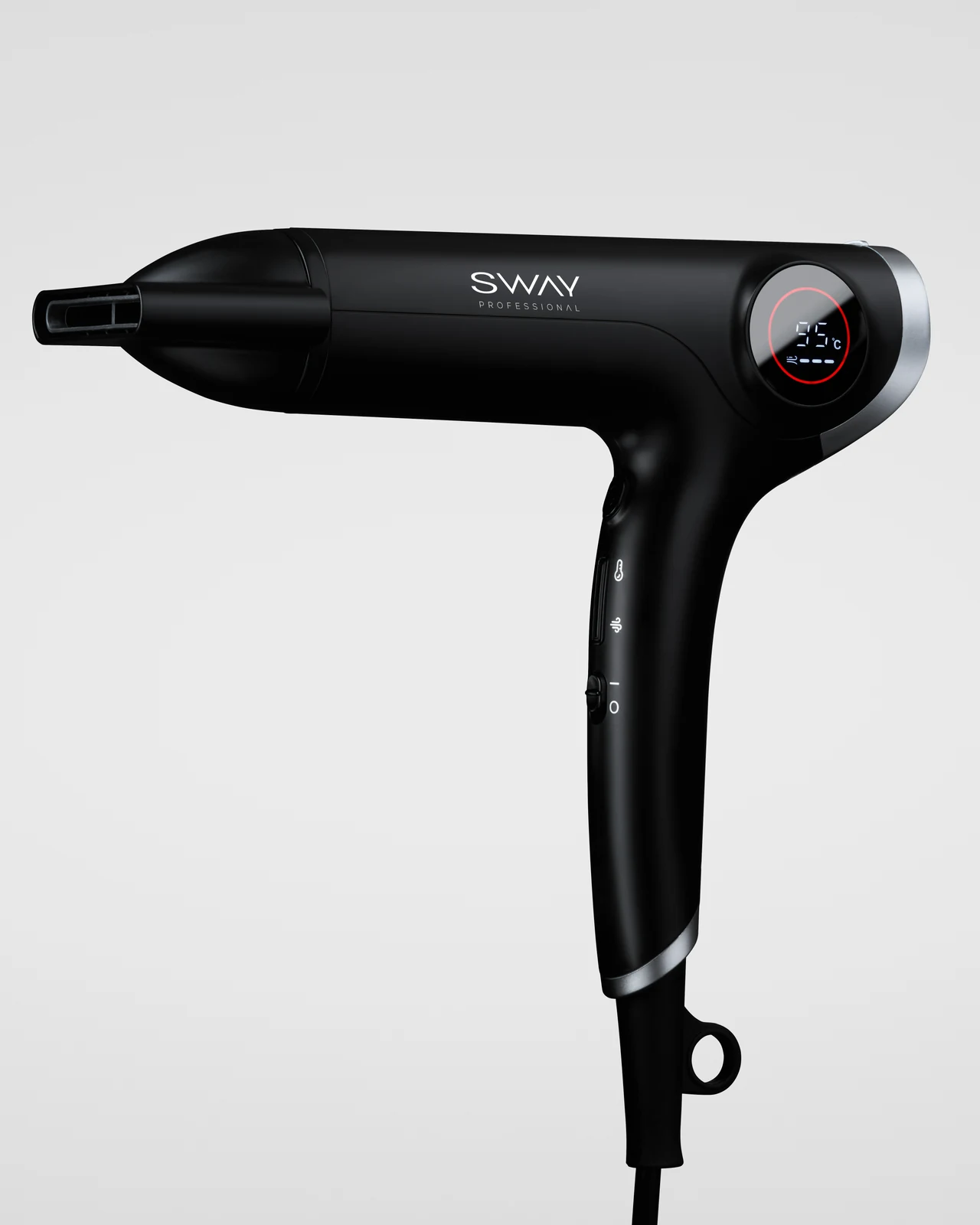
A full side view shows the dryer’s proportions, digital display and silver detailing from nozzle to handle.
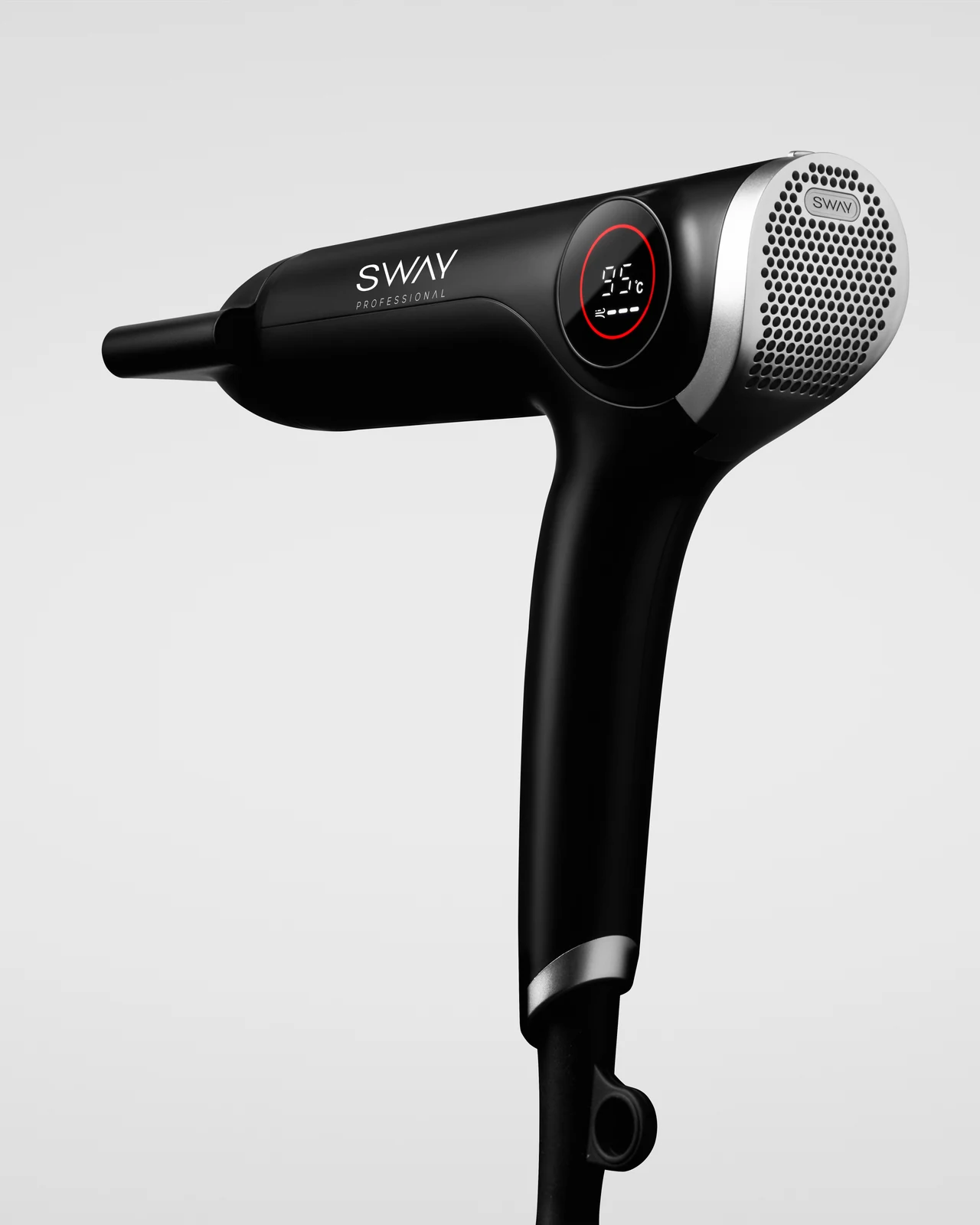
A rear angle brings the silver grille and illuminated display into view, showing how these details sit within the dryer’s overall shape.
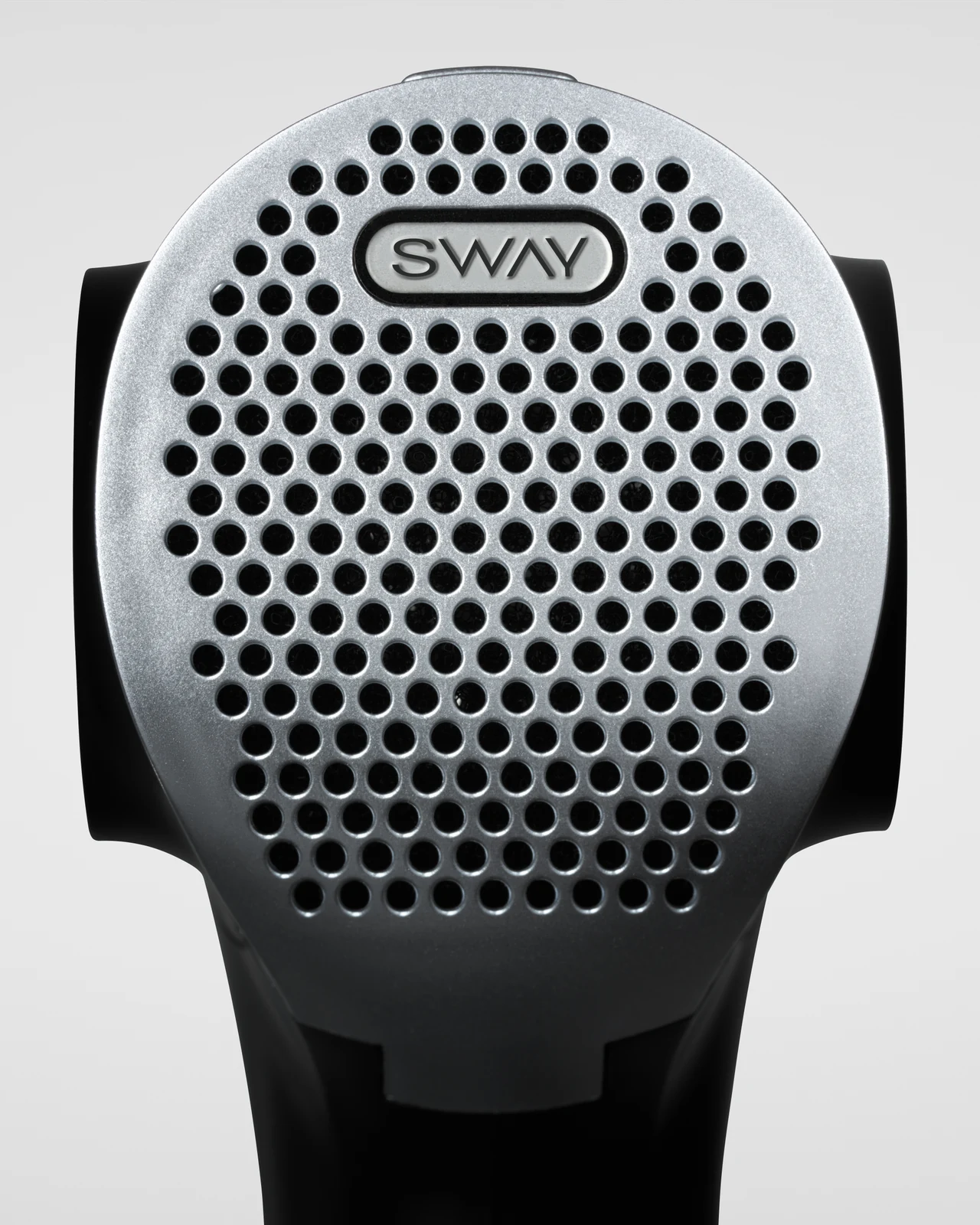
A closer view highlights the texture and finish of the silver grille, giving the finer design details room to stand out.
Royal Clips
Fade Kit 2.0 RC-C2
Clipper
Black
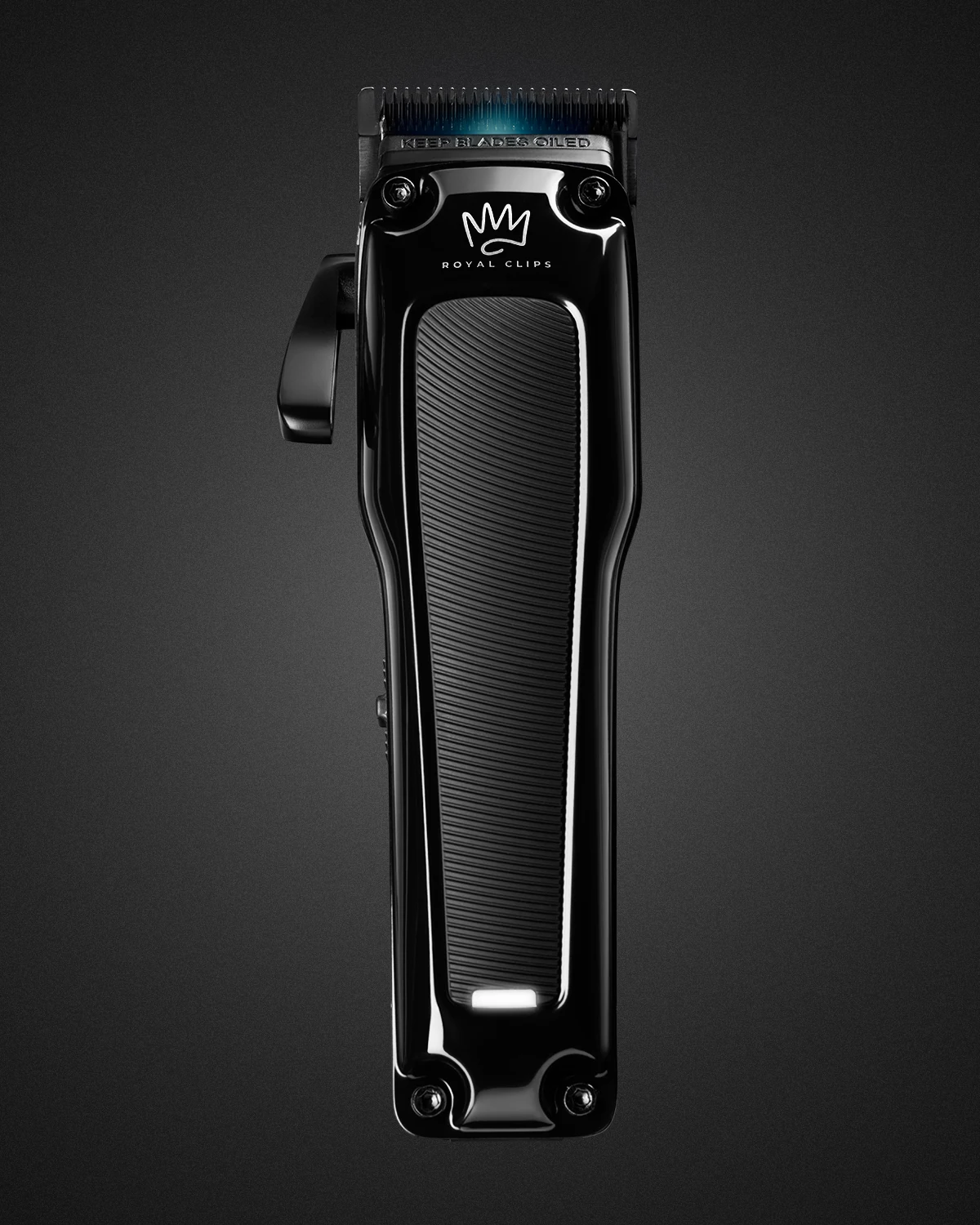
A full view highlights the clipper’s glossy black finish and textured grip, with lighting that defines its shape against a dark background.
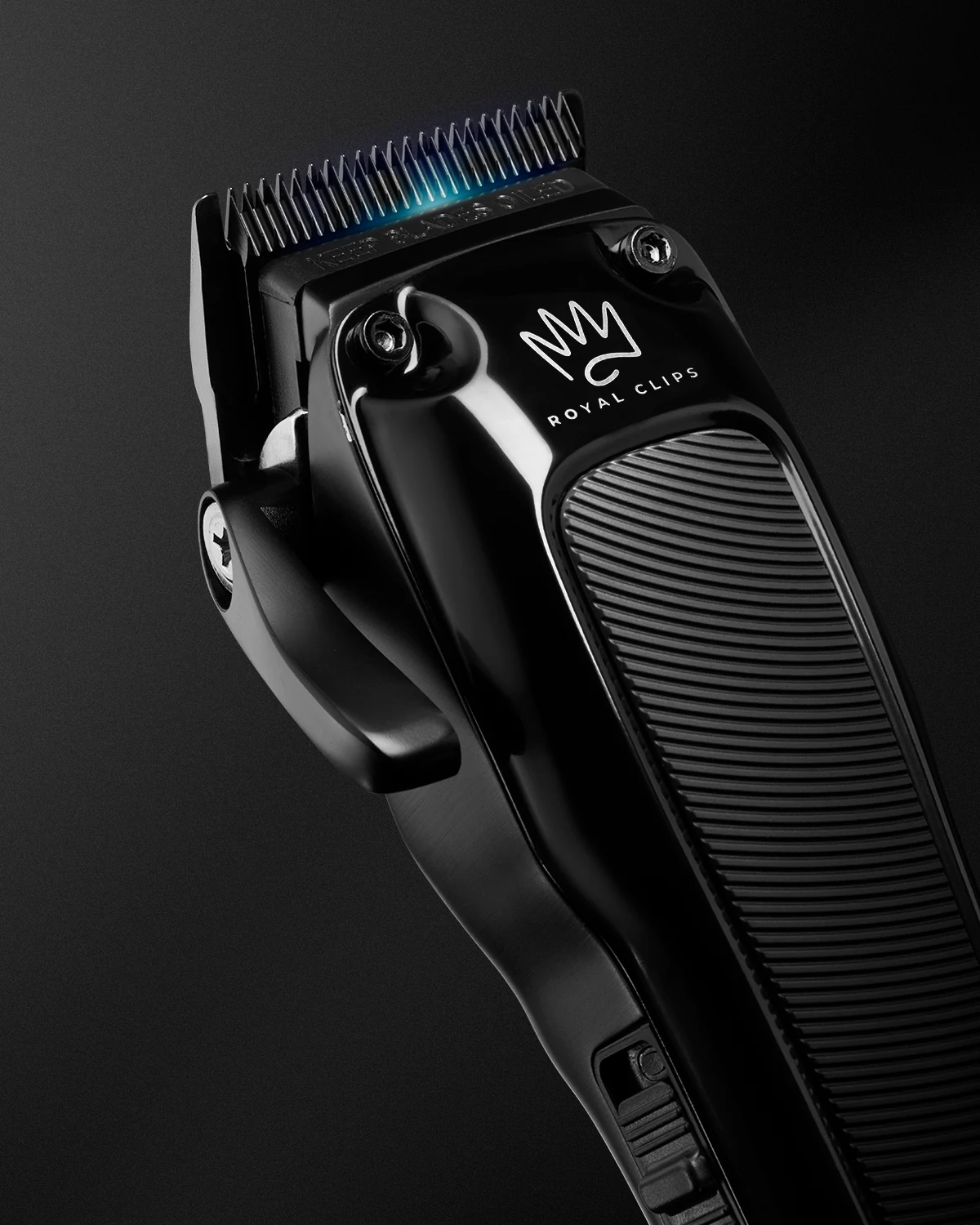
A closer angled view gives the blade and adjustment lever greater prominence, while bringing out the contrast between polished surfaces and the textured grip.
Fade Kit 2.0 RC-T2
Trimmer
Black
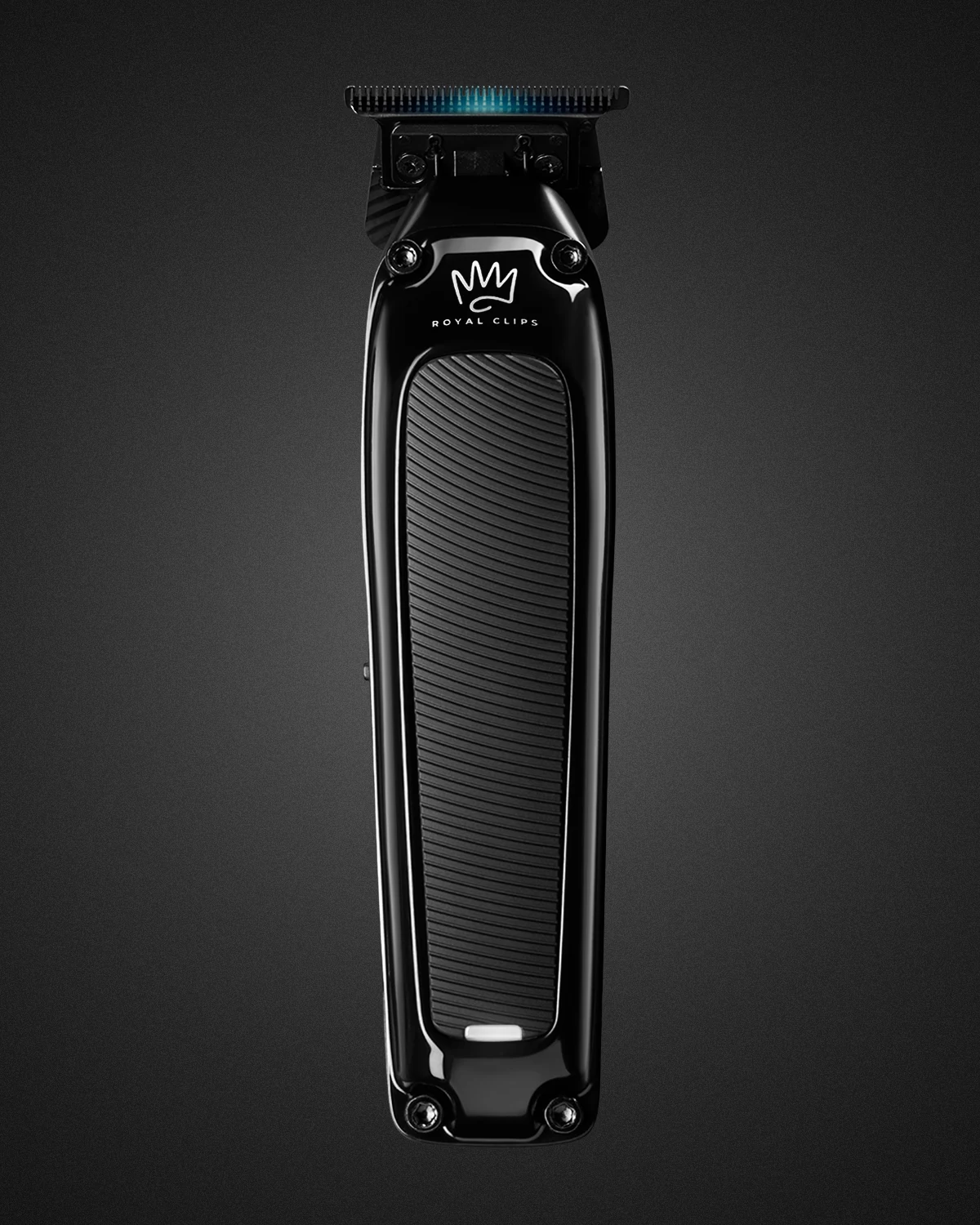
A full view highlights the trimmer’s glossy black finish and textured grip, with lighting that defines its slim shape against a dark background.
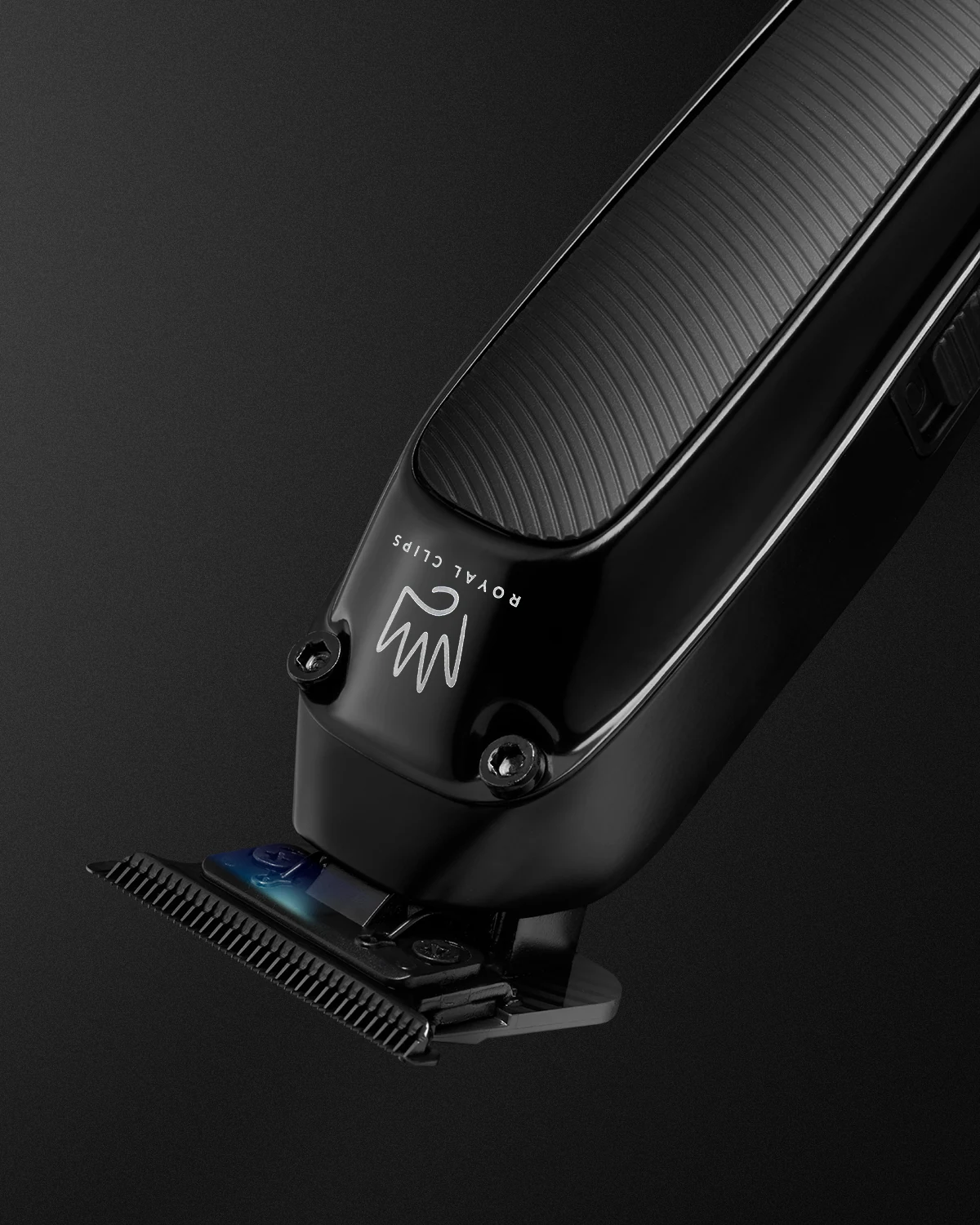
A closer angled view reveals the blade’s fine teeth and how it sits within the trimmer’s design, while bringing out the surrounding contours and finish.
Fade Kit 2.0 RC-FS2
Foil Shaver
Black
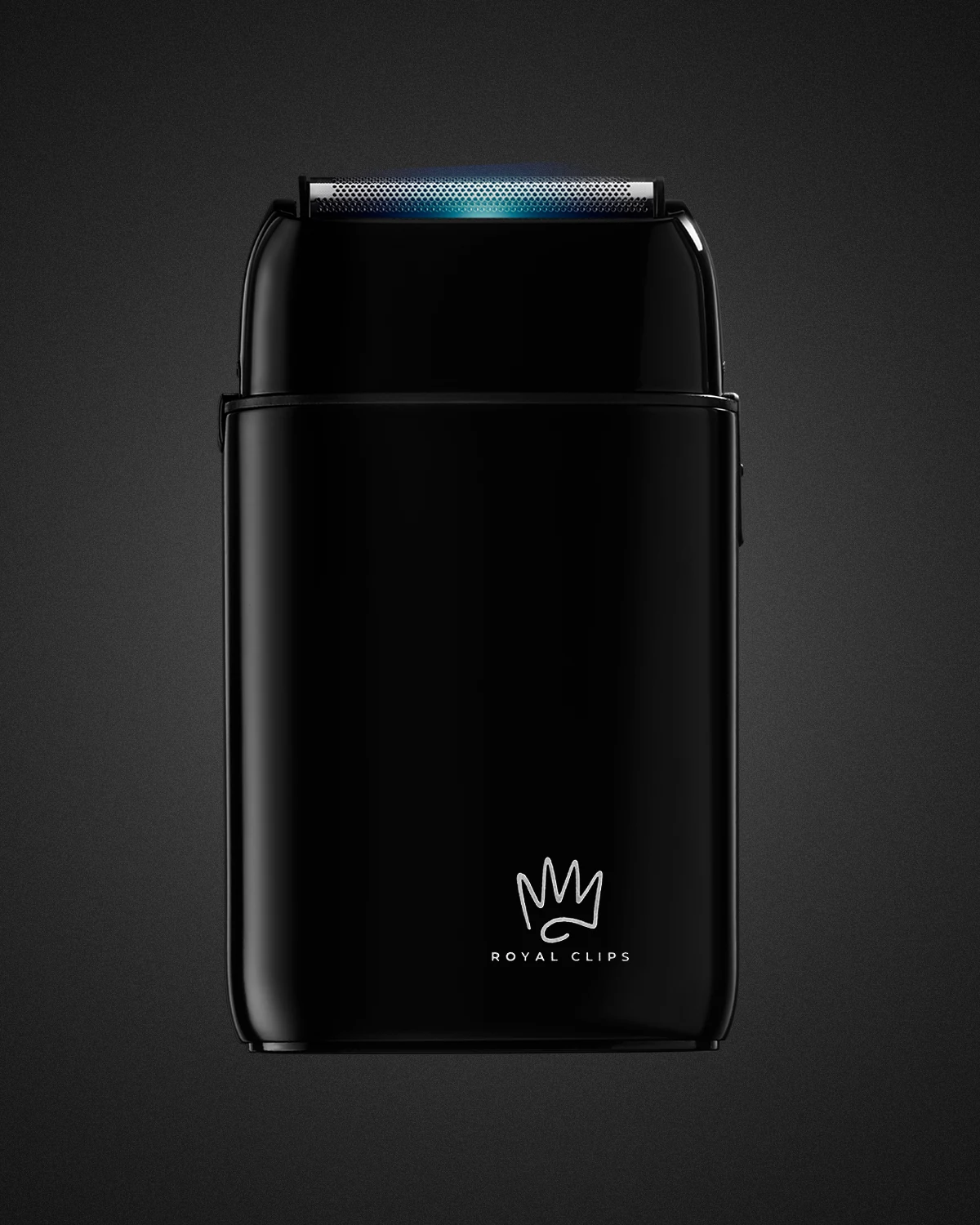
A full view highlights the shaver’s compact shape and smooth black finish, with lighting that separates its contours from the dark background.
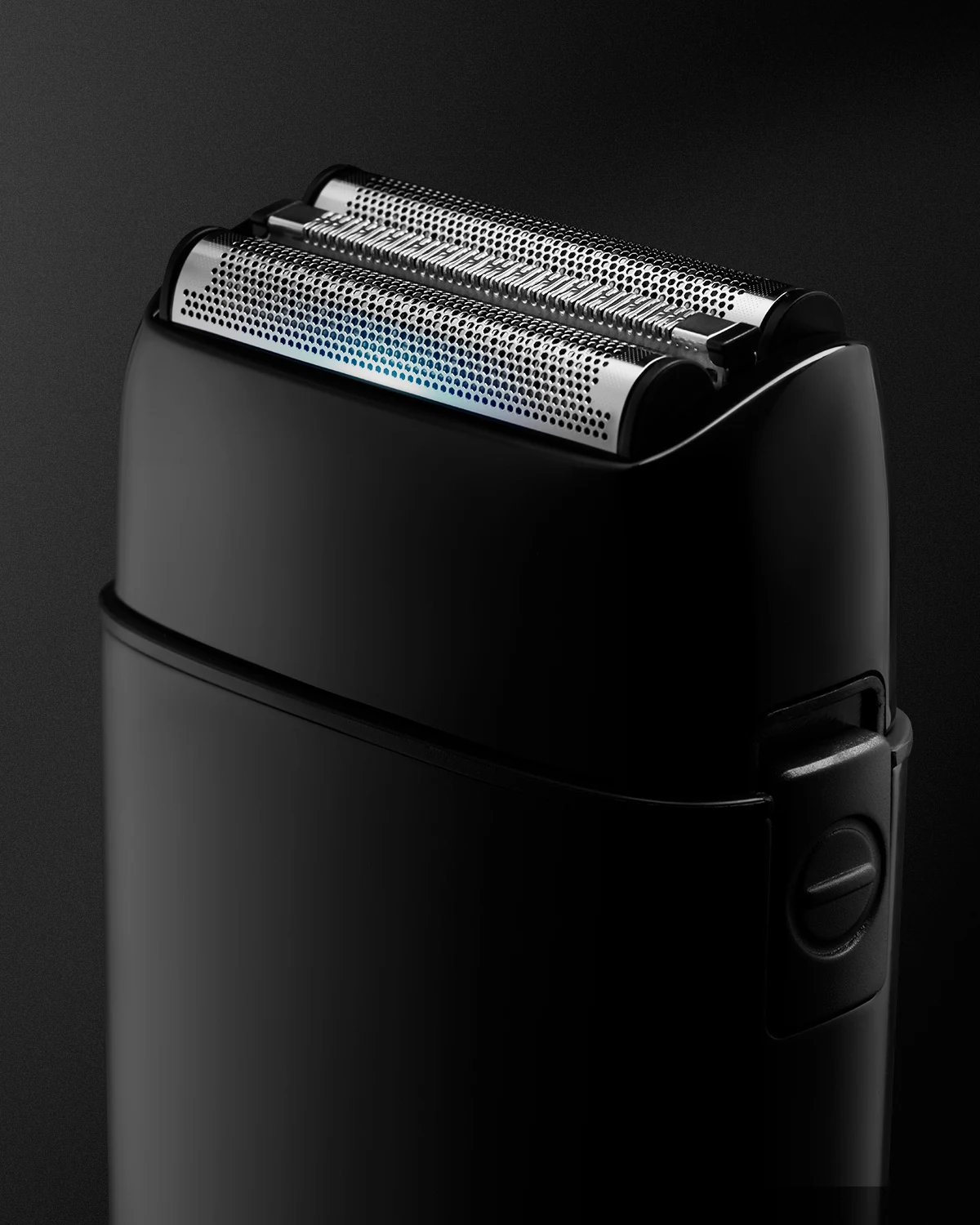
A closer angled view highlights the twin foils and central cutting strip, bringing out the contrast between their fine metal texture and the smooth body.
Thunderpaws
Thunderpaws and the Tower of London · Cover
Illustrated softback book
Front, reverse and angled cover photography introduce the softback, with a supporting graphic for the wider listing.
Softback

The front cover establishes the title, illustration and identity of the softback.
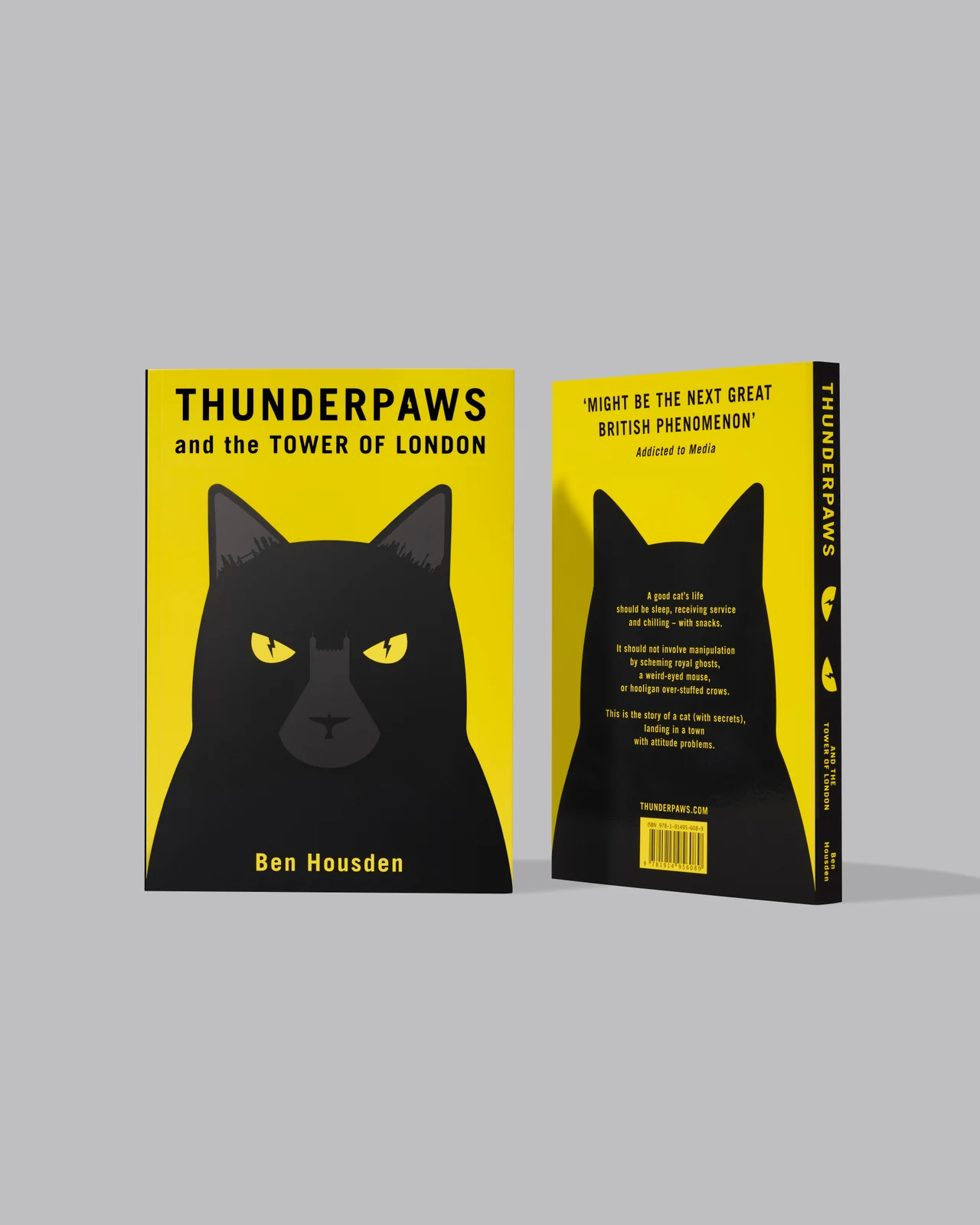
An angled view brings the front, spine and back together.
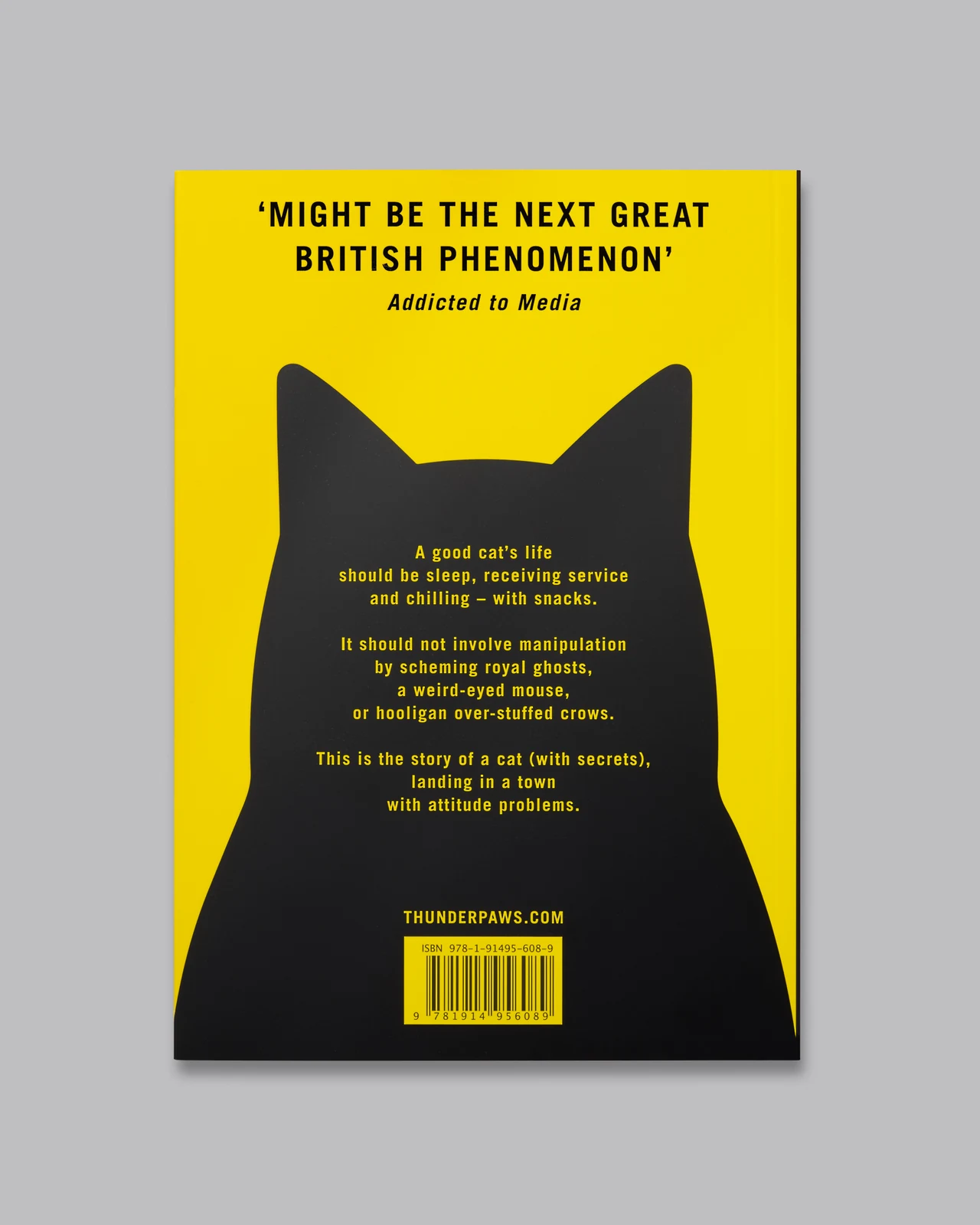
The back cover shows the blurb, layout and publication details.
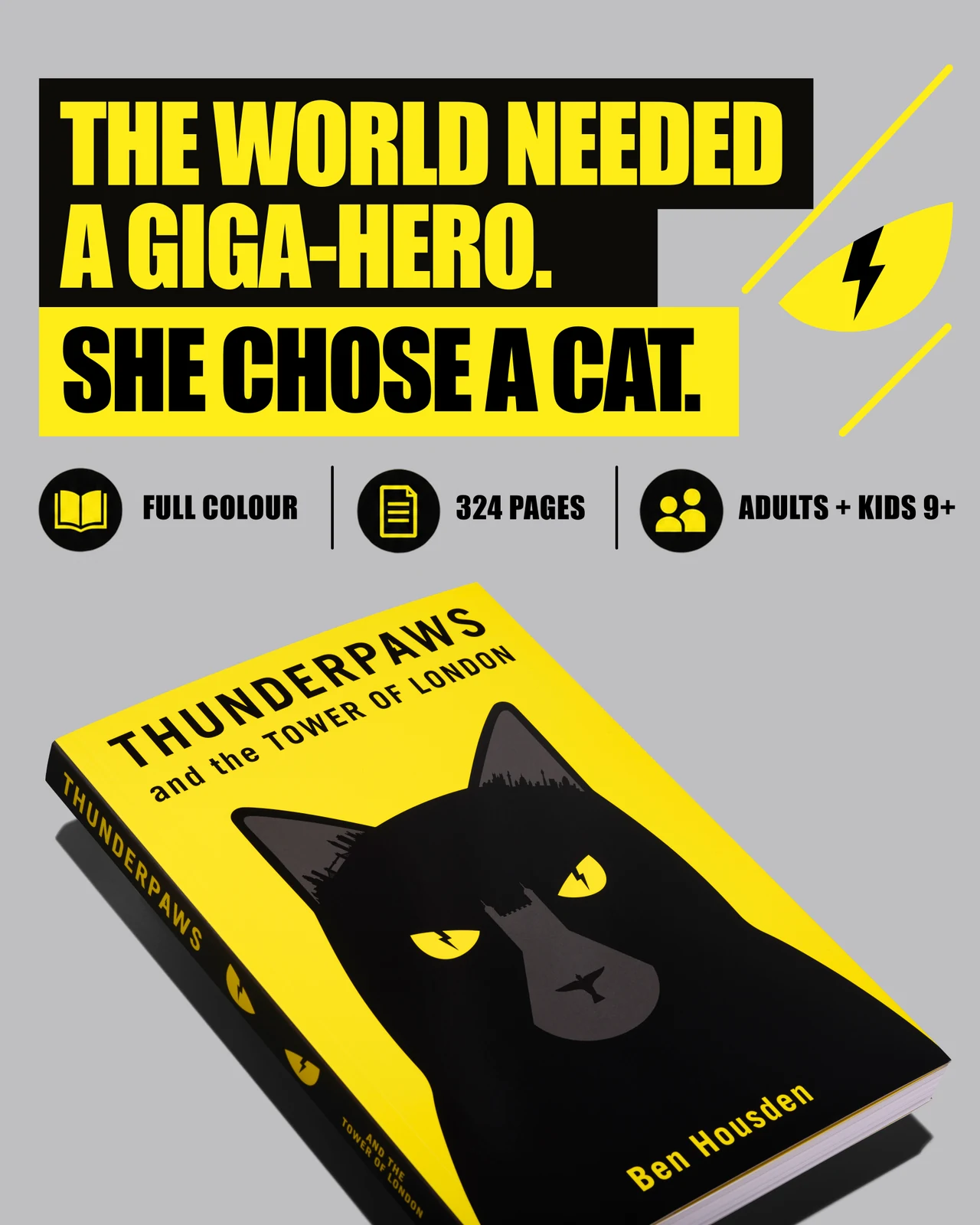
A supporting graphic combines the book with its visual identity and promotional message.
Thunderpaws and the Tower of London · Pages
Illustrated softback book
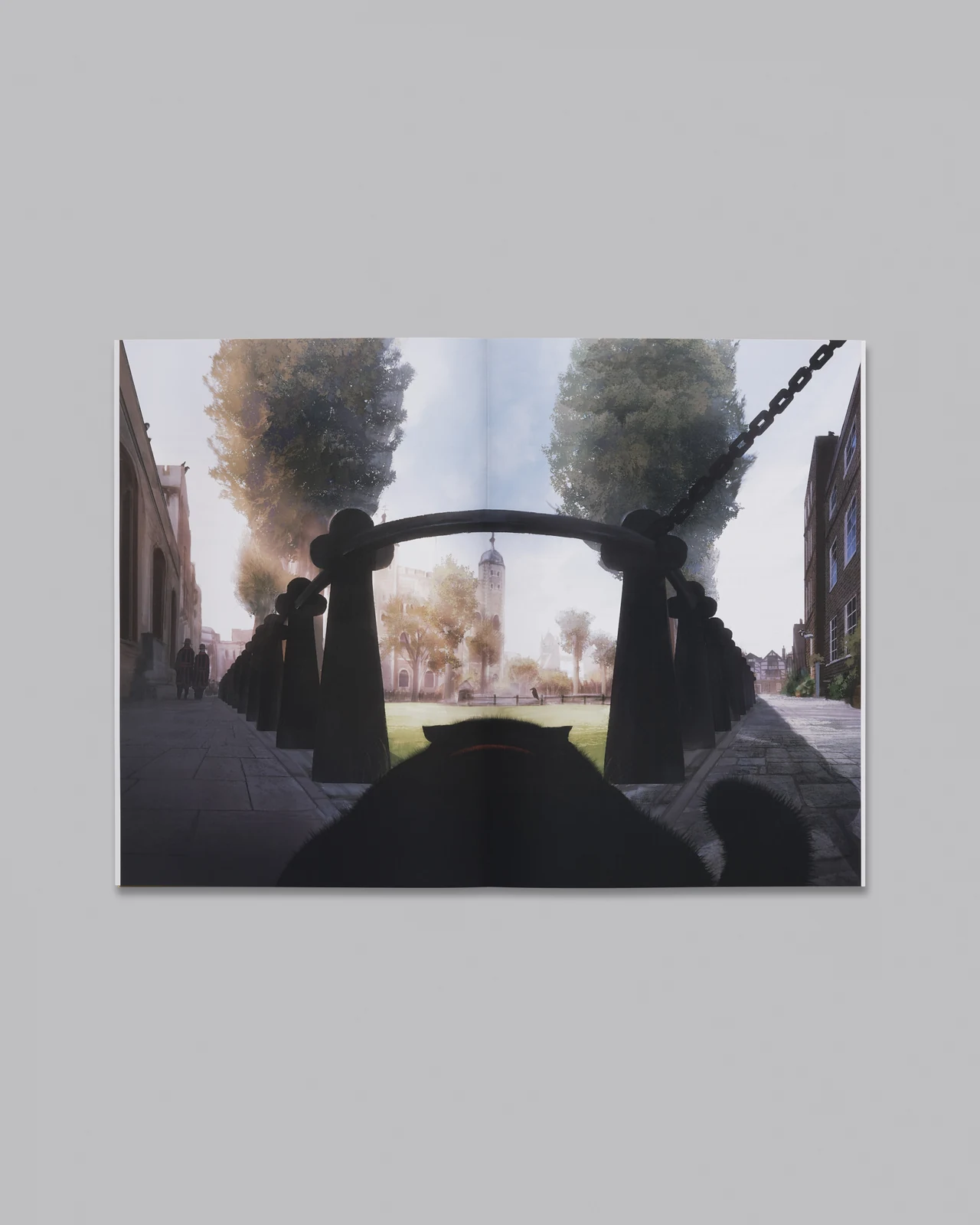
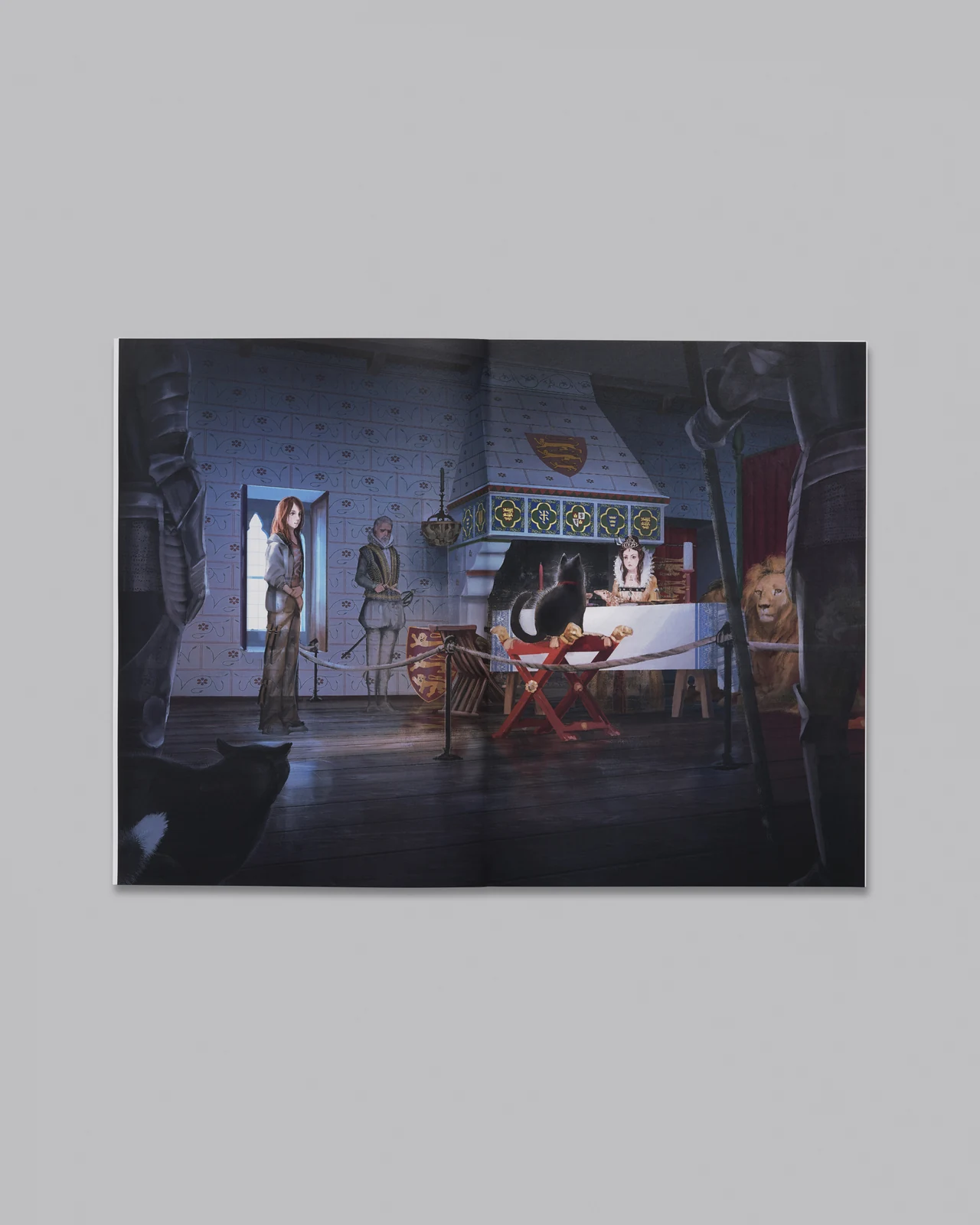
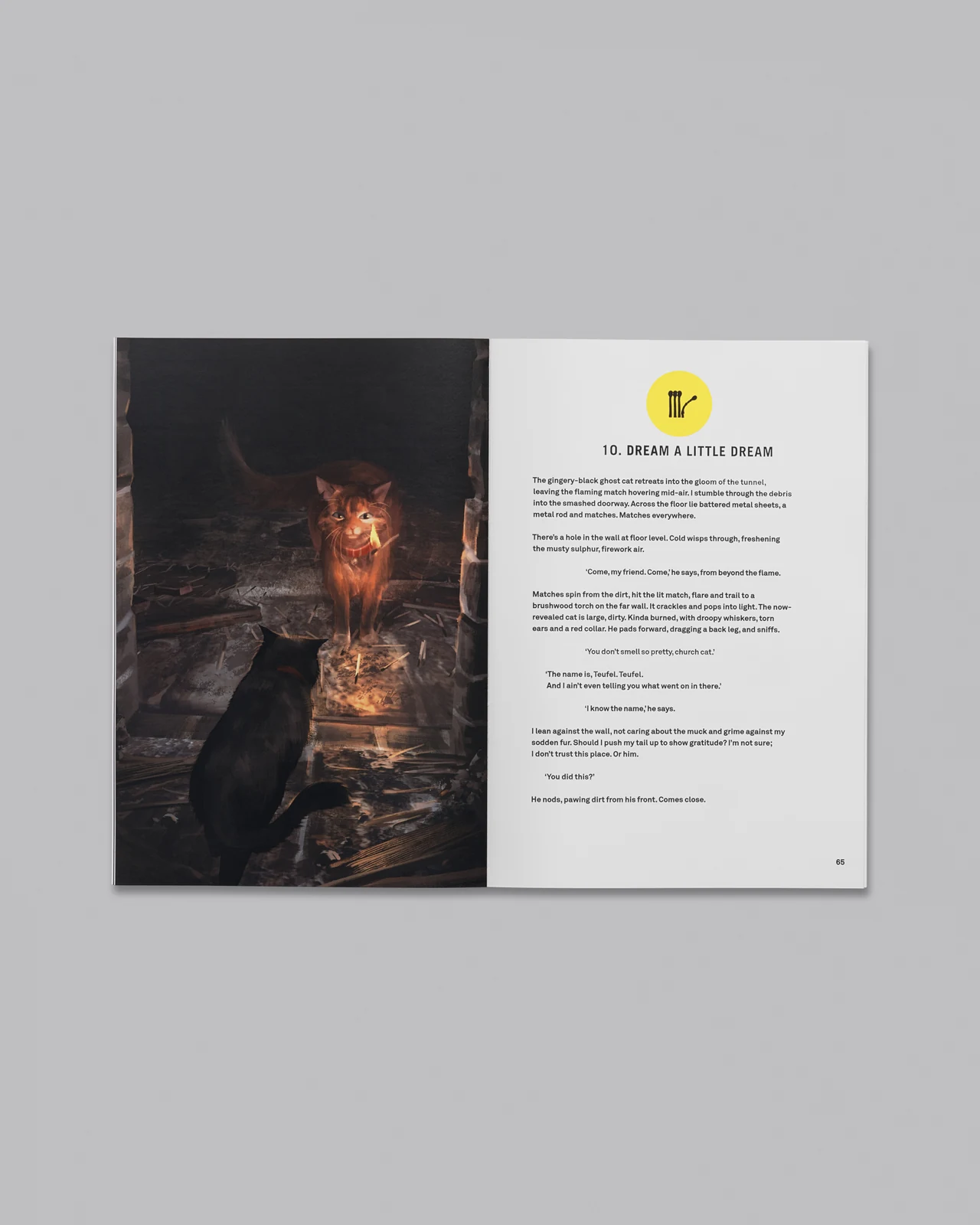
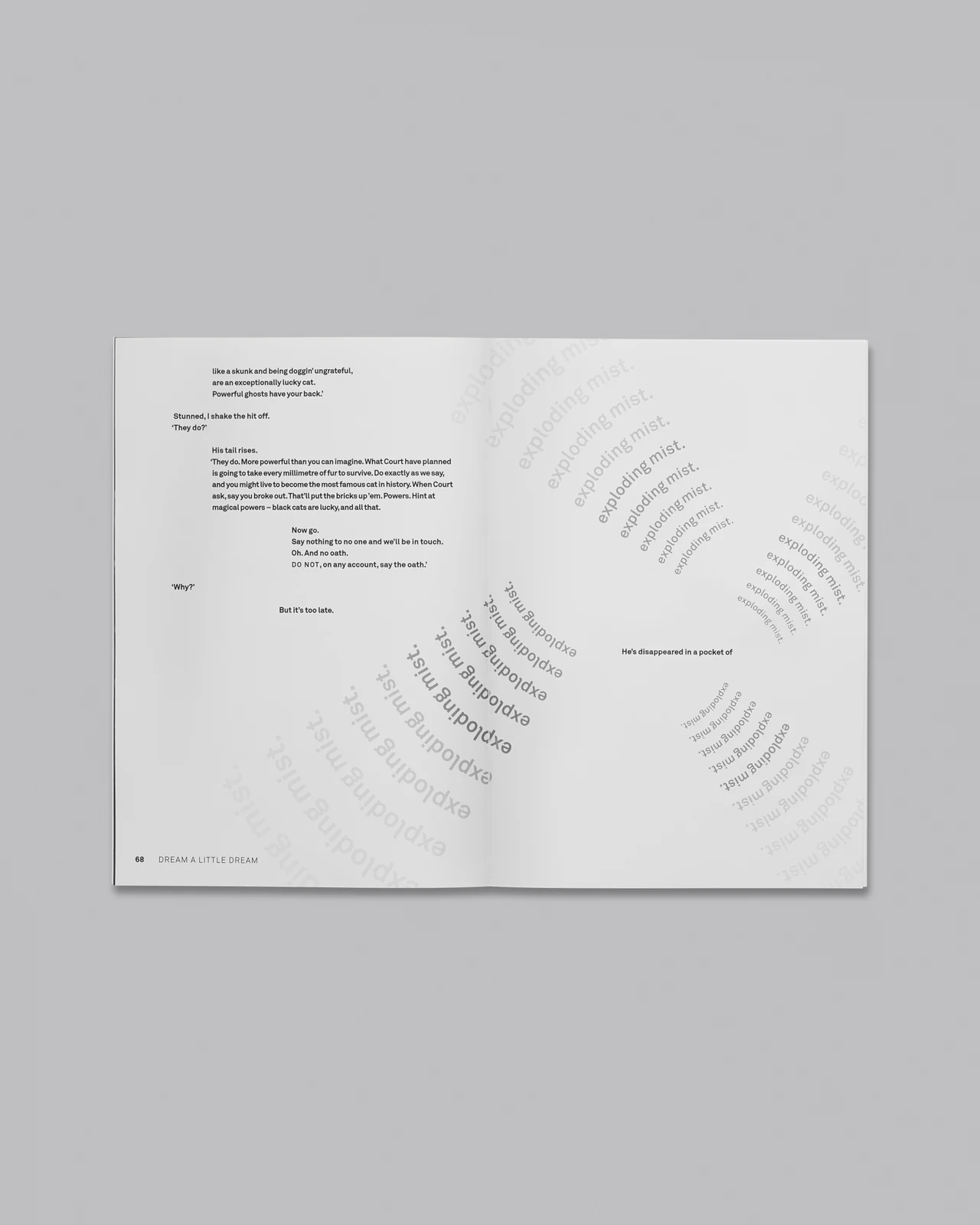
Eight interior spreads show the contents, illustrated pages and glossary as a consistent image set.
Softback
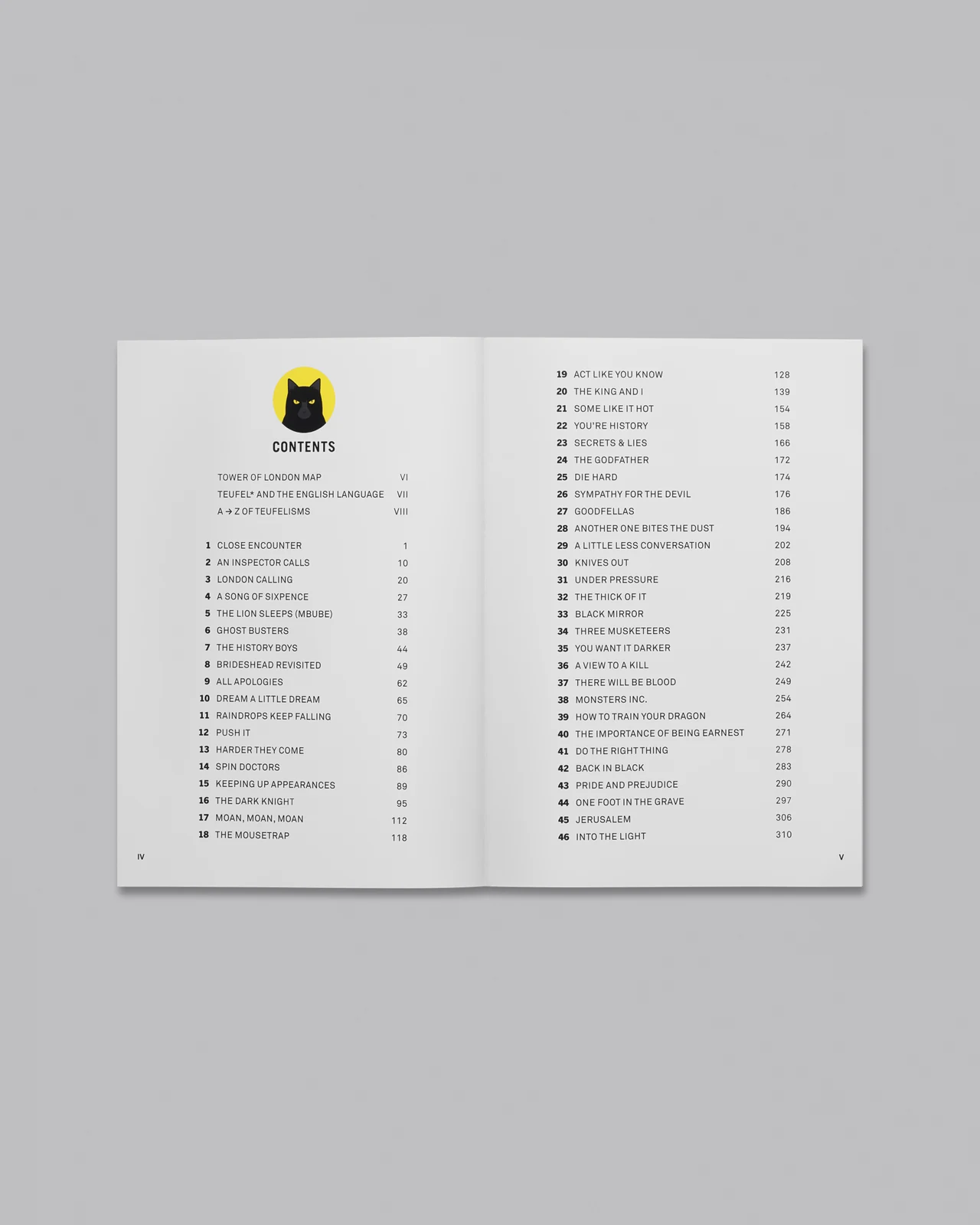
The contents spread introduces the structure and typography inside the book.
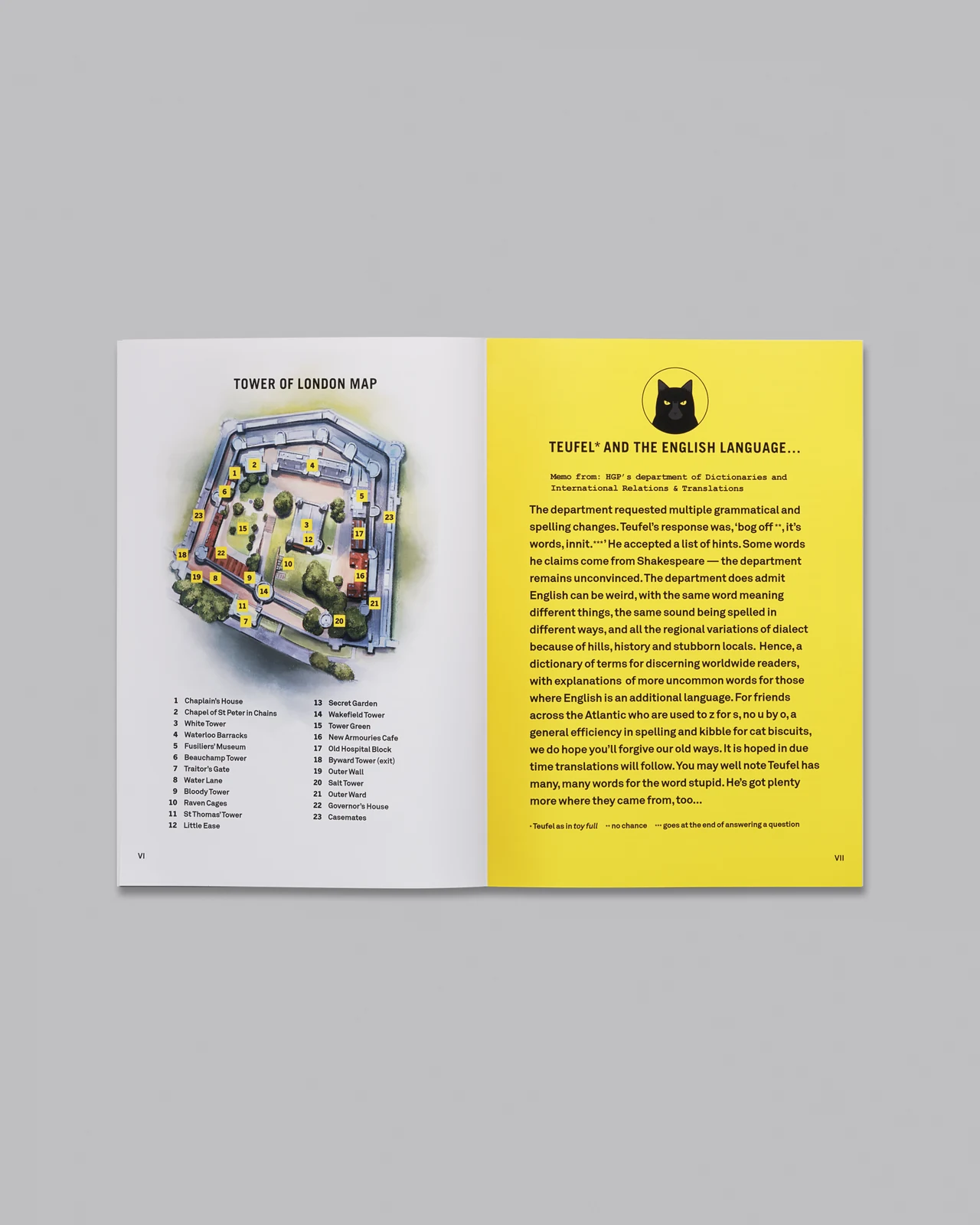
An interior spread shows how illustration, photography and typography work together in print.
An interior spread shows how illustration, photography and typography work together in print.
An interior spread shows how illustration, photography and typography work together in print.
An interior spread shows how illustration, photography and typography work together in print.
An interior spread shows how illustration, photography and typography work together in print.
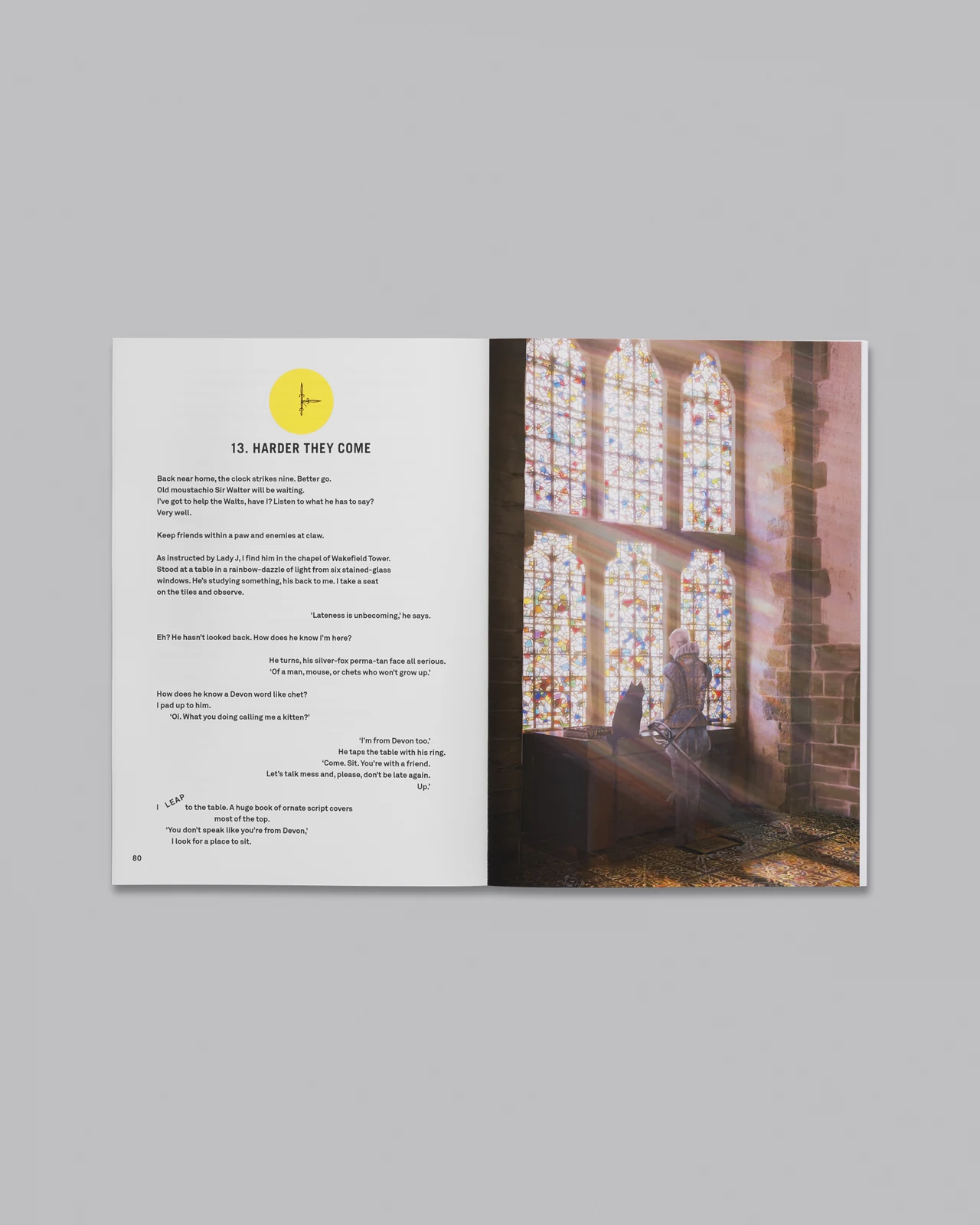
An interior spread shows how illustration, photography and typography work together in print.
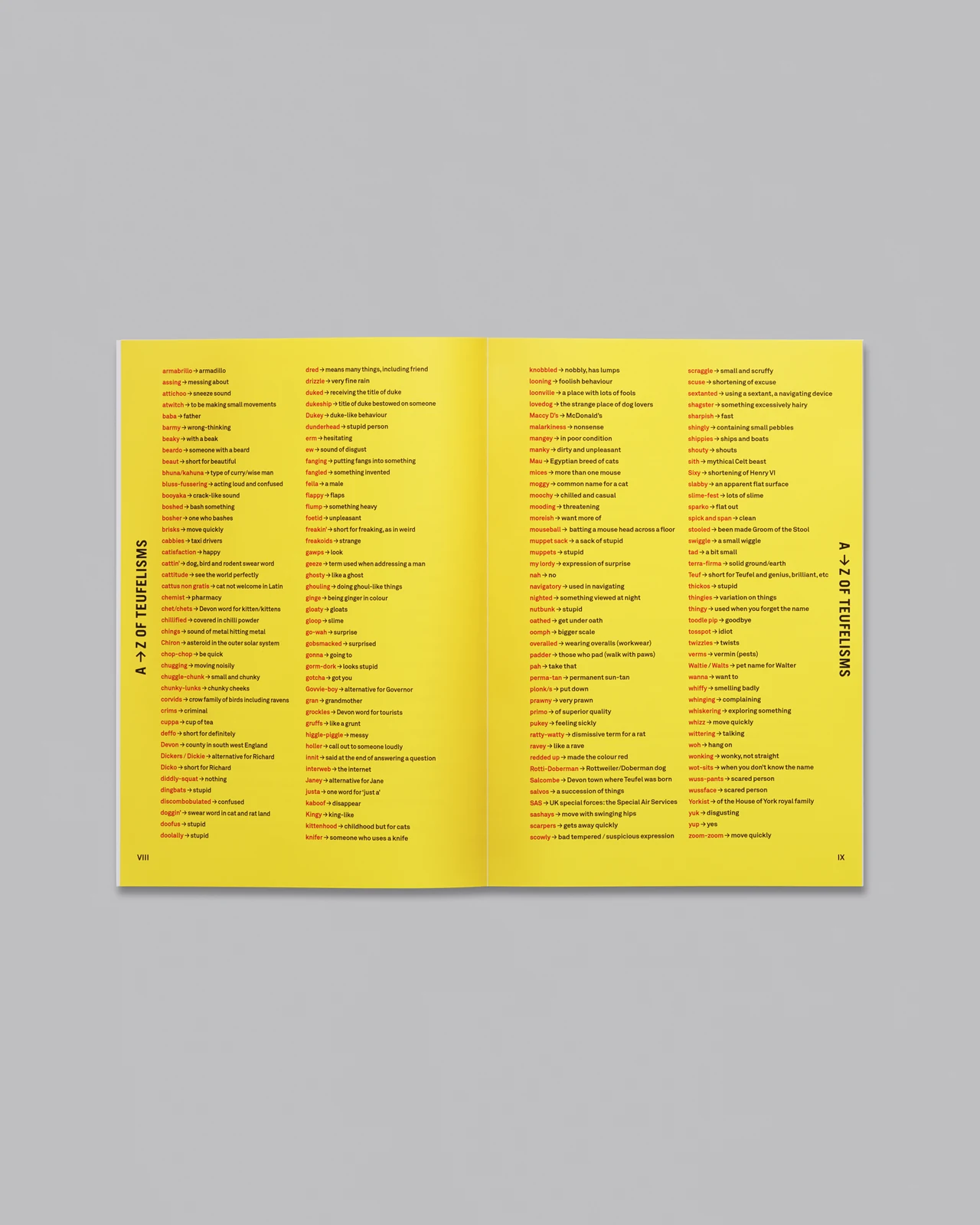
The glossary spread shows the supporting information and the layout of the printed pages.
eCommerce FAQs
A clearer starting point.
The details that help us plan the right image set.
Start here
How do we decide which products and views to photograph?
We start with your product range and where the images will be used. Together, we identify the angles, details and colour variations customers need to see, then agree a clear image list. Some products need only a few views; others benefit from closer details, interiors or different configurations.
Can you match an existing photography style?
Yes. We can use your existing imagery and guidelines as a starting point. Share examples of the lighting, background, framing and finish you want to carry through. We’ll review these alongside your products and agree the approach, including any adjustments needed to bring new images into the range.
The shoot
How should I prepare my products before sending them?
Choose the best available examples and check that they’re clean, complete and free from avoidable damage. Include any packaging or accessories that need to appear in the photographs, along with a clear list identifying each product and colour. Let us know about special handling needs or packaging that must stay sealed before dispatch.
Can different products share the same lighting and background?
Often, yes. A shared approach can bring a range together, but different shapes, colours and materials may need individual adjustments. We plan these around your products so the set feels consistent while each item is shown clearly. The background can be white, neutral or a brand colour, depending on where the images will be used.
Final images
How do you keep the images consistent across my range?
We agree the lighting, background, framing and finish before the shoot, then use that approach across the range. During retouching, we check colour, contrast, product scale and alignment, making adjustments where needed so the images work as a set while keeping each product’s individual details clear.
Can you prepare images for my website or marketplace?
Yes. Share where the images will be used and any current image guidelines or technical specifications. We plan the required views, backgrounds and crops around those requirements, then prepare the agreed file sizes, formats and naming. If you need more than one version, we can include those adaptations in the project plan.
Start an eCommerce project
Your products.
The next frame.
Tell us about your products and where the images will be used. We can help plan the views and details your customers need to see.

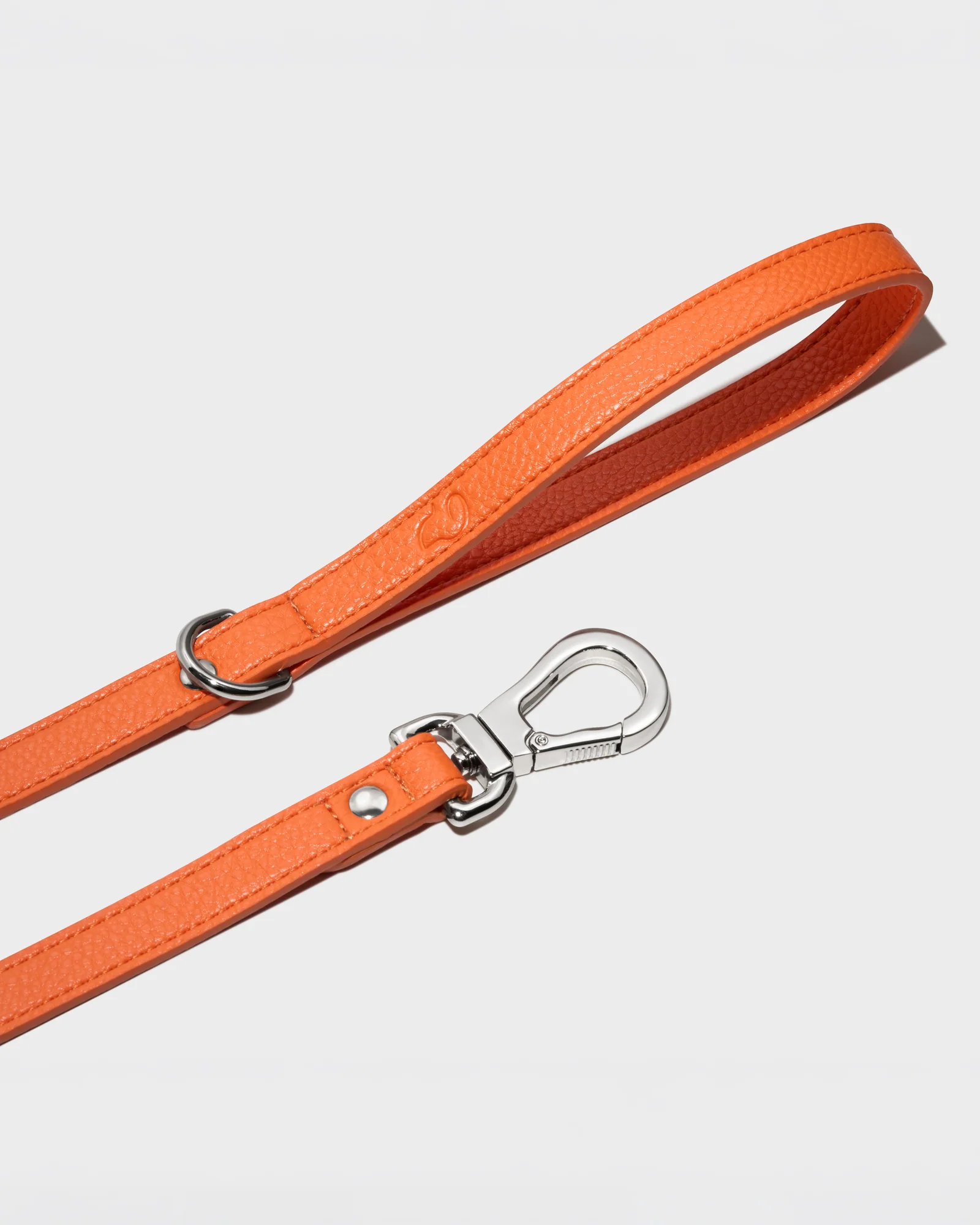
From individual products to a consistent image set.